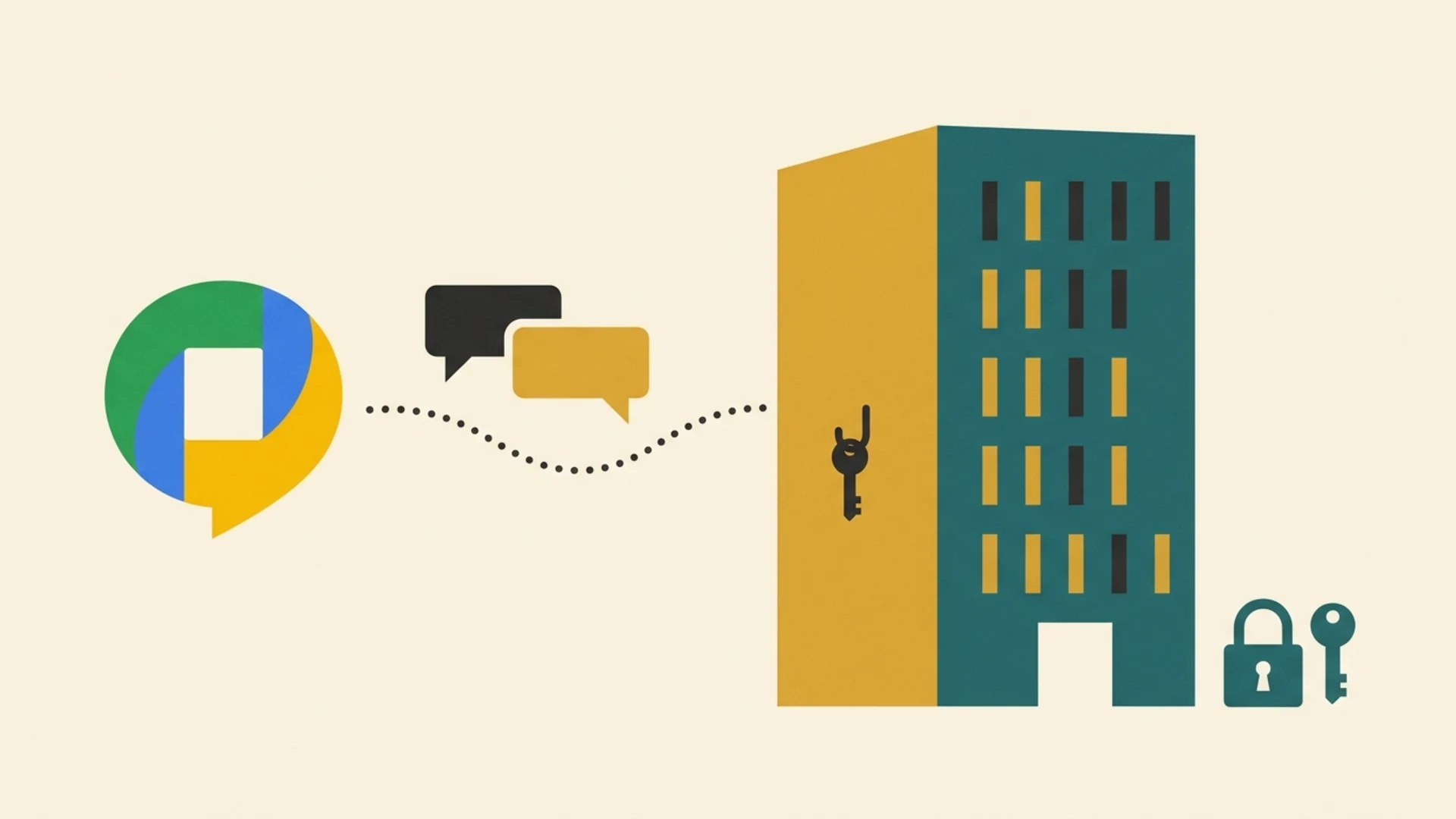
Short answer: No. Google Chat encrypts your messages while they travel and while they sit on Google's servers, but it is not end-to-end encrypted. Google holds the keys, meaning Google (along with your Workspace admin on a work account) can access message content.
That is fine for lunch plans. It is a real risk when your team shares client PAN details, tax files, case notes or deal terms in Chat every day. This guide explains what Google Chat actually protects, where the gaps are, and what Indian firms can do about it.
What End-to-End Encryption Actually Means
End-to-end encryption (E2EE) means a message is locked on the sender's phone and unlocked only on the receiver's phone. The keys live on those devices, so the company running the app sees only scrambled data. It cannot read your messages, even if it wanted to or was asked to.
Think of it as a sealed envelope versus a postcard. Most “encrypted” apps protect the postcard on the road and lock it in the post office. With E2EE, the post office only ever handles a sealed envelope it has no way to open.
There are three levels you will see in marketing:
Encryption in transit: protected while travelling between your device and the server. The server can read it.
Encryption at rest: protected while stored on the server's disks. The provider holds the key and can read it.
End-to-end encryption: only the people in the conversation hold the keys. The provider cannot read it.
How Google Chat Encrypts Your Messages
Google Chat uses the first two levels only. Messages are protected by TLS while travelling and encrypted at rest in Google's data centres. That stops a stranger on public Wi-Fi from reading your chats, which is useful.
But Google manages the keys. Independent reviews from security firms such as NordVPN, ExpressVPN and Comparitech agree that Chat has no end-to-end encryption, so Google can access content for spam scanning, legal requests, or policy reviews.
Who Can See Your Google Chat Messages?
| Who | Can they access message content? |
|---|---|
| Yes: Google holds the encryption keys | |
| Your Workspace admin | Yes: depending on retention and Vault settings |
| Law enforcement | Yes: through a valid legal request to Google |
| Someone who takes over your Google account | Yes: the full chat history |
| A hacker sniffing public Wi-Fi | No: TLS protects messages in transit |
“But I Heard Google Chats Are Encrypted”: Two Common Mix-Ups
Google Messages ≠ Google Chat
Google Messages is the SMS/RCS app on Android phones. Its RCS conversations between Google Messages users are end-to-end encrypted by default. Google Chat is the workspace chat inside Gmail and Workspace. Similar names, very different security. Plain SMS in Google Messages is not end-to-end encrypted either.
Workspace CSE Does Not Cover Chat
Google offers client-side encryption (CSE) on top-tier plans such as Enterprise Plus. It covers Gmail, Drive, Docs, Sheets, Slides, Calendar and Meet, including chat messages inside a Meet call. Standalone Google Chat is not on that list as of October 2026. CSE also needs an external key service and identity provider, which most small Indian firms on Business Starter or Business Standard plans do not have.
Google Chat vs Other Popular Apps
| App | E2EE by default? | Group chats E2EE? | Built for business teams? |
|---|---|---|---|
| Lupyd | Yes | Yes | Yes |
| Signal | Yes | Yes | No: personal use |
| Yes | Yes | Partly: personal and work chats mix | |
| Telegram | No: only manual Secret Chats | No | No |
| Google Chat | No | No | Yes |
Why This Matters for CA Firms, Law Firms and Indian Businesses
Under India's Digital Personal Data Protection Act, 2023 and the DPDP Rules, 2025, your firm is responsible for reasonable security safeguards on the personal data it handles. If client data leaks through a chat tool, regulators and clients will ask what you did to protect it, not what your vendor promised.
The risk is highest in conversations like these:
CA Firms
PAN, Aadhaar, bank statements, ITR acknowledgements and GST login details shared with articles and staff.
Law Firms
Case strategy, settlement figures and privileged client communication.
Businesses and Startups
Salary data, investor term sheets, vendor contracts and HR complaints.
If these live in a chat tool where the provider holds the keys, a compromised account, a careless admin or a legal demand can expose them. End-to-end encryption removes the provider from that list entirely.
If Your Team Uses Google Chat: 6 Practical Steps
You do not have to drop Google Workspace tomorrow. Start with these:
Turn on 2-step verification for every Google account, preferably with security keys or an authenticator app, not SMS.
Decide which conversations are sensitive (client IDs, financials, legal matters) and move them to an end-to-end encrypted tool.
Never share passwords, OTPs or government ID numbers in Google Chat.
Review admin settings: who has Vault access and how long chat history is kept.
Remove ex-employees from Chat spaces the day they leave.
Write a one-page policy telling staff which tool to use for what.
How Lupyd Helps: Team Chat Where Only Your Team Holds the Keys
Lupyd is an end-to-end encrypted workspace built in India for CA firms, law firms and businesses that handle confidential client data. It gives you the everyday convenience of a team chat app, without handing your conversations to the provider.
| What your firm needs | Google Chat | Lupyd |
|---|---|---|
| End-to-end encrypted messages | No | Yes, by default |
| Encrypted group chats for teams | No | Yes |
| Encrypted file sharing | No: stored readable by Google | Yes |
| Provider can read your client conversations | Yes | No |
| Made for Indian professional firms | No | Yes |
Many firms keep Google Workspace for email and documents, and move client conversations and sensitive files to Lupyd. It is a simple split: everyday collaboration in Google, confidential client work in Lupyd.
Getting started takes minutes: download the app, create your workspace, invite your team, and start moving sensitive conversations over.
Frequently Asked Questions
Is Google Chat end-to-end encrypted?
No. Google Chat encrypts messages in transit and at rest, but Google holds the keys, so it is not end-to-end encrypted.
Can Google read my Google Chat messages?
Technically yes. Google can access content for security scanning, legal requests or policy enforcement, although it does not routinely read chats.
Can my employer read my Google Chat messages?
On a work account, yes, depending on how your admin has set up retention and Google Vault.
Is Google Chat safe for sharing client data?
It is safe from outsiders on the network, but not private from Google or admins. For PAN, Aadhaar, financials or legal matters, use an end-to-end encrypted tool.
Is Google Messages the same as Google Chat?
No. Google Messages is the Android SMS/RCS app, and its RCS chats can be end-to-end encrypted. Google Chat is the Workspace team chat and is not.
Does Google Workspace client-side encryption cover Google Chat?
As of October 2026, no. CSE covers Gmail, Drive, Docs, Calendar and Meet on top-tier plans only.
What is a secure alternative to Google Chat for business?
An end-to-end encrypted workspace such as Lupyd, which keeps team chats and files readable only by your team.
The Bottom Line
Google Chat is secure against outsiders, but it is not private from Google or your admins. For everyday teamwork that is acceptable. For client data, it is a gap your firm should close with an end-to-end encrypted workspace.
Try Lupyd and keep confidential client conversations readable only by your team.
Is Telegram Really End-to-End Encrypted? • Vendor Risk: Is Your Tally, CRM or Cloud Provider Keeping Client Data Safe? • Two-Factor Authentication: A Plain-Language Guide for Partners and Staff
Sources & References:
- NordVPN: Is Google Chat safe and private?
- ExpressVPN: Is Google Chat safe and private?
- Comparitech: Is Google Chat safe?
- Google Messages Help: End-to-end encryption in Google Messages
- Google Workspace Updates: Client-side encryption for chat messages in Google Meet
- Google Workspace Updates: Send Gmail end-to-end encrypted emails to anyone
Last updated: 29 October 2026. This article is general information and not legal advice. Google's product features and encryption scope may change; verify details with primary sources.
- ✓ Google Chat uses encryption in transit (TLS) and encryption at rest (AES-256), but it is NOT end-to-end encrypted.
- ✓ Google holds the cryptographic keys, meaning Google and your Workspace domain administrators can read or export chat logs.
- ✓ Google Workspace Client-Side Encryption (CSE) covers Drive, Docs, Gmail, and Meet, but does NOT protect Google Chat messages.
- ✓ Under India's DPDP Act, businesses are accountable as Data Fiduciaries if client financial or identity documents stored in Chat are compromised.
- ✓ Firms handling sensitive tax, PAN, or legal records should segregate everyday collaboration from confidential client conversations using an E2EE workspace.
The workspace where nothing leaks
End-to-end encrypted channels and chat for your team, built on the Signal Protocol and MLS. Available on macOS, Windows, Linux and Android.