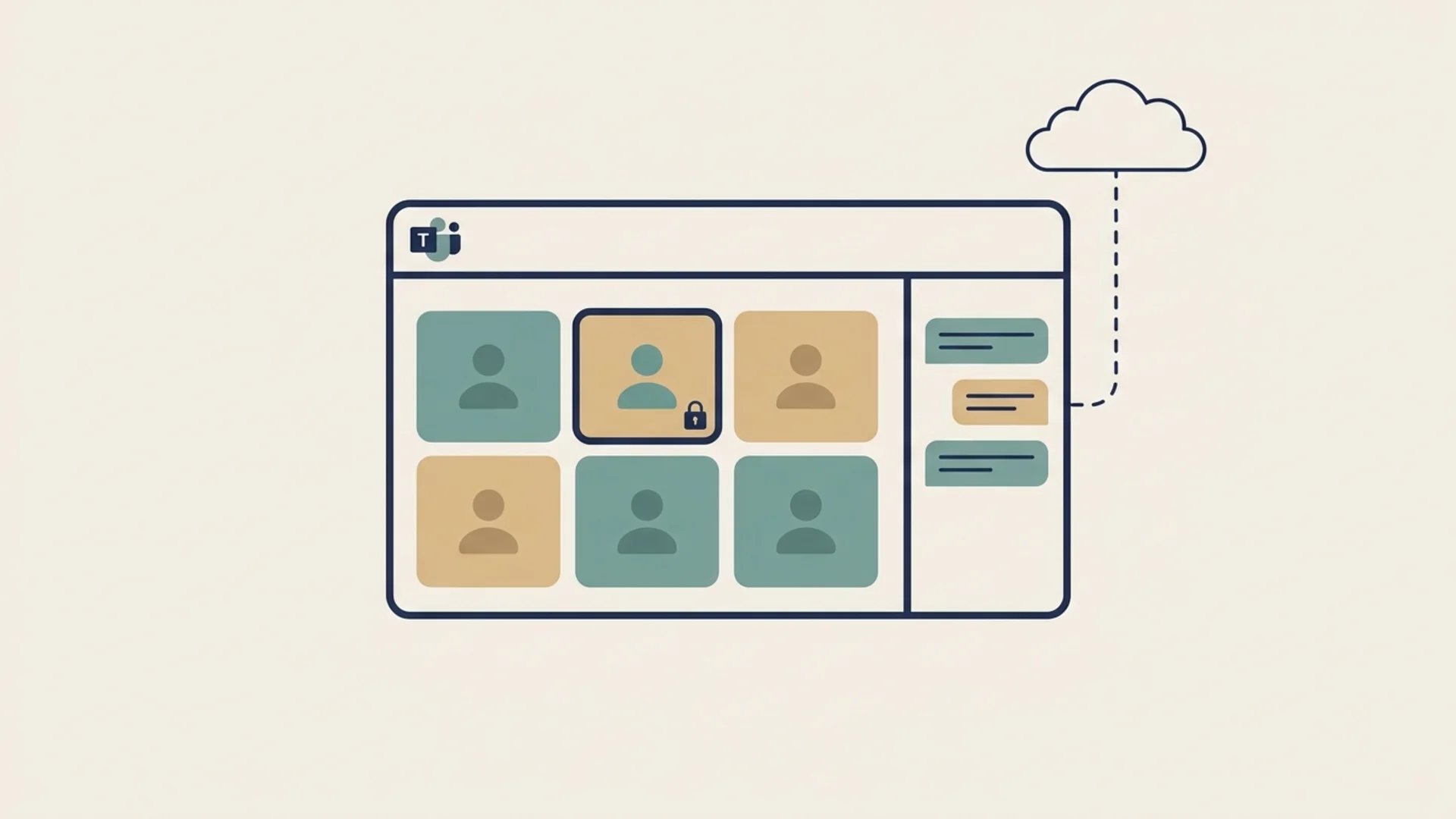
Mostly no. Microsoft Teams chats, channels, files and group calls are encrypted in transit and at rest, but they are not end-to-end encrypted. End-to-end encryption exists only for one-to-one calls, which an admin has to allow and both people have to switch on, and for scheduled meetings with Teams Premium when the organizer requires it. Even then it covers audio, video and screen sharing, not chat.
| Teams feature | End-to-end encrypted? |
|---|---|
| Chat messages (1:1 and group) | No |
| Channel posts and channel meetings | No |
| Shared files | No |
| Group calls | No |
| One-to-one VoIP calls | Optional: admin must allow it and both people must turn it on |
| Scheduled meetings | Optional: Teams Premium, and the organizer must require it |
| Recordings, transcripts and meeting recaps | No |
| Calls to phone numbers (PSTN) | No |
Source: Encryption in Microsoft Teams, Microsoft Learn.
How Teams Encryption Works by Default
By default Teams uses TLS 1.2 or later for data moving between devices and Microsoft, SRTP for call media, and BitLocker plus per-file encryption for data stored in Microsoft 365. Microsoft manages those keys. Organizations can bring their own keys with Microsoft Purview Customer Key, which gives them control over the keys used to encrypt stored chats and files, but Microsoft's services still decrypt content to run Teams.
That design is what powers search, Copilot, data loss prevention, retention policies and eDiscovery. It also means Teams content is readable on Microsoft's side, and so is available to your tenant's admins and compliance tools, and to Microsoft under valid legal process.
How to Turn On End-to-End Encryption in Teams
One-to-one calls
- An admin enables end-to-end encryption in the Teams admin center, under the tenant's end-to-end encryption policy. It is off by default.
- Both people turn on end-to-end encrypted calls in their Teams settings.
- The call must be a Teams VoIP call; calls to phone numbers are not covered.
Meetings
- Attendees need Teams Premium licenses.
- The organizer sets the meeting to require end-to-end encryption when scheduling it.
When end-to-end encryption is on, recording, transcription and AI meeting recaps are unavailable, eDiscovery and retention don't apply to that media, and anyone subject to compliance recording can't join.
What This Means for Your Business
For most organisations the honest summary is: your Teams chats are protected from outsiders on the network, but not from the platform. That is fine for routine work. It is a problem when chats carry client-confidential material, personal data under laws like India's DPDP Act, or anything you'd need to keep away from a compromised admin account. See our secure internal communication checklist.
End-to-End Encrypted Team Chat
Lupyd end-to-end encrypts direct messages (Signal Protocol), group channels (MLS, RFC 9420) and files by default, with custom roles and channels for teams. Try it alongside your current tools. Compare the two in Lupyd vs Microsoft Teams, or see which messaging apps are end-to-end encrypted. For other meeting tools, see whether Google Meet is end-to-end encrypted; for chat apps, whether Telegram is.
Frequently Asked Questions
Is Microsoft Teams chat end-to-end encrypted?
No. Teams chat messages, in one-to-one chats, group chats and channels, are encrypted in transit and at rest but are not end-to-end encrypted.
Are Microsoft Teams calls end-to-end encrypted?
Only one-to-one VoIP calls, and only if an admin enables end-to-end encryption and both participants turn it on. Group calls and calls to phone numbers are not end-to-end encrypted.
Are Teams meetings end-to-end encrypted?
Only scheduled meetings with Teams Premium where the organizer requires end-to-end encryption. It covers audio, video and screen sharing, not meeting chat, and disables recording and transcription.
Can my employer read my Teams chats?
Usually yes. Because Teams chats are not end-to-end encrypted, organizations can access them through Microsoft 365 compliance tools such as eDiscovery and retention, subject to their policies and local law.
Does Customer Key make Teams end-to-end encrypted?
No. Customer Key lets an organization supply the keys used to encrypt stored Teams data, but Microsoft's services still decrypt that data to provide Teams features.
Final Takeaway
Microsoft Teams is encrypted, but its chats, channels and files are not end-to-end encrypted, and the optional end-to-end encryption for calls and Premium meetings never covers chat. If you need private team conversations, choose a tool where end-to-end encryption is the default for messages and groups.
- ✓ Microsoft Teams chats, channels, shared files and group calls are encrypted in transit and at rest but are not end-to-end encrypted.
- ✓ End-to-end encryption is available for one-to-one VoIP calls, off by default, once an admin allows it and both participants turn it on.
- ✓ Scheduled meetings can be end-to-end encrypted with Teams Premium when the organizer requires it; this covers audio, video and screen sharing, not chat.
- ✓ End-to-end encryption in Teams disables recording, transcription and AI recaps, and isn't compatible with compliance recording.
- ✓ Customer Key lets organizations supply their own keys for stored data, but Microsoft's services still decrypt content to run Teams.
The workspace where nothing leaks
End-to-end encrypted channels and chat for your team, built on the Signal Protocol and MLS. Available on macOS, Windows, Linux and Android.