Most account takeovers do not involve clever hacking. Someone reuses a password, clicks a convincing fake login page, or types their credentials on a shared office computer. Once an attacker has that password, they can read client emails, download files from the cloud drive, or send payment instructions in your name.
Two-factor authentication (2FA) is the single most effective step you can take against this. It is simple, usually free, and takes a few minutes per account. This guide explains 2FA in plain language for partners and staff, shows which method to choose, and gives you a short checklist to roll it out across your firm.
What 2FA Is, in Plain Language
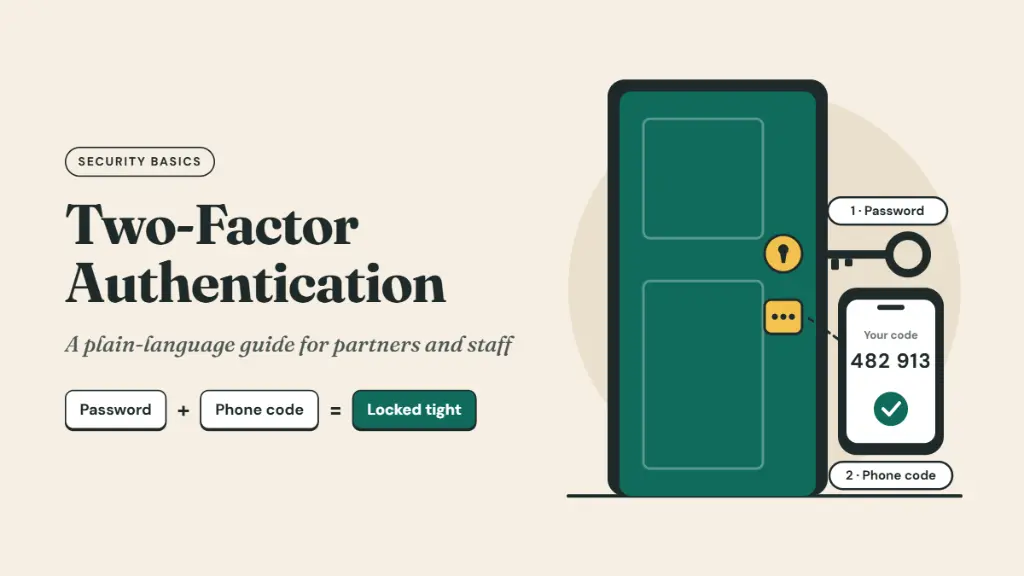
Think of your office locker. A password is the key. Anyone who copies the key can open it. Two-factor authentication adds a second lock that needs something different, such as your fingerprint or a code from your phone.
To sign in, you must prove two things from different categories:
Your password or PIN.
Your phone, an authenticator app, or a security key.
Your fingerprint or face.
If an attacker steals your password, it is no longer enough. They would also need your phone or your fingerprint, which is much harder to get from the other side of the internet. You may also see the terms 2-step verification or multi-factor authentication (MFA). For everyday use, they mean the same idea.
Why It Matters for Partners and Staff
Professional firms are attractive targets because a single mailbox can hold years of client data. Common attacks that 2FA helps stop include:
Fake Login Pages
A staff member receives an email that looks like it is from Microsoft, Google or the bank, and enters their password on a copy of the real site.
Reused Passwords
A password leaked from an unrelated shopping or social site is tried on your firm's email.
Payment Fraud by Email
An attacker takes over a partner's mailbox and sends a client new bank details for an invoice.
Shared or Lost Devices
A password saved on a shared office PC or a lost laptop is used to sign in later.
Types of 2FA, from Weakest to Strongest
Not all 2FA is equal. The US Cybersecurity and Infrastructure Security Agency (CISA) ranks the methods by how well they resist real attacks. Any 2FA is far better than none, but aim as high on this list as each account allows.
| Method | How it works | Strength | Main weakness |
|---|---|---|---|
| SMS or voice OTP | A code is sent to your phone number | Basic | SIM swap fraud, phishing and telecom network attacks |
| Push approval | Your phone asks “Is this you?” and you tap Approve | Good | “Approval fatigue” when attackers send many prompts |
| Push with number matching | You type a number shown on screen into the app | Better | Can still be phished with a convincing fake site |
| Authenticator app | An app such as Google Authenticator or Microsoft Authenticator shows a 6-digit code that changes every 30 seconds | Better | Codes can still be typed into a fake site |
| Passkey or security key | Your device or a USB/NFC key proves who you are using FIDO/WebAuthn | Strongest | Needs a supported device and a backup method |
Which Accounts to Protect First
You do not need to do everything in one day. Start where a takeover would hurt the most:
Email: Your email can reset the password for almost every other account, so it comes first.
Password manager: If your firm uses one, it holds the keys to everything else.
Cloud storage: Google Drive, OneDrive or Dropbox, where client documents live.
Banking and payments: Net banking, payment gateways and corporate cards.
Accounting and practice software: Tally hosting, Zoho Books, CRM and practice management tools.
Government and tax portals: Enable every extra verification option the portal offers.
Team chat and collaboration tools: Where client discussions and files are shared.
Website, domain and social media accounts: A hijacked domain or LinkedIn page can damage your reputation quickly.
How to Set It Up: Simple Steps for Staff
The exact screens differ by service, but the process is almost always the same:
Install an authenticator app on your phone, such as Google Authenticator or Microsoft Authenticator.
Open the security settings of the account. Look for “Security”, “2-Step Verification” or “Two-factor authentication”.
Choose the authenticator app or passkey option. Avoid SMS if a better option is available.
Scan the QR code shown on screen with the authenticator app.
Enter the 6-digit code from the app to confirm it works.
Save your backup codes. Store them in your password manager or a sealed envelope in the office safe, never in your email or a photo on your phone.
Add a second method where possible, such as a security key or a second device, so a lost phone does not lock you out.
Mistakes and Myths to Avoid
Never share a 2FA code with anyone, including someone who says they are from IT, the bank or a client. Real support teams will never ask for it.
If your phone asks “Is this you?” and you are not signing in, tap Deny and tell IT immediately. Someone has your password.
Small firms are targeted precisely because they are less likely to have it.
Always save backup codes and add a second method before you need them.
Ask your mobile operator about SIM swap protections, and move important accounts from SMS to an authenticator app or passkey.
2FA protects the login. It does not protect data once someone is legitimately inside, or data stored readable on a vendor's servers. That is where encryption comes in.
2FA Locks the Door, Encryption Protects the Room
2FA makes it much harder for an outsider to sign in as you. But it does not change who can read your data once it is stored. With most collaboration tools, messages and files are encrypted on the provider's servers, and the provider holds the keys. A breach at the vendor, an insider, or a misconfigured integration can still expose client conversations, even if every one of your staff uses 2FA.
That is why strong firms combine two layers:
2FA
What it protects: Who can sign in to an account.
End-to-End Encryption
What it protects: Who can read the content.
Lupyd is an end-to-end encrypted team workspace built in India, designed for this second layer. It gives teams channels, direct messages, file sharing and calls in one place, with privacy built in:
Encrypted by default. One-on-one chats use the Signal Protocol, group chats use MLS, and files and backups are encrypted with AES on your device.
Keys stay on your devices. Lupyd's servers relay and store encrypted data but cannot read it, so a server-side breach does not expose your client conversations.
Access you control. Custom roles and permissions let you decide who sees each channel, and revoke access instantly when someone leaves.
Private search. Full-text search runs on your device, so search terms never reach a server.
No ads, no tracking. No third-party trackers or telemetry on your team's activity.
Turn on 2FA everywhere you can, and move your most sensitive client discussions to a workspace where the content stays private even if something else goes wrong.
A One-Page 2FA Policy Checklist for Partners
2FA Policy Checklist
Frequently Asked Questions
What is two-factor authentication in simple words?
It is a second check when you sign in, such as a code from your phone or your fingerprint, so a stolen password alone is not enough.
Is SMS OTP safe enough?
It is better than nothing, but it is the weakest form of 2FA because of SIM swap fraud and phishing. Use an authenticator app or a passkey where possible.
What happens if I lose my phone?
Use your saved backup codes or second sign-in method to get in, then remove the lost phone from your accounts and set up 2FA again.
What is the difference between 2FA and MFA?
2FA uses exactly two factors. MFA means two or more. In everyday use, both describe the same protection.
Does 2FA stop all hacking?
No. It greatly reduces account takeovers, but it does not protect data stored readable on a vendor's servers. Combine it with end-to-end encryption for sensitive client data.
Which is better, an authenticator app or a passkey?
Passkeys are stronger because they cannot be typed into a fake website. Authenticator apps are a good choice where passkeys are not yet supported.
The Bottom Line
Two-factor authentication is the cheapest, fastest security upgrade most firms can make. Turn it on for email first, then work through the rest of your accounts this month. Then make sure the conversations that matter most are protected by encryption as well, so client data stays private even if a password or a vendor fails.
Try Lupyd and give your team an end-to-end encrypted workspace for client work.
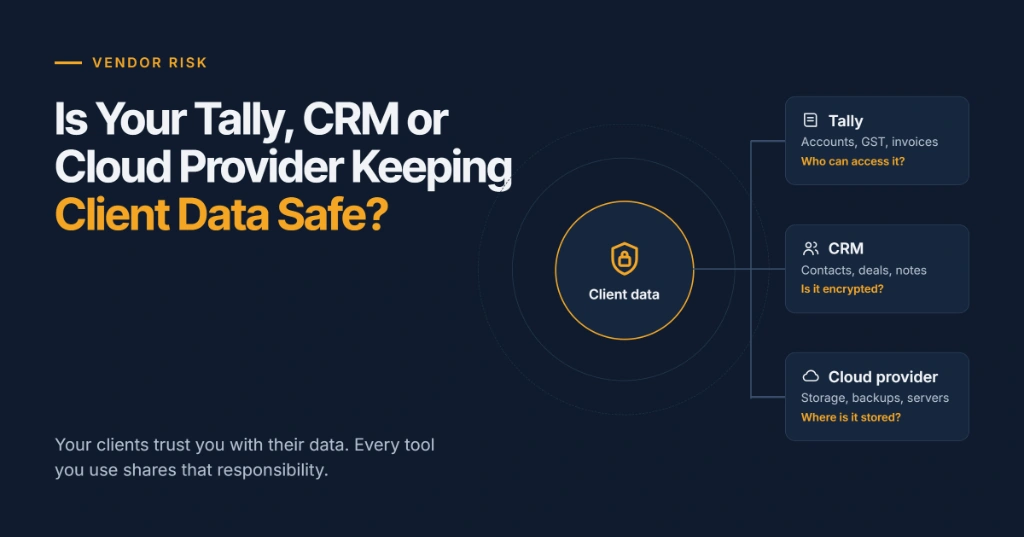
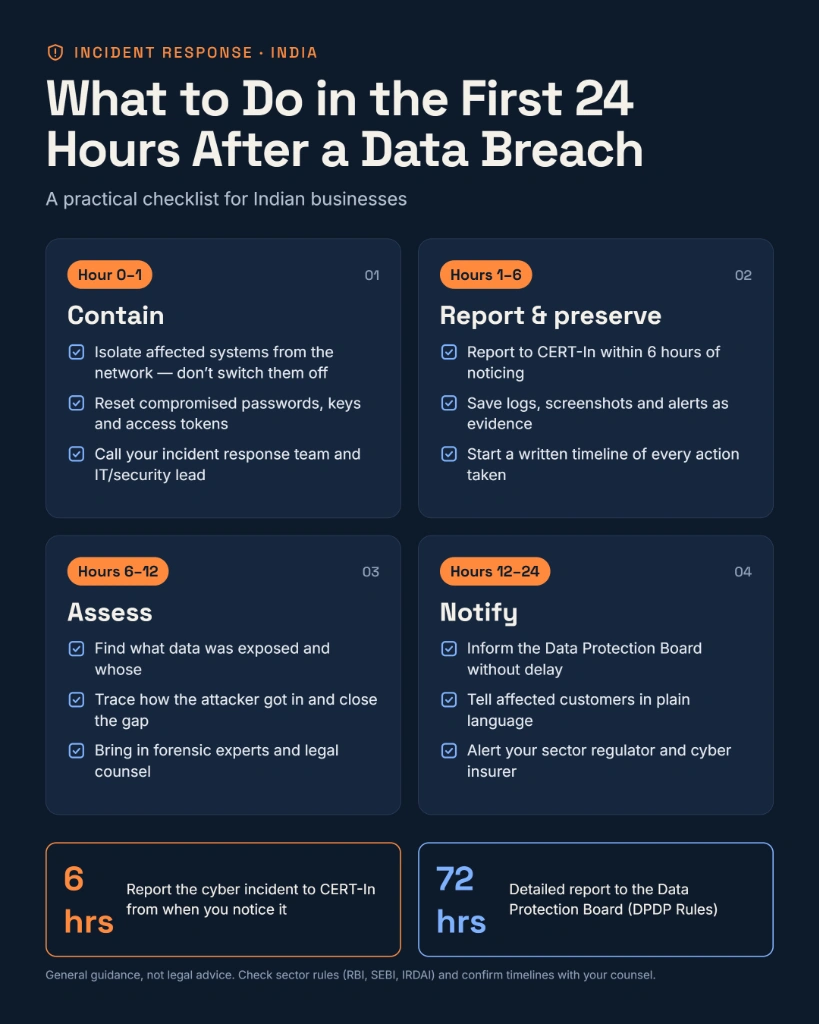
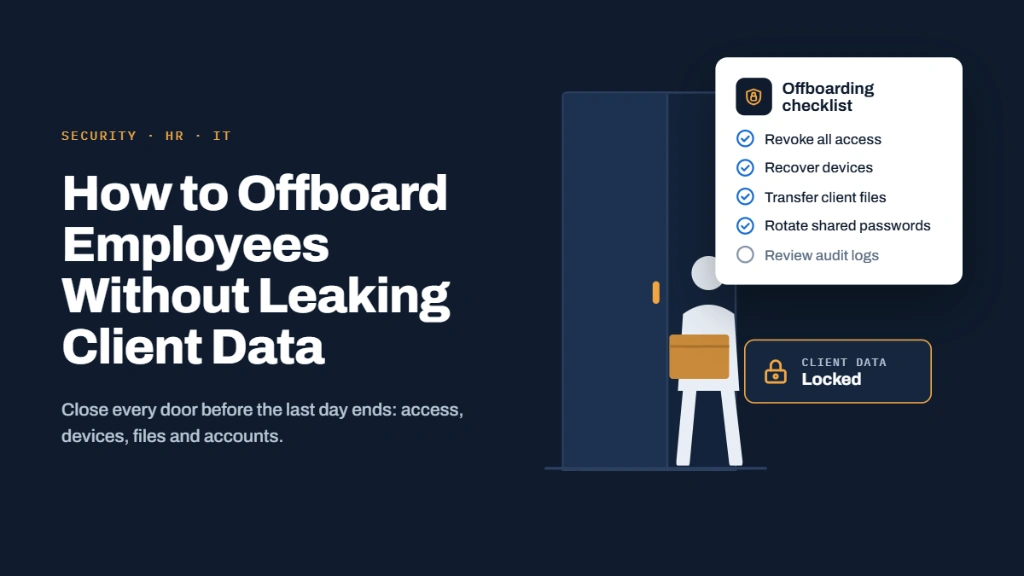
Vendor Risk: Is Your Tally, CRM or Cloud Provider Keeping Client Data Safe? • What to Do in the First 24 Hours After a Data Breach • How to Offboard Employees Without Leaking Client Data
Sources & References:
Last updated: 25 October 2026. This article is general information and not legal advice. Methods, standards, and platform features change; verify details with primary sources.
- ✓ Most account takeovers use stolen passwords, not sophisticated hacking: 2FA is the single most effective defence available to professional firms.
- ✓ 2FA works by requiring two proofs from different categories: something you know (password), something you have (phone/security key), or something you are (biometric).
- ✓ Methods vary in strength: SMS OTP is weakest (vulnerable to SIM swap and phishing); authenticator apps and passkeys are stronger; FIDO2 security keys are the strongest.
- ✓ Protect email first, because it can reset every other account, followed by password managers, cloud storage, banking, accounting software, and government portals.
- ✓ 2FA protects logins but not data stored readable on vendor servers; combine it with end-to-end encryption like Lupyd for sensitive client conversations.
- ✓ A one-page firm policy should mandate 2FA on all client-data accounts, secure backup code storage, and a quarterly review of which accounts are covered.
The workspace where nothing leaks
End-to-end encrypted channels and chat for your team, built on the Signal Protocol and MLS. Available on macOS, Windows, Linux and Android.