Bring-your-own-key (BYOK) is not end-to-end encryption. Slack Enterprise Key Management, Microsoft Purview Customer Key and Zoom Customer Managed Key let your organization hold the master key for data stored in the vendor's cloud, log every use of it and switch it off. While the key is switched on, the vendor's servers still decrypt your messages and files to run the product. Google Workspace client-side encryption and Microsoft Double Key Encryption go further: content is encrypted on the user's device and the vendor can't decrypt it. Your organization can, though, so none of these is end-to-end encryption between users.
| Product | Who holds the keys | Where content is decrypted | Can the vendor read content in normal use? | What revoking keys does | End-to-end encrypted between users? |
|---|---|---|---|---|---|
| Slack Enterprise Key Management (EKM) | Your organization, in your own AWS KMS account. Slack's EKM service requests short-lived data keys from it. | On Slack's servers, in a separate EKM service | Yes | Slack can no longer decrypt the scoped messages and files (org, workspace, channel, time range or file) | No |
| Microsoft Purview Customer Key | Your organization holds two root keys in Azure Key Vault; Microsoft holds a third, the availability key | On Microsoft 365 servers | Yes | User requests fail, but background jobs can still use Microsoft's availability key until it is deleted. Full purge only for Exchange mailbox policies | No |
| Microsoft Purview Double Key Encryption (DKE) | One key in your own DKE service, one in Microsoft's Azure Rights Management service. Both are needed | In desktop Office apps on the user's device | No, for DKE-labelled documents and email | Protected files and email can't be opened once client key caches expire | No: your DKE service can still grant access, and it can't protect Teams chat or meetings |
| Google Workspace client-side encryption (CSE) | Your organization, in an external key service it chooses or runs | In the user's browser or app | No | The key service stops unwrapping keys, so encrypted files, email, events and meetings can't be opened | Not between users: your organization's key service can decrypt, including a privileged path for exports |
| Zoom Customer Managed Key (CMK) | Your organization, in AWS KMS, Azure Key Vault or Oracle OCI Vault. Zoom's key broker has decrypt permission | On Zoom's servers | Yes | Recording and playback fail. With fallback on, new content uses a Zoom backup key; with fallback off, new content isn't stored | No |
| End-to-end encryption (Signal Protocol, MLS) | Each user's devices | Only on the sender's and recipients' devices | No | Not applicable: the provider never had the keys | Yes |
Sources: Slack Help Center and Slack Engineering, Microsoft Learn, Google Workspace Admin Help and developer docs, Zoom Support. Full links are under Sources & References below.
What Customer-Managed Keys Actually Do
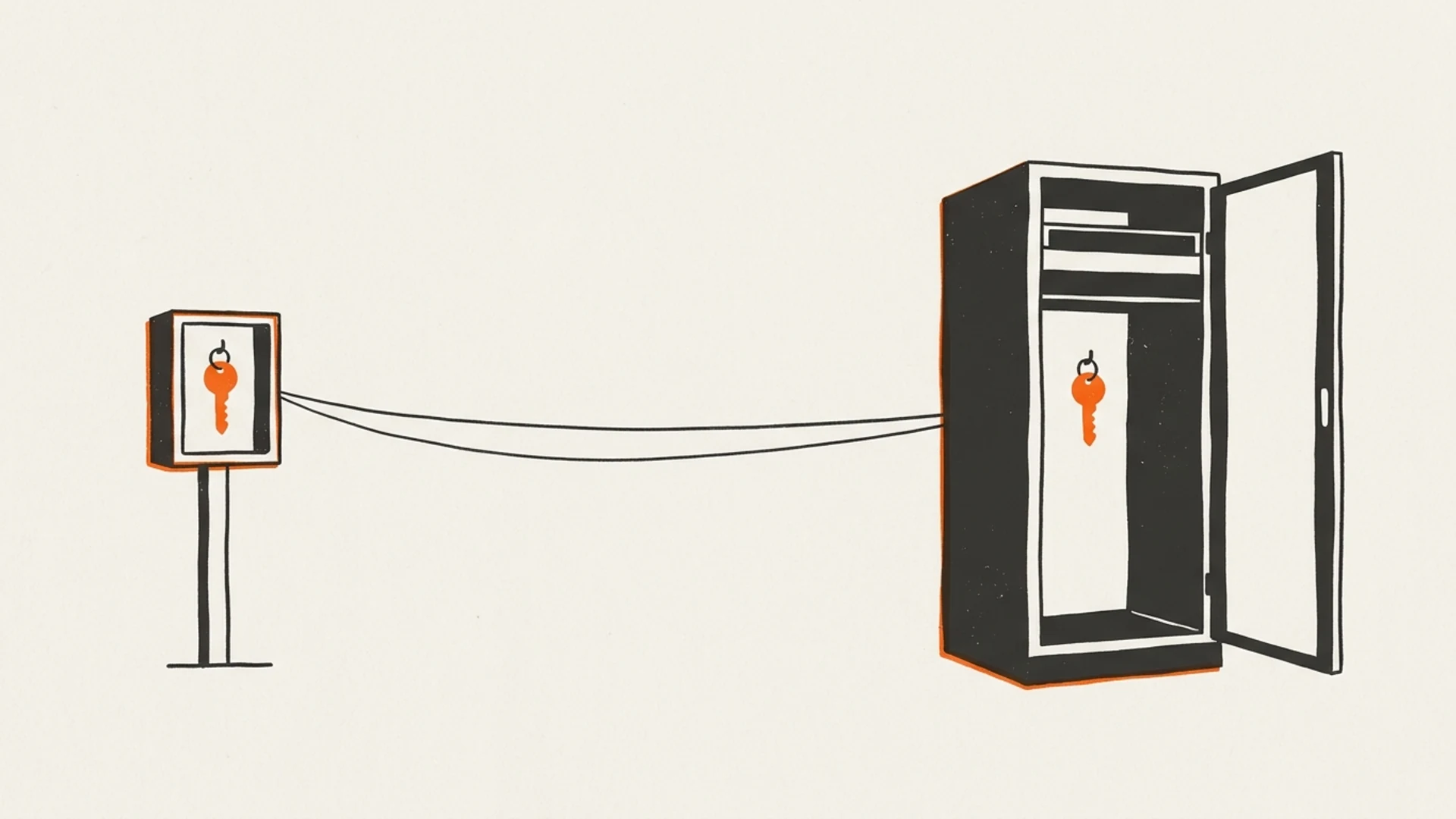
Every large SaaS product already encrypts data at rest. The vendor generates the keys, stores them and uses them. Customer-managed key products, sold as BYOK, EKM or Customer Key, change one thing: the top key in that hierarchy lives in a key management service your organization controls, such as AWS KMS or Azure Key Vault. The vendor's servers ask your key service to unwrap smaller data keys whenever they need to read or write your content.
That gives you three real controls:
- Visibility. Every request the vendor makes to your key service shows up in your own logs.
- A kill switch. Remove the vendor's permission and it can no longer unwrap the data keys, so the stored content becomes unreadable to it.
- A clean exit. Destroying the key is a way to make sure copies left on the vendor's disks and backups can't be read.
What it doesn't change is where your content is decrypted. The vendor's application servers still receive plaintext keys and plaintext content while access is allowed. That is how search, previews, spam filtering, eDiscovery and AI features keep working. To see why that matters, it helps to be clear on how encryption keys work in the first place.
Slack Enterprise Key Management (EKM)
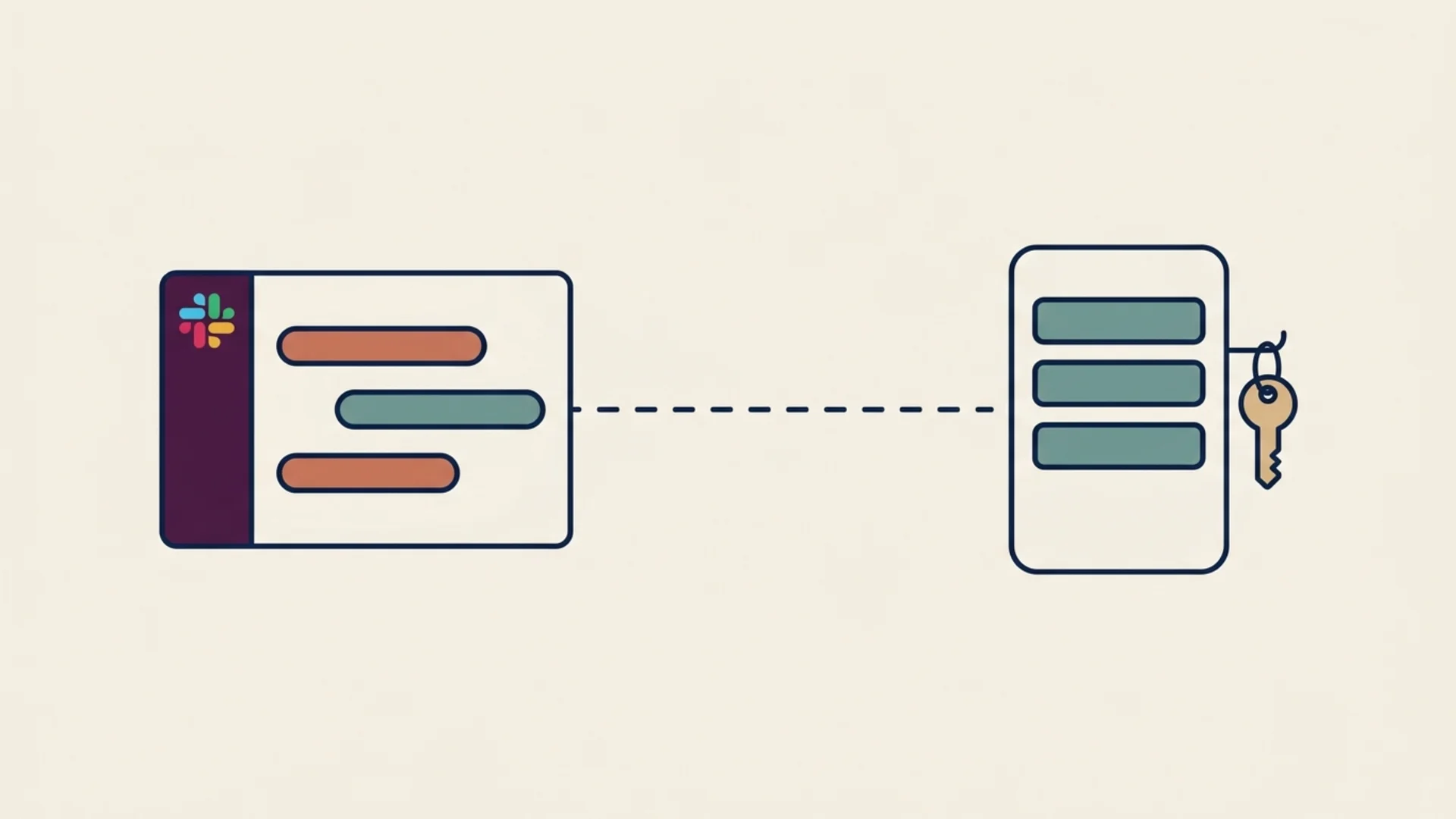
Slack EKM is a security add-on for Enterprise Grid and Enterprise+ plans. Slack's help center says encryption keys are stored in Amazon's Key Management Service in the customer's own AWS account, and Slack says use of those keys is logged in AWS CloudTrail and CloudWatch. Messages, canvases, snippets, uploaded files, search indexes and app-generated content are encrypted with customer-controlled keys.
Some data stays under keys that Slack generates and stores, according to the same help article: member profiles, channel names and topics, file names, workspace and channel membership, analytics data and Slack-generated IDs.
Slack's engineering post on EKM, published in March 2019 and updated in June 2020, explains the mechanics. Your AWS KMS key is the master key. Slack's EKM service asks KMS for a data key scoped to an organization, workspace, channel and hour for messages, or to an organization and file for files. That data key encrypts a small batch of messages or one file, and messages get a new key every hour. Encryption and decryption run in a separate EKM service written in Go, and the post says decrypted data keys are cached in memory for five minutes. Each customer's search index lives on an encrypted file system that Slack mounts only while it can access the key, and it re-checks with KMS every five minutes.
Because keys are scoped, you can revoke access at the organization, workspace, channel, time range or file level, and Slack says members can keep using Slack normally while some data is restricted. Slack also says the Slack experience, from features to performance, stays the same with EKM turned on. That sentence is the clearest sign of what EKM is: if Slack can still search, preview and index your messages, it is reading them. We cover the rest of Slack's encryption in Is Slack end-to-end encrypted?
Microsoft Purview Customer Key
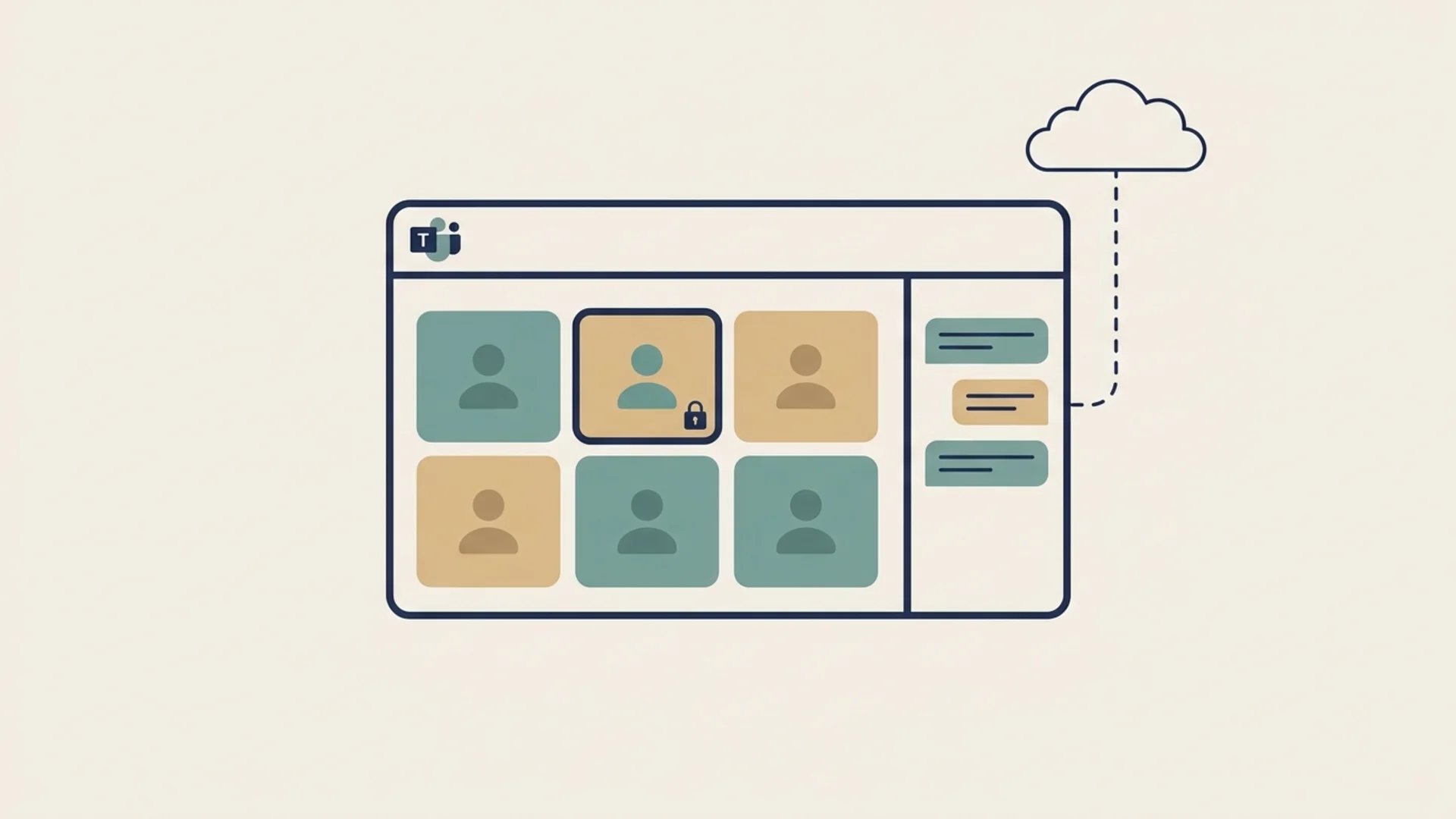
Microsoft 365 always encrypts data at rest with BitLocker and its own Distributed Key Manager. Customer Key adds an application-level layer whose root keys you control. You create two keys in Azure Key Vault and assign them through a data encryption policy. One kind of policy covers Teams chat messages, call and meeting recordings kept in Teams storage, Microsoft 365 Copilot interactions and parts of Exchange. Others cover individual Exchange mailboxes, and SharePoint and OneDrive, which is where Teams files are stored.
Microsoft is direct about what you're agreeing to: you "explicitly authorize Microsoft 365 to use your encryption keys to deliver value-added services like eDiscovery, anti-malware, anti-spam, and search indexing." Microsoft's servers decrypt your content to provide those services.
There is also a third root key you don't hold. Every policy gets an availability key, generated and stored by Microsoft 365 and usable only by Microsoft's service code. It exists so data can be recovered if you lose your keys, and it keeps Exchange and the multi-workload policy running through short Azure Key Vault outages. If you remove Microsoft's access to your keys, user requests fail with an access-denied error, but Microsoft's documentation says internal operations such as indexing, anti-virus, eDiscovery and DLP can still fall back to the availability key "until you delete the availability key." Fallbacks are recorded in the Unified Audit Log.
Permanently destroying the data is a formal process. The data purge path is supported only for policies assigned to individual Exchange mailboxes, needs a signed legal document from your organization, and ends with Microsoft deleting the availability key. Purging the multi-workload policy, which is the one that covers Teams chat, isn't supported, and neither is purging SharePoint and OneDrive policies. For those, Microsoft points to deleting the tenant.
None of this makes Teams end-to-end encrypted. Teams only offers end-to-end encryption for one-to-one calls and for Teams Premium meetings when the organizer turns it on. See Is Microsoft Teams end-to-end encrypted? for the details.
Double Key Encryption is a different product
Microsoft's Double Key Encryption (DKE) is closer to Google's client-side encryption. A document or email is protected with two keys: one in your own DKE service, which you can host on premises, and one in Microsoft's Azure Rights Management service. Viewing it requires both. The desktop Office client fetches the public keys and encrypts on the user's machine.
Microsoft says DKE-encrypted data "isn't accessible at rest to Microsoft 365 services including Copilot." The cost is that eDiscovery, content search and indexing, Office on the web, co-authoring, AutoSave and mail flow rules that inspect attachments don't work on DKE content. DKE applies through sensitivity labels to Word, Excel, PowerPoint and Outlook on Windows. It can't protect Teams meetings or Teams chat, so it is not a way to make Teams conversations private from Microsoft.
Google Workspace Client-Side Encryption (CSE)
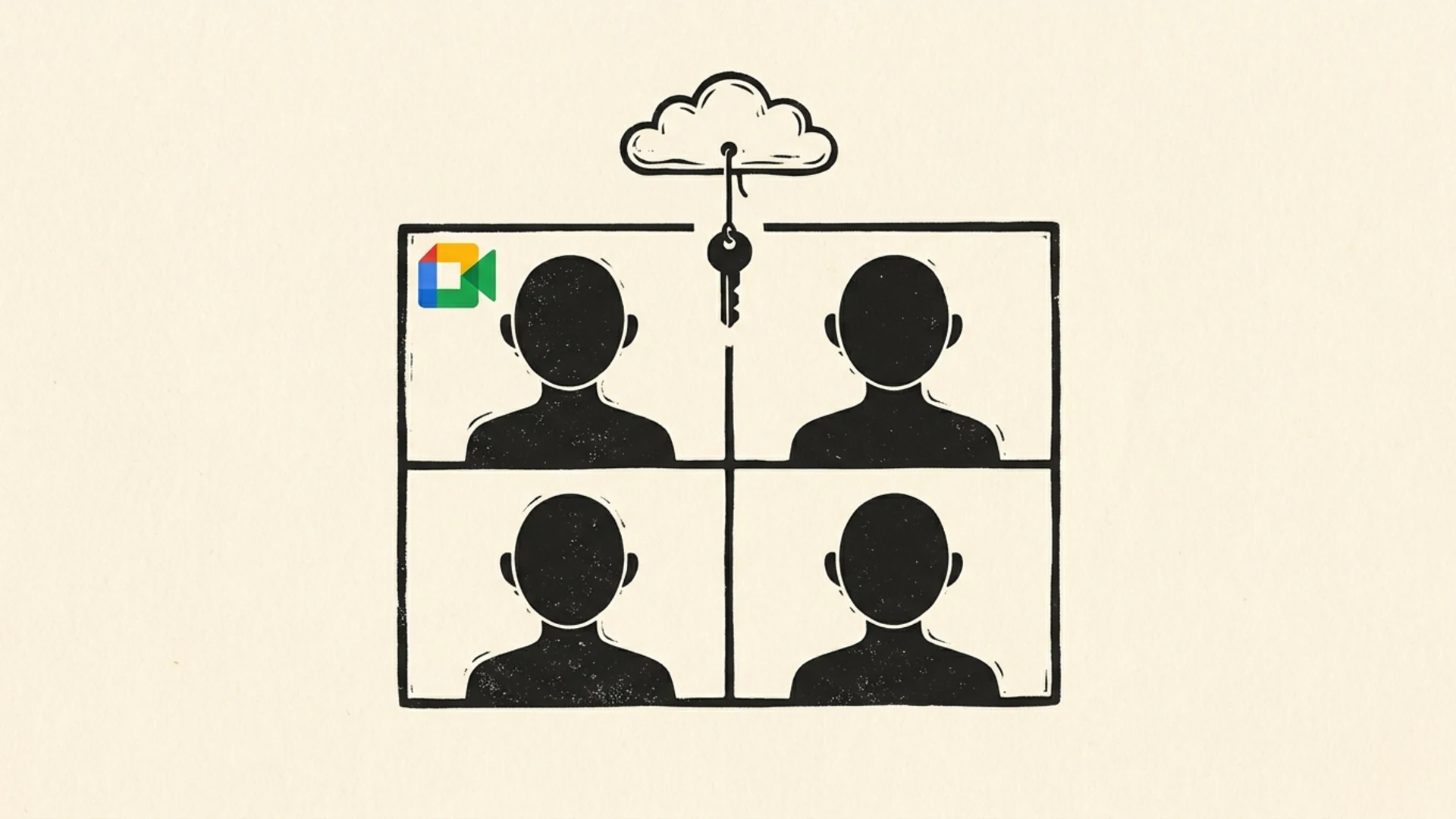
Google's client-side encryption works differently from BYOK. According to Google's developer documentation, Workspace generates a data encryption key in the user's browser and encrypts the content there. It then sends that key, with an identity token from your identity provider and an authorization token from Google, to your external key service, which Google calls a Key Access Control List Service. Your key service encrypts the data key and returns it, and Google stores only the encrypted content and the wrapped key. Google says its servers can't access your encryption keys and so can't decrypt your data.
CSE is available on Frontline Plus, Enterprise Plus, Education Standard and Education Plus for Drive (including Docs, Sheets and Slides), Gmail, Calendar and Meet. In Gmail it encrypts the message body and attachments, but not the subject, timestamps or recipient list. In Drive, file titles and labels stay unencrypted. Google's CSE FAQ notes that DLP can't scan encrypted content and that Vault can find encrypted items by metadata but can't search their content. Standalone Google Chat isn't covered; see Is Google Chat end-to-end encrypted? For meetings, see Is Google Meet end-to-end encrypted?, which covers the features CSE meetings give up.
Why CSE is still not end-to-end encryption between users
The keys sit in a key service that your organization runs or chooses, not on users' devices. Whoever controls that service decides who can decrypt. Google's key service API includes a privilegedunwrap call that "decrypts data exported from Google in a privileged context" and returns the data key "without checking the original document or file access control list." Google's CSE FAQ also says admins can retain and export client-side encrypted Drive files and Gmail messages with Vault and decrypt them with a command-line decrypter.
Google's own wording varies. Its CSE overview describes "end-to-end encryption that Google servers and third parties can't decrypt", while its CSE FAQ contrasts the two: with end-to-end encryption "you don't have control over the keys on the clients and who can use them", whereas CSE keys are held in a key management service you control. Both are accurate in their own terms. CSE keeps Google out. It is designed so that your organization stays in.
Zoom Customer Managed Key (CMK)
Zoom launched Customer Managed Key in August 2022 as a paid offering for Enterprise accounts. Zoom describes it as a way to "bring your own encryption keys to protect certain data stored at rest within the Zoom Cloud infrastructure." Zoom's support documentation lists AWS KMS, Azure Key Vault and Oracle OCI Vault as supported key stores. The data covered includes cloud recordings of meetings and webinars (with transcripts and in-meeting chat), Zoom Phone voicemails and recordings, and calendar access tokens. Content created before you enrol a key stays under a Zoom-managed key.
CMK is server-side. Zoom's setup guide has you grant Zoom's key broker permission to Decrypt, Encrypt and GenerateDataKey on your key, and search encryption needs an extra grant to a Zoom search service role. If Zoom can't reach your key, recording and viewing fail. You choose what happens next: with fallback on, Zoom stores new content under a Zoom-provided backup key and re-encrypts it with yours once your key is available again; with fallback off, new content isn't stored.
Zoom does have real end-to-end encryption, but it's a separate meeting setting. With it on, the meeting keys are generated on participants' machines rather than Zoom's servers, and Zoom turns off cloud recording, live transcription, streaming, breakout rooms and polling, because those need Zoom to see the media. CMK and end-to-end encryption solve different problems: CMK protects stored recordings that Zoom can decrypt, while end-to-end encrypted meetings produce no cloud recording at all.
Why None of These Is End-to-End Encryption
End-to-end encryption has a simple test: only the people in the conversation hold keys that can decrypt it. The keys are created and kept on their devices, and nobody else, neither the provider nor the organization paying for it, can ask a server to unwrap them.
- Slack EKM, Customer Key and Zoom CMK fail the first part. The vendor's servers decrypt content as part of normal operation.
- Google CSE and Microsoft DKE pass the first part for the vendor but fail the second. The key service belongs to the organization, and its operators can decrypt content without any participant's involvement.
For many organizations the second model is exactly what they want: the cloud provider is out, but compliance, legal holds and investigations still work. It's just a different promise from end-to-end encryption, and it's worth knowing which one you're buying.
Which to Choose, by Threat Model
Start with who you are worried about, then pick the control that actually addresses it.
| Threat | BYOK / EKM / Customer Key / CMK | Google CSE / Microsoft DKE | End-to-end encryption |
|---|---|---|---|
| Attacker breaches the vendor's storage or backups | Helps: stolen data at rest is ciphertext | Helps | Helps |
| Attacker or insider inside the vendor's running service | Little help: the service decrypts content to work | Helps: the service never has the keys | Helps |
| Legal demand served on the vendor | Partial: you see key use in your logs and can revoke, but the vendor can decrypt while access is on | Helps: the vendor can hand over only ciphertext, so demands go to you | Helps |
| Your own admins or a hijacked admin account | No help | No help: your key service can unwrap content | Helps, unless an admin controls user devices |
| Leaving the vendor and proving data is gone | Helps, where the product supports a purge | Helps | Helps |
- You need key control for a regulator or contract, and you trust the vendor's running service. BYOK is enough. Slack EKM, Customer Key or Zoom CMK give you key custody, logs and a way to cut access without losing search or AI features.
- You don't want the vendor, its staff or anyone serving it legal process to be able to read your most sensitive files, but your company must still be able to. Use Google CSE or Microsoft DKE for that slice of data, and accept losing server-side search, previews, co-authoring and AI on it.
- You don't want anyone outside the conversation to read it, including your own IT admins or someone who takes over an admin account. You need end-to-end encryption, where keys live on users' devices. None of the products above offer that for team chat.
Two caveats apply to every option. Customer-managed keys protect content, not metadata: who talked to whom, when, channel names and membership usually stay readable to the vendor. And none of these help if a user's device or account is compromised, because that is where content is decrypted.
End-to-End Encrypted Team Chat
Lupyd is built for that last case. Keys are generated and kept on users' devices; direct messages use the Signal Protocol and group channels use MLS, and files and backups are encrypted on the device. Our server sees group membership, roles and group names, but not message content. Group calls are not end-to-end encrypted yet, and Lupyd hasn't had an external security audit yet. Try Lupyd alongside your current tools.
Frequently Asked Questions
Is Slack EKM end-to-end encryption?
No. Slack EKM keeps the master key in your AWS KMS account, logs its use and lets you revoke access, but Slack's servers decrypt messages and files while access is allowed so that search and other features keep working.
What is the difference between BYOK and client-side encryption?
With BYOK the vendor encrypts and decrypts your data on its servers using a key you control. With client-side encryption, such as Google Workspace CSE, content is encrypted in the user's browser and the vendor never gets the key, so it can't decrypt the content.
Can Microsoft read my data if I use Customer Key?
Microsoft's services can. With Customer Key you authorize Microsoft 365 to use your keys for services like eDiscovery, anti-malware, anti-spam and search indexing, and Microsoft holds an availability key for recovery that background operations can use until you delete it.
Can my company read Google Workspace client-side encrypted files?
Yes, if it controls the key service. Google can't decrypt CSE content, but admins can export encrypted Drive files and Gmail messages through Vault and decrypt them, and the key service supports a privileged unwrap that skips the file's access list.
Does Zoom Customer Managed Key encrypt meetings end to end?
No. Zoom CMK protects stored data such as cloud recordings and voicemails with your key, and Zoom can still decrypt it. Zoom's separate end-to-end encryption setting for meetings generates keys on participants' machines and turns off cloud recording.
Final Takeaway
Customer-managed keys answer the question "who controls the key to our data in the vendor's cloud?" They don't answer "who can read our conversations?" With Slack EKM, Microsoft Customer Key and Zoom CMK, the vendor still reads content to run the service. With Google CSE and Microsoft DKE, the vendor can't, but your organization can. If the people you need to keep out include your own admins, only end-to-end encryption with keys on users' devices does that.
Sources & References
- Slack Enterprise Key Management, Slack Help Center
- Slack Enterprise Key Management (EKM), Slack
- Engineering dive into Slack Enterprise Key Management, Slack Engineering, March 2019 (updated June 2020)
- Overview of Customer Key, Microsoft Learn
- Learn about the availability key for Customer Key, Microsoft Learn
- Manage Customer Key encryption policies, Microsoft Learn
- Double Key Encryption (DKE), Microsoft Learn
- About client-side encryption, Google Workspace Admin Help
- Set up client-side encryption, Google Workspace Admin Help
- Client-side encryption FAQ, Google Workspace Admin Help
- Google Workspace Client-side encryption API overview, Google for Developers
- Client-side encryption API reference, Google for Developers
- Using Customer Managed Key, Zoom Support
- Zoom Customer Managed Key, Zoom
- Now, you can bring your own encryption keys: meet Zoom Customer Managed Key, Zoom Blog, August 2022
- Zoom rolling out end-to-end encryption offering, Zoom Blog, October 2020 (updated August 2021)
Last updated: 4 November 2026.
- ✓ Slack EKM, Microsoft Purview Customer Key and Zoom Customer Managed Key keep the root key in your own AWS, Azure or Oracle key store, but the vendor's servers still decrypt content to provide search, compliance and other features.
- ✓ Revoking a key stops the vendor from decrypting the covered data, but details differ: Microsoft keeps an availability key that background jobs can use until it is deleted, and Zoom can fall back to a Zoom-provided key for new content.
- ✓ Google Workspace client-side encryption and Microsoft Double Key Encryption encrypt content on the user's device, so Google and Microsoft can't decrypt it, at the cost of server-side search, previews and AI features.
- ✓ None of these is end-to-end encryption between users: with CSE and DKE the organization's key service can still decrypt content, including through Google's privileged unwrap for exports.
- ✓ Customer-managed keys help against breaches of the vendor's storage and give you logs and a kill switch; only end-to-end encryption with keys on users' devices also keeps out your own admins.
The workspace where nothing leaks
End-to-end encrypted channels and chat for your team, built on the Signal Protocol and MLS. Available on macOS, Windows, Linux and Android.