Not by default. Google Meet meetings are encrypted in transit and at rest, but Google can technically access them, so they are not end-to-end encrypted. The exceptions are legacy calls (the old Google Duo calls), which are always end-to-end encrypted, Meet calls between personal accounts when you switch on Additional encryption, and meetings that use client-side encryption, which needs Workspace Enterprise Plus or Education Standard/Plus and an external key service. Google Voice is not end-to-end encrypted.
| Feature | End-to-end encrypted? |
|---|---|
| Meetings (scheduled or instant, joined by link) | No: cloud encrypted in transit and at rest |
| Meetings with client-side encryption (CSE) | Effectively, for media and chat: Google can't decrypt, but your organization's key service holds the keys |
| Legacy calls, 1:1 and group (formerly Google Duo) | Yes: on by default and can't be turned off |
| Meet calls between personal accounts | Optional: turn on Additional encryption before the call |
| Meet calls on Business or Education accounts | No: always cloud encrypted |
| Recordings, transcripts and Gemini notes | No: saved to Google Drive, encrypted at rest |
| Dial-in by phone | No: not available in CSE meetings at all |
| Google Voice calls, texts and voicemail | No: encrypted in transit and at rest only |
Sources: Learn about encryption in Google Meet, Use client-side encryption in Google Meet and How Google Voice protects your privacy, Google Help.
How Google Meet Is Encrypted by Default
Google calls its default protection "cloud encryption". Audio, video and data are encrypted between your device and Google's data centres on the web, the Android and iOS apps, and meeting room hardware. Meet follows IETF standards for this: DTLS for the key exchange and SRTP for the media. Recordings saved to Google Drive are encrypted at rest.
The catch is in where the encryption ends. In a normal meeting, media is decrypted on Google's servers, which is what lets Meet offer captions, noise cancellation, recording, transcripts, live streaming, dial-in and Gemini features. Google says it does not store audio or video of a meeting unless someone records it, but the system is built so that it could process that media. That is the difference between encryption in transit and end-to-end encryption, where only the people on the call hold the keys.
Calls vs Meetings: Where End-to-End Encryption Exists
Google's help page splits Meet into meetings and calls, and the answer differs for each.
Meetings
Meetings, whether scheduled in Calendar or started instantly from a link, are always cloud encrypted. They are not end-to-end encrypted unless your organization uses client-side encryption (below).
Legacy calls (formerly Google Duo)
Google Duo has been merged into the Meet app. Its calling experience, now called legacy calls, keeps end-to-end encryption on for every 1:1 and group call, and you can't turn it off. In a 1:1 call each device keeps its private key and the two devices derive a shared key that is deleted when the call ends. Calls usually run peer-to-peer; when they go through a Google relay, the relay can't decode them. In group legacy calls a Google server forwards the media but doesn't have the keys, and sender keys change whenever someone joins or leaves.
Meet calls
Meet calls are the newer mobile calls that ring a Google account or a phone number. They are cloud encrypted by default. Between two personal Google accounts you can turn on Additional encryption on the pre-call screen, which adds end-to-end encryption and greys out in-call messages, reactions, polls, Q&A and add-ons. A shield with a lock shows it is on. Business and Education accounts don't get this toggle: their Meet calls are always cloud encrypted, and a personal user who tries an encrypted call to them gets an error.
Client-Side Encryption for Meet
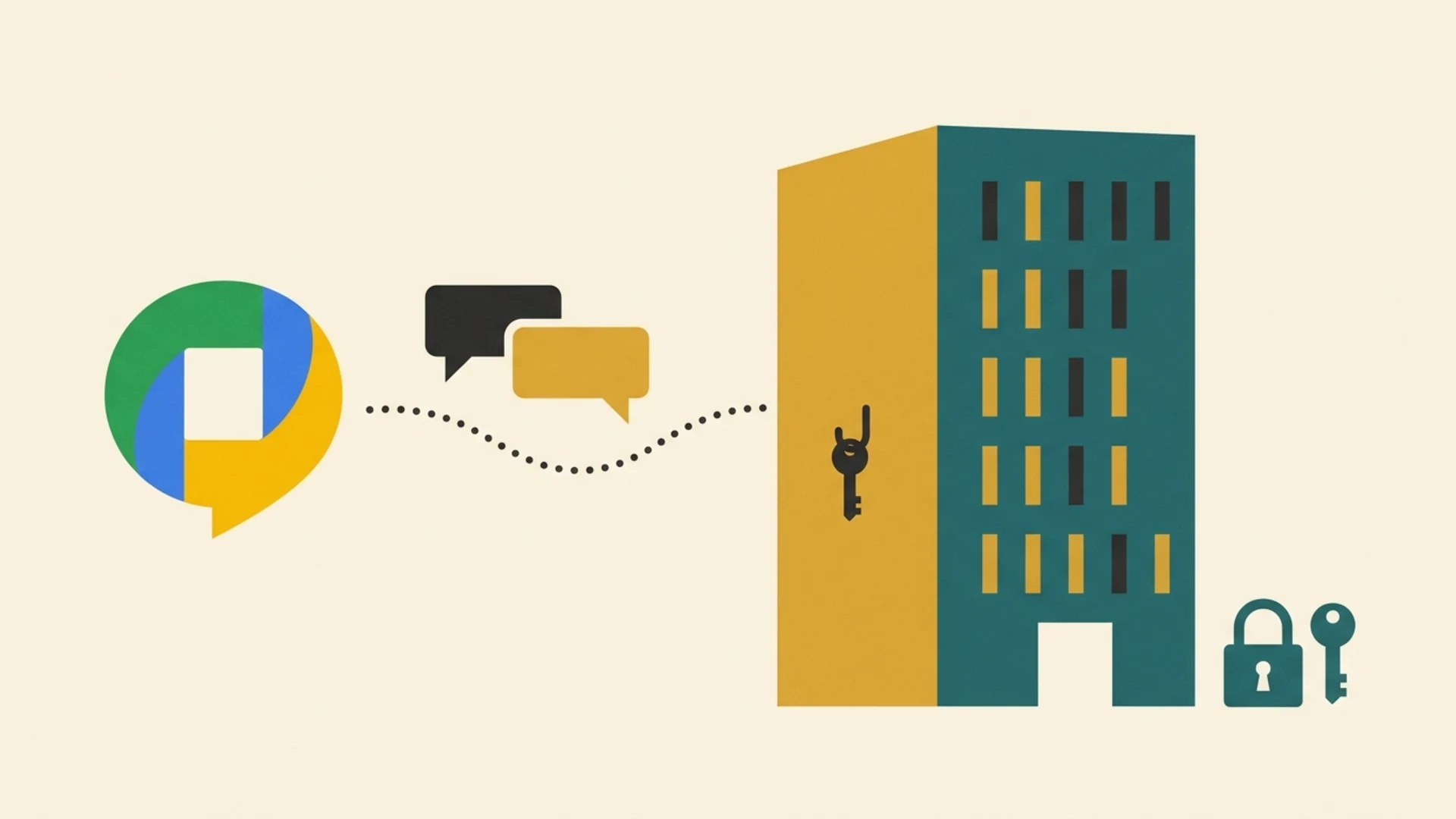
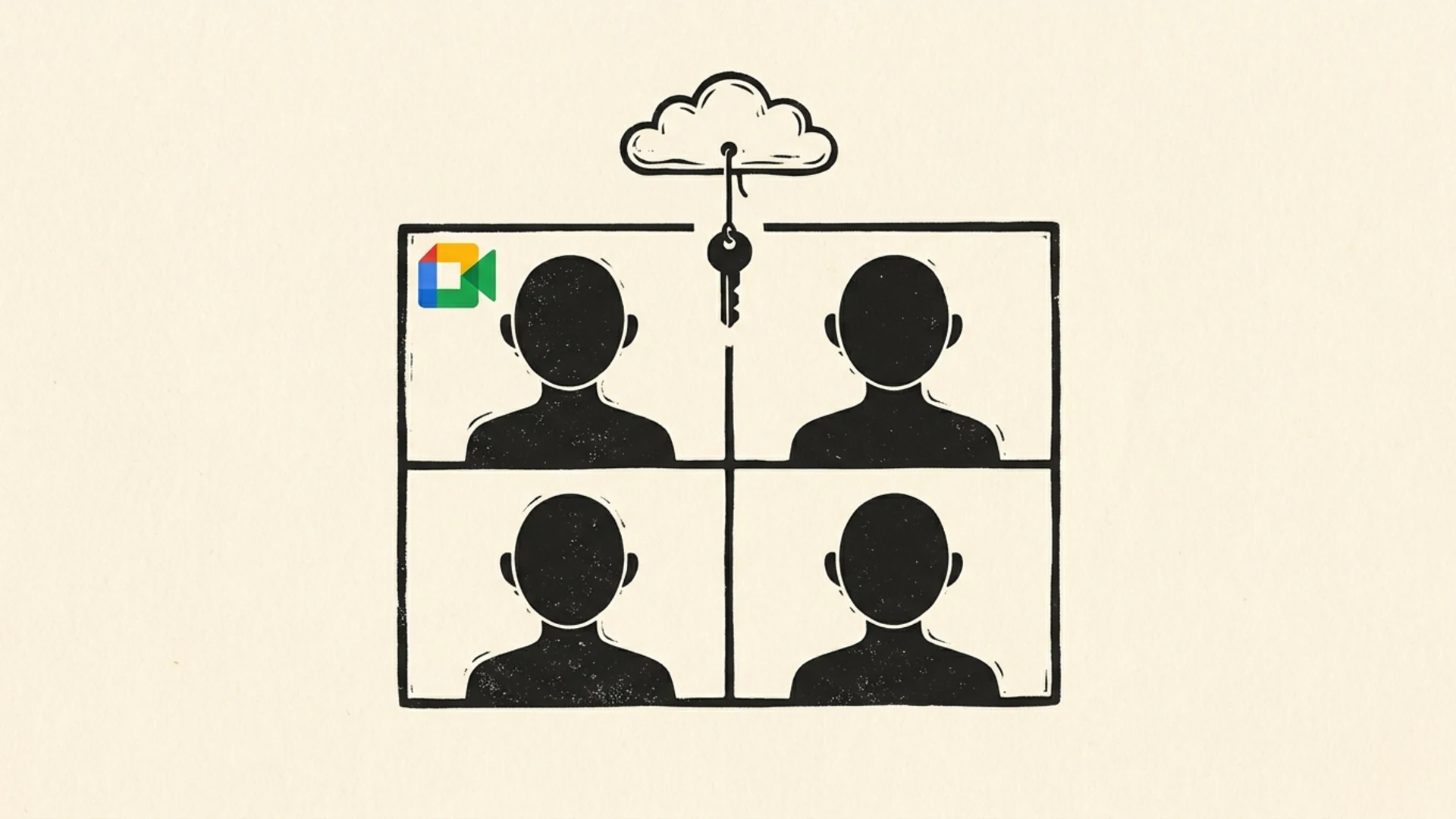
Client-side encryption (CSE) is Google's option for organizations that need meetings Google can't read. Each participant's browser encrypts audio, video and in-meeting chat with keys that come from the organization's own key service, so Google's servers only relay ciphertext. When Google launched it in 2022 it said this "guarantees that Google cannot access audio and video content under any circumstances." In-meeting chat was added in 2023.
Who can use it
- Hosting a CSE meeting needs Google Workspace Enterprise Plus, Education Standard or Education Plus. Business Starter, Standard and Plus don't include it.
- An admin must first connect Workspace to an identity provider and an external encryption key service (from a partner, or built on Google's CSE API), add the key service in the Admin console and turn CSE on for the right users or groups.
- Since April 2024, external guests, including people without a Google account, can join if the admin allows external access. They verify through the chosen identity provider and can join only from a computer.
What it turns off
Anything that needs Google to process the media stops working. Google lists recording, live streaming, transcripts, captions, Gemini's "Take notes for me", Ask Gemini, studio sound, noise cancellation, adding people by phone and dial-in audio, breakout rooms, polls, Q&A, reactions, add-ons and third-party gateway interoperability. Only invited participants can join, knocking is disabled, and the meeting can't start until the host or a co-host arrives. Encryption has to be turned on when the event is created, and you can't create CSE meetings from the Meet mobile app.
Is CSE true end-to-end encryption?
Against Google, it works like end-to-end encryption: media and chat are encrypted on the participant's device and Google never has the keys. Google itself doesn't describe it as end-to-end encryption, though, and the difference matters. The keys live in a key service your organization runs or contracts, gated by your identity provider. Whoever controls those systems controls access. That suits companies that want Google out of the loop while keeping their own administrative control, but it is not the same model as an app where keys exist only on participants' devices.
Recordings, Transcripts and Gemini Notes
Recordings, transcripts and Gemini meeting notes are saved to Google Drive (usually the organizer's), encrypted at rest with keys Google manages. They are not end-to-end encrypted, and anyone the files are shared with can open them. Because these features need Google to process the media, none of them are available in client-side encrypted meetings. If a meeting must stay confidential, the safest record is the one you never create in the cloud.
Is Google Voice End-to-End Encrypted?
No. Google's privacy page for Google Voice says data "is encrypted in transit from a Google Voice client to Google, and when stored at rest", and that texts, calls and voicemails sync across your devices. It doesn't offer end-to-end encryption, and calls that leave Google for the ordinary phone network can't be end-to-end encrypted anyway. Don't confuse it with Google Fi, Google's mobile carrier, which end-to-end encrypts some calls between Android phones on Fi.
What This Means for CA Firms, Law Firms and Businesses
- Assume a standard Meet meeting is readable by the platform. It is protected from people on the network, not from Google, and recordings and notes in Drive fall under your admins' and Google's access.
- If you need Google kept out, use CSE, and accept the cost: an Enterprise Plus or Education licence, an external key service, and no recording, dial-in or Gemini notes.
- Turn off automatic recording and AI notes for client meetings that discuss tax filings, litigation or personal data. Under India's DPDP Act, every stored copy is data you are responsible for.
- Don't use Google Voice for privileged conversations. Texts and voicemail sit on Google's servers.
- Look at the chat around the meeting too. Google Chat is not end-to-end encrypted either; see Is Google Chat end-to-end encrypted? and our guide to secure client communication for law and CA firms.
Microsoft Teams is in a similar position: end-to-end encryption exists only for 1:1 calls and Teams Premium meetings. See Is Microsoft Teams end-to-end encrypted?
End-to-End Encrypted Team Messaging
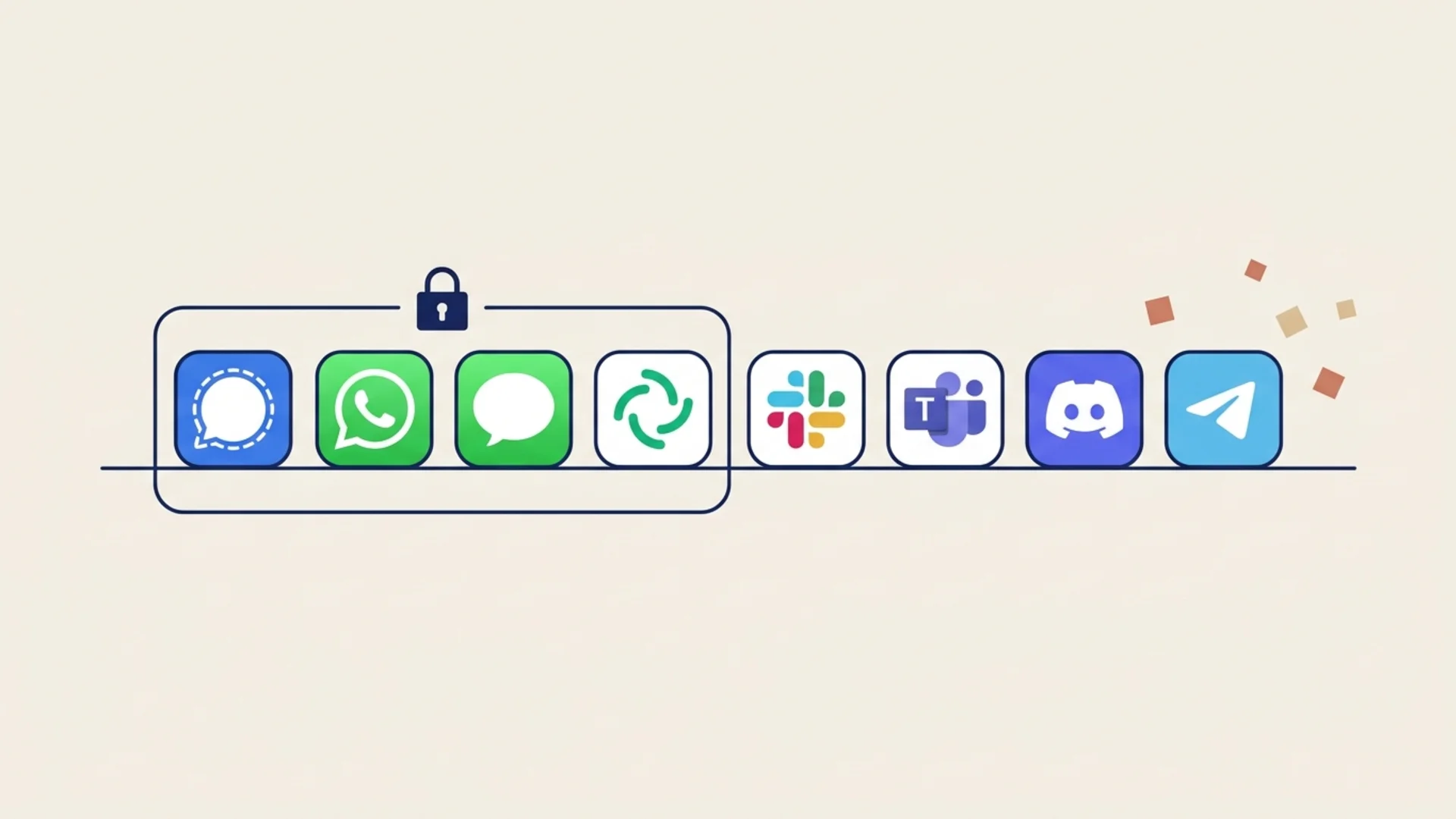
Most of what a firm shares with clients is written: documents, figures, follow-ups after the call. Lupyd end-to-end encrypts direct messages with the Signal Protocol and group channels with MLS by default, so the server can't read them and there is no key service to set up. One caveat: Lupyd's group calls currently run through Cloudflare and are not yet end-to-end encrypted. For a wider comparison, see which messaging apps are end-to-end encrypted, or download Lupyd and try it with your team.
Frequently Asked Questions
Is Google Meet end-to-end encrypted?
Not by default. Meet meetings are encrypted in transit (DTLS and SRTP) and recordings are encrypted at rest, but Google can process the media. Legacy calls are end-to-end encrypted, personal accounts can turn on Additional encryption for Meet calls, and Workspace Enterprise Plus and Education Standard/Plus customers can use client-side encryption for meetings.
Are Google Meet 1:1 calls end-to-end encrypted?
Legacy calls, the former Google Duo calls, are always end-to-end encrypted, 1:1 and group. Newer Meet calls are cloud encrypted by default; between two personal Google accounts you can turn on Additional encryption to make them end-to-end encrypted. Business and Education accounts can't.
Is Google Meet client-side encryption the same as end-to-end encryption?
Close, but not identical. Media and chat are encrypted in each participant's browser and Google can't decrypt them, but the keys come from a key service your organization controls, so your organization can grant access. Google doesn't call it end-to-end encryption.
Can you record a client-side encrypted Google Meet meeting?
No. Recording, live streaming, transcripts, captions, Gemini's Take notes for me, dial-in, breakout rooms, polls and Q&A are unavailable in client-side encrypted meetings, because they need Google to process the media.
Is Google Voice end-to-end encrypted?
No. Google says Google Voice data is encrypted in transit from the app to Google and at rest on Google's servers. Calls, texts and voicemail are not end-to-end encrypted.
Sources & References
- Learn about encryption in Google Meet, Google Meet Help
- Google Meet security & privacy for users, Google Meet Help
- Use client-side encryption in Google Meet, Google Meet Help
- Client-side encryption setup overview, Google Workspace Admin Help
- Client-side encryption for Google Meet, Google Workspace Updates, August 2022
- Client-side encryption for chat messages in Google Meet, Google Workspace Updates, May 2023
- External participants can now join Google Meet client-side encrypted calls, Google Workspace Updates, April 2024
- How Google Voice protects your privacy & keeps you in control, Google Workspace Admin Help
- How Fi keeps your calls secure with end-to-end encryption, Google Fi Help
Final Takeaway
Google Meet is encrypted, but a standard meeting is not end-to-end encrypted. End-to-end encryption is built into legacy calls, optional for Meet calls between personal accounts, and available for Workspace meetings only through client-side encryption on top-tier editions, at the cost of recording, dial-in and Gemini features. Google Voice has no end-to-end encryption. If your meetings or messages carry client-confidential material, pick tools where end-to-end encryption is the default rather than an upgrade.
Last updated: 4 November 2026
- ✓ Google Meet meetings are encrypted in transit with DTLS and SRTP and recordings are encrypted at rest, but standard meetings are not end-to-end encrypted.
- ✓ Legacy calls (formerly Google Duo) are end-to-end encrypted by default, 1:1 and group, and newer Meet calls between personal accounts can be made end-to-end encrypted with Additional encryption.
- ✓ Business and Education accounts can't turn on Additional encryption for Meet calls; Workspace meetings are shielded from Google only by client-side encryption on Enterprise Plus, Education Standard or Education Plus.
- ✓ Client-side encrypted meetings disable recording, transcripts, captions, Gemini notes, dial-in, breakout rooms and polls, and the keys come from a key service your organization controls.
- ✓ Google Voice calls, texts and voicemail are encrypted in transit and at rest only, not end-to-end encrypted.
The workspace where nothing leaks
End-to-end encrypted channels and chat for your team, built on the Signal Protocol and MLS. Available on macOS, Windows, Linux and Android.