Lupyd Offline, Then Back Online
- 01 Open the app chats, history and groups read from local SQLite · no network needed
- 02 Network drops ping every 10s · 30s of silence = dead connection · banner after 8s offline
- 03 Meanwhile on the server new messages wait as ciphertext the server can't read
- 04 Reconnect WebTransport or WebSocket · jittered backoff, capped at 30s
- 05 Catch up sync · decrypt on the device · save locally (BEGIN IMMEDIATE) · pending sends go out
Reading never waits for the network. When the connection comes back, the device catches up on its own.
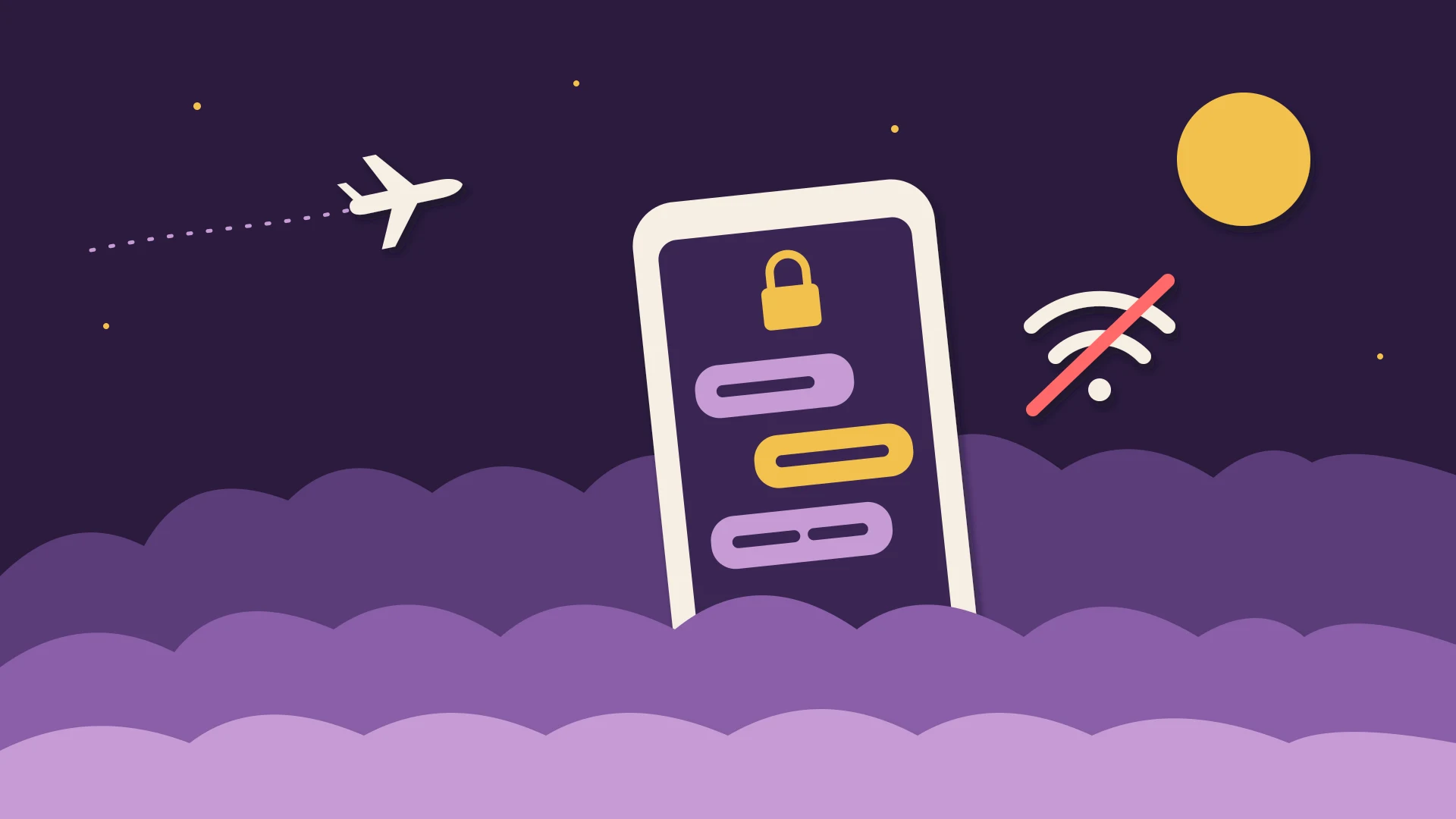
You're on a flight, in a basement meeting room, or on a train that loses signal every few minutes, and you need the address someone sent you yesterday. Many chat apps show a spinner. Lupyd opens the conversation, because the message is already stored on your device. This post explains why end-to-end encryption makes that the natural design, how Lupyd's offline mode works, and what still needs a connection.
Why Most Chat Apps Stop Working Offline
Many team chat apps treat the server as the source of truth. Your conversations live in the provider's database, and the app on your laptop is mostly a window onto it: open a channel, and the app asks the server for the latest messages. Some keep a cache, but the cache is a convenience, and when it's missing or stale you wait for the network.
That design is easy for the provider, because they can search, index and display everything from one place. It's also the reason those servers can read your messages. We've covered which apps work that way in which messaging apps are end-to-end encrypted.
Why Encryption Makes Local-First the Natural Design
In an end-to-end encrypted app the server is a relay, not a library. Lupyd encrypts messages on the sender's device, using the Signal protocol for direct messages and MLS for groups. The server only ever stores ciphertext and has no key to decrypt it. If you want the details, see how encryption and keys work.
So the readable copy of your conversation has to live somewhere the keys are, and that's your device. Every message Lupyd receives is decrypted on the device and saved to a local SQLite database. The app reads your chats from that database, which is why offline reading doesn't need a special cache. When you open a chat, this is the call the app makes:
// Opening a chat reads the history from the local database, not the server
pub async fn get_last_messages(app: AppHandle, other: String, limit: u64, before: u64)
    -> Result<LastMessagesResponse, String>
{
    let store = get_message_store(&app).await?;
    let messages = store
        .get_last_messages_of(&other, before as i64, limit as i64)
        .await
        .map_err(|e| format!("Failed to get messages: {}", e))?;
    Ok(LastMessagesResponse { result: messages.iter().map(user_message_to_b_user_message).collect() })
}
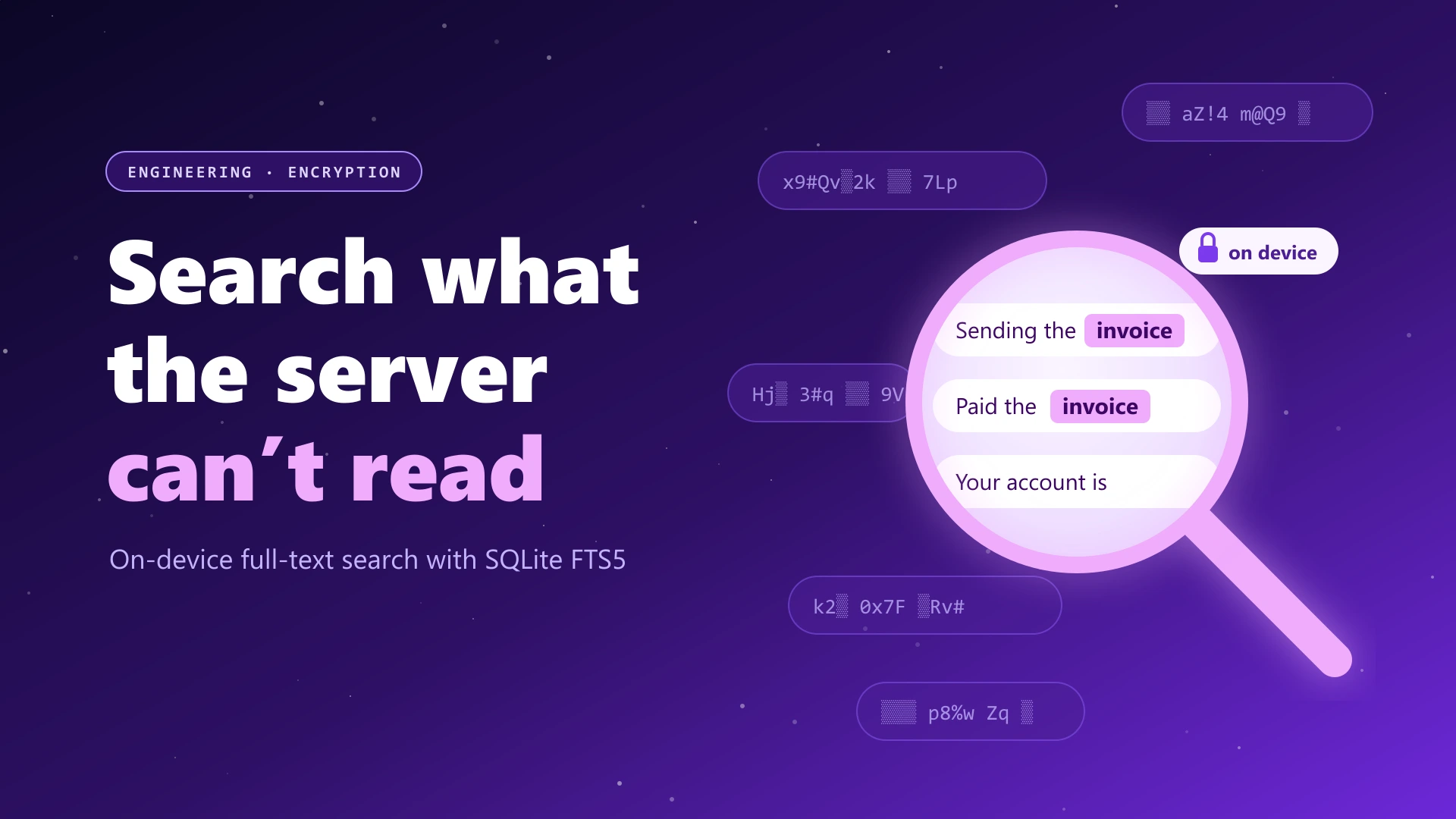
The same local database is what makes searching encrypted messages possible: the server can't search what it can't read, but your device can.
What Works Offline in Lupyd
Release 1.1.1 went through the app screen by screen to make sure nothing waits on the network before it renders. With no connection, you can:
- Open your conversation list and see your recent chats.
- Read the full history of any direct message that reached this device, including scrolling back through older messages.
- Open your groups, their channels and the group messages saved on this device.
- See who you follow and who you've blocked, from the last list the server returned. If refreshing that list fails, the app keeps the saved copy instead of showing an error.
If the connection has been gone for more than 8 seconds, a small pill appears at the top of the screen: "Offline · showing messages saved on this device". Shorter gaps, such as app startup or a quick reconnect, aren't announced, so the banner doesn't flicker every time you walk past a weak spot.
/** Disconnects shorter than this (startup, a quick reconnect) aren't worth announcing. */
const GRACE_MS = 8_000

const disconnected = auth.isAuthenticated && transport === null
useEffect(() => {
  if (!disconnected) { setVisible(false); return }
  const timer = setTimeout(() => setVisible(true), GRACE_MS)
  return () => clearTimeout(timer)
}, [disconnected])

// "Offline · showing messages saved on this device"
Groups Load From Local Data First
Groups were the screen most likely to sit on a spinner, because the list of groups you belong to came from the server. Now the groups list renders from local data first, so it appears instantly, and the server's list replaces it once it arrives. If the server can't be reached, the list falls back to the last one the server returned plus every group you've joined on this device.
/// Groups the user can open. Read from the server and cached, so the list still renders
/// from local data when the server can't be reached.
pub async fn get_group_infos(&self) -> anyhow::Result<Vec<FfiGroupInfo>> {
    match self.fetch_group_infos().await {
        Ok(groups) => {
            self.inner.cache_group_infos(&groups).await?;   // remember the server's list
            Ok(groups)
        }
        Err(e) => {
            log::warn!("listing groups from the server failed, using local data: {e:#}");
            self.inner.local_group_infos().await          // last server list + joined groups
        }
    }
}
This behaviour has its own test in Firefly, our open-source messaging engine: offline_group_tests.rs points a client at an unreachable server and checks that the group list still renders and a group's state still loads.
Noticing a Dead Connection
The tricky part of offline mode isn't being offline. It's noticing that you are. When Wi-Fi drops or a mobile network silently stops routing packets, the operating system often doesn't close the connection. TCP can sit there for minutes thinking everything is fine, while the app waits for messages that will never come.
Firefly 0.3.1 fixed that with a heartbeat. Lupyd connects over WebTransport where it can and falls back to WebSocket (we explained why in WebTransport vs WebSocket). On WebSocket, the client pings the server every 10 seconds, and if nothing comes back for 30 seconds it drops the connection and starts reconnecting. WebTransport sends keep-alives every 10 seconds and times out after 30 seconds of silence. Opening a WebSocket connection is capped at 15 seconds, and HTTP requests have connect and read timeouts, so nothing hangs forever.
/// How often the WebSocket transport pings the server.
const WS_KEEPALIVE_INTERVAL: Duration = Duration::from_secs(10);
/// Silence after which the WebSocket connection is treated as dead (three missed pongs).
const WS_IDLE_TIMEOUT: Duration = Duration::from_secs(30);

// The sender pings every WS_KEEPALIVE_INTERVAL and the server answers, so silence
// means the network is gone (e.g. packets dropped) even though TCP hasn't noticed.
let msg = match timeout(WS_IDLE_TIMEOUT, ws_receiver.next()).await {
    Ok(Some(Ok(msg))) => msg,
    Err(_) => {
        log::warn!("no data from the server for {:?}, dropping the connection", WS_IDLE_TIMEOUT);
        break;
    }
    _ => break,
};
Reconnecting uses jittered exponential backoff: each failed attempt waits longer, up to 30 seconds, with a random ±20% so that thousands of devices coming back after the same outage don't all hit the server at the same moment.
/// Jittered exponential backoff: `base * 2^(failures-1)`, capped at 30s, +/-20% jitter.
fn reconnect_delay(base: Duration, failures: u32) -> Duration {
    if failures <= 1 {
        return base;
    }
    let factor = 1u32 << (failures - 1).min(5);
    let delay = (base * factor).min(Duration::from_secs(30)).max(base);
    let jitter = (rng().next_u32() % 41) as f64 / 100.0 - 0.2;
    delay.mul_f64(1.0 + jitter)
}
Catching Up After You Reconnect
Messages people send you while you're offline aren't lost. They wait on the server as ciphertext. When your device reconnects, it syncs everything it missed, decrypts each message on the device, and saves it to the local database. Firefly keeps track of how far each device has synced, so only what's new comes down.
Getting this right uncovered a real bug, and we'd rather tell you about it than pretend it didn't exist. Catching up means many writes to the local database at once: incoming messages, encryption state, sync progress. Firefly used SQLite's default deferred transactions, which start as a read and only ask for the write lock when they first write. If another connection committed in between, SQLite failed the transaction immediately with database is locked instead of waiting. Meanwhile the sync position had already moved past that message, so the device didn't ask for it again. In rare cases, a message that arrived during a reconnect never reached your chat history.
The fix was to start every write transaction with BEGIN IMMEDIATE, which takes the write lock up front. A transaction that has to wait now waits (up to a 10-second busy timeout) instead of failing. Decryption also retries if it hits a locked database.
/// Write transactions must start with `begin_with("BEGIN IMMEDIATE")`: a deferred transaction
/// that reads before writing fails at once with `database is locked` (SQLITE_BUSY_SNAPSHOT) when
/// another connection commits in between, without waiting for `busy_timeout`.

let mut tx = self.pool.begin_with("BEGIN IMMEDIATE").await?;
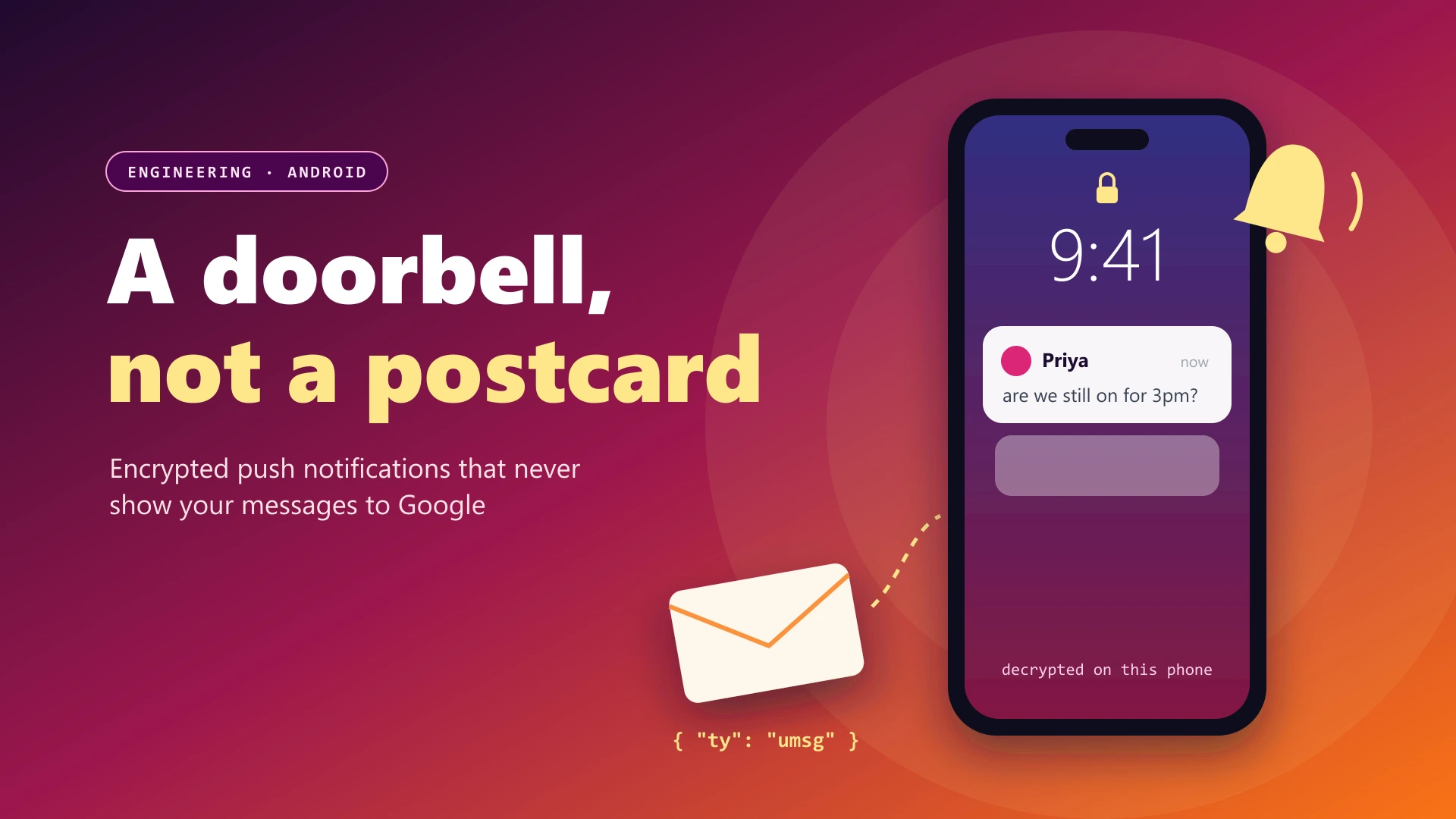
On Android, the app doesn't even need to be open to catch up. A content-free push wakes it, and it syncs and decrypts in the background. That's covered in end-to-end encrypted push notifications on Android.
What Still Needs a Network
Offline mode is for reading. Some things can't work without a connection, and a few have limits we haven't removed yet:
- Sending. A message has to reach the server to reach anyone. In a direct message, a message you type offline appears as pending and the app retries every 3 seconds, sending it once the connection is back. That pending message lives in memory and isn't saved to disk yet, so if you close the app before reconnecting, you'll need to type it again.
- New messages. You'll see what reached your device before you went offline. Anything newer arrives when you reconnect.
- Calls and file uploads. Both need a live connection.
- The web client. The browser version keeps its encrypted database in browser storage, but the page itself has to load from the network, so offline reading is a feature of the desktop and mobile apps.
- A new device. A phone or laptop you've just signed in on only has what has synced to it, so read the history you need on it while you're online.
Keeping the Local Copy Safe
A readable copy on your device is the point of end-to-end encryption: only your devices hold the keys, so only your devices can read your messages. It also means the device itself matters. Lupyd doesn't put its own password on the local database. It relies on what your device already provides: the app's private storage on mobile, your screen lock, and full-disk encryption, which is on by default on modern phones and available on Windows (BitLocker) and macOS (FileVault). When old encryption keys and messages are deleted, Firefly overwrites them with zeros in the database file rather than leaving them in free space.
So use a screen lock, keep disk encryption on, and if a device goes missing, read what to do when a phone with your encrypted group chats is lost or stolen.
Frequently Asked Questions
Can I read my Lupyd messages without internet?
Yes. Since release 1.1.1, the Lupyd apps open your conversations, chat history, groups and group messages from the database on your device, so anything that already reached your device is readable with no network.
Can I send messages while offline?
Not while you're disconnected. A direct message you type offline shows as pending and retries every 3 seconds while the chat stays open, then sends once the connection is back. It isn't saved to disk yet, so if you close the app before reconnecting, type it again.
Do I miss messages sent to me while I was offline?
No. Messages sent while you're offline wait on the server in encrypted form. When your device reconnects it syncs them, decrypts them on the device and saves them locally.
Does the Lupyd web client work offline?
No. The web client keeps its database in the browser's storage, but the page itself has to load from the network. Offline reading works in the Lupyd apps for desktop and mobile.
Is it safe that messages are stored on my device?
It's how end-to-end encryption works: only your device can decrypt your messages, so only your device can keep a readable copy. Lupyd doesn't add its own password to that database, so it relies on your device's protections, such as a screen lock and disk encryption.
Final Takeaway
End-to-end encryption already forces the readable copy of your messages onto your device, so Lupyd reads from it. Since release 1.1.1, chats, history and groups open with no network, a dead connection is noticed within about 30 seconds, and the device catches up on its own when the network comes back, without dropping messages under load. The limits are real: you can't send or receive offline, a pending direct message isn't saved to disk yet, and the web client needs a connection to load.
Download Lupyd to keep your conversations with you on and off the network, or read the code at github.com/lupyd.
Sources & References:
Last updated: 12 November 2026. Code excerpts are trimmed from the lupyd-desktop and firefly repositories as of this date.
- ✓ With end-to-end encryption the server only holds ciphertext it can't read, so the readable copy of your messages has to live on your device. That copy is what lets Lupyd work offline.
- ✓ Since release 1.1.1, conversations, chat history, groups and group messages open from the local database with no network. After 8 seconds without a connection, a small banner says you're offline.
- ✓ The groups list renders from local data first, and if the server can't be reached it falls back to the last list the server returned plus the groups you've joined.
- ✓ Lupyd pings the server every 10 seconds and treats 30 seconds of silence as a dead connection, so it notices a dropped network quickly and reconnects with jittered backoff.
- ✓ Messages that arrive while you're away wait on the server as ciphertext and sync when you reconnect. Firefly 0.3.1 fixed a 'database is locked' bug that could drop some of them during that catch-up.
- ✓ You can't send, call or load new messages offline. A direct message typed offline retries every 3 seconds while the chat is open, but it isn't saved to disk yet, and the web client needs a connection to load at all.
The workspace where nothing leaks
End-to-end encrypted channels and chat for your team, built on the Signal Protocol and MLS. Available on macOS, Windows, Linux and Android.