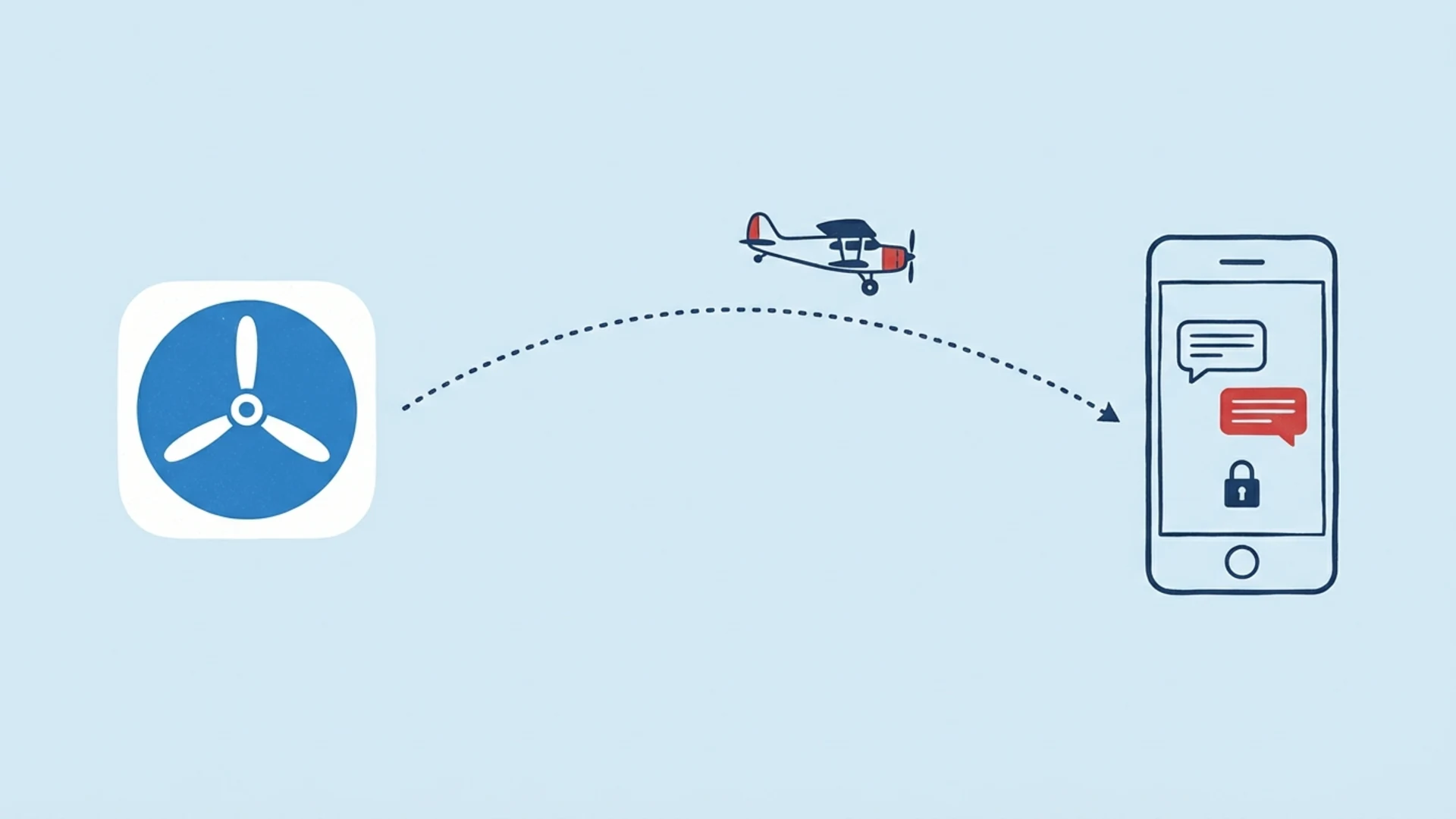
Lupyd for iPhone and iPad is in public beta on TestFlight. Install Apple's TestFlight app, open our TestFlight link on your iPhone or iPad, tap Accept and then Install. The iOS app runs the same Rust encryption engine as Lupyd on desktop, Android and the web, needs iOS or iPadOS 15.0 or later, and syncs with your other Lupyd devices. It is a beta: push notifications are still in active development, group calls are not yet end-to-end encrypted, and Lupyd has not had an external security audit. We'd like your help finding what else breaks.
| Item | Details |
|---|---|
| How to get it | Public TestFlight beta at testflight.apple.com/join/2tfSzfTj |
| Devices | iPhone and iPad, as a native iPad app rather than a scaled-up iPhone app |
| Minimum version | iOS or iPadOS 15.0, on a 64-bit (arm64) device with Metal |
| Sign in | Email and password, a sign-in link sent to your email, Google, or Apple |
| Encryption | Same Rust engine (Firefly) as desktop and Android: Signal Protocol for DMs, MLS for groups |
| Where keys live | In SQLite databases inside the app's private iOS sandbox, not in iCloud |
| Calls | 1:1 calls over WebRTC; group calls through Cloudflare, not yet end-to-end encrypted |
| Notifications | Push alerts in active development, not in this build yet; see the notifications section |
| Devices per account | Up to 5, including browsers; a picker asks which device to sign out when you're full |
| Build lifetime | Each TestFlight build runs for up to 90 days after upload |
How to Join the Beta
- Install TestFlight. Get Apple's TestFlight app from the App Store on the iPhone or iPad you want to test on.
- Open the invite on that device. Tap testflight.apple.com/join/2tfSzfTj in Safari or any app on the iPhone or iPad itself. The link opens TestFlight with a short description of Lupyd.
- Tap Accept, then Install. Lupyd downloads like any other app. On your home screen it has an orange dot next to its name, which is how iOS marks a beta.
- Sign in or create an account. Use email and password, a sign-in link sent to your email, Continue with Google, or Continue with Apple. Google and Apple sign-in open in the browser and return you to the app. If you already use Lupyd elsewhere, sign in with the same account.
- Allow what you need. iOS asks before Lupyd uses the camera (video calls and taking photos), the microphone (calls and audio messages) or your photo library (sharing and saving photos and videos).
Apple makes each TestFlight build available for up to 90 days from the day it is uploaded. After that, the build stops opening. We'll upload new builds well before then, and TestFlight tells you each time a new build is available, along with notes on what to test. If you turn on automatic updates in TestFlight (version 3 or later), new builds install by themselves and TestFlight lets you know when one has. To leave the beta, open Lupyd's page in TestFlight and tap Stop Testing.
What to Test
These are the areas we most want feedback on, the same list as on the TestFlight page:
- Signing up and signing in with email (password or sign-in link), Google and Apple. Sign in with Apple arrived in Lupyd 1.1.5, so it's the newest of the four.
- One-to-one and group messaging, including edits, deletes, reactions, renaming a group and leaving one.
- Sending photos, videos and files, both from the photo library and from the camera, and opening what others send you.
- Voice and video calls, 1:1 and in groups, on Wi-Fi and mobile data.
- Notifications for new messages and calls. We already know this is the least finished part of the iOS app (more below), so tell us exactly what you see and when.
Two more things are worth trying if you use Lupyd on other devices: whether chats and groups show up on your iPhone after you sign in, and what happens when your account already has five devices.
How the Same Encryption Runs on iPhone
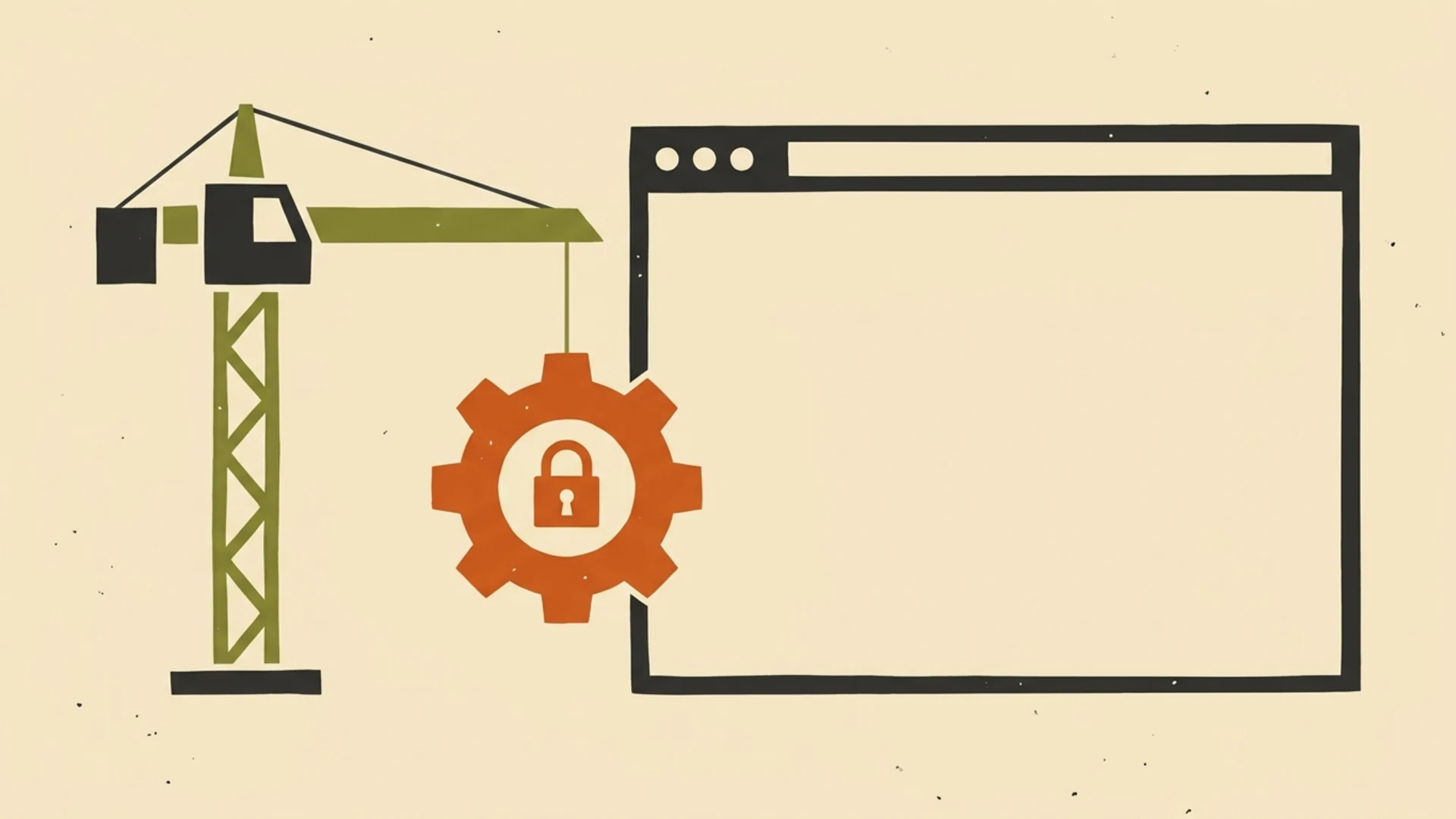
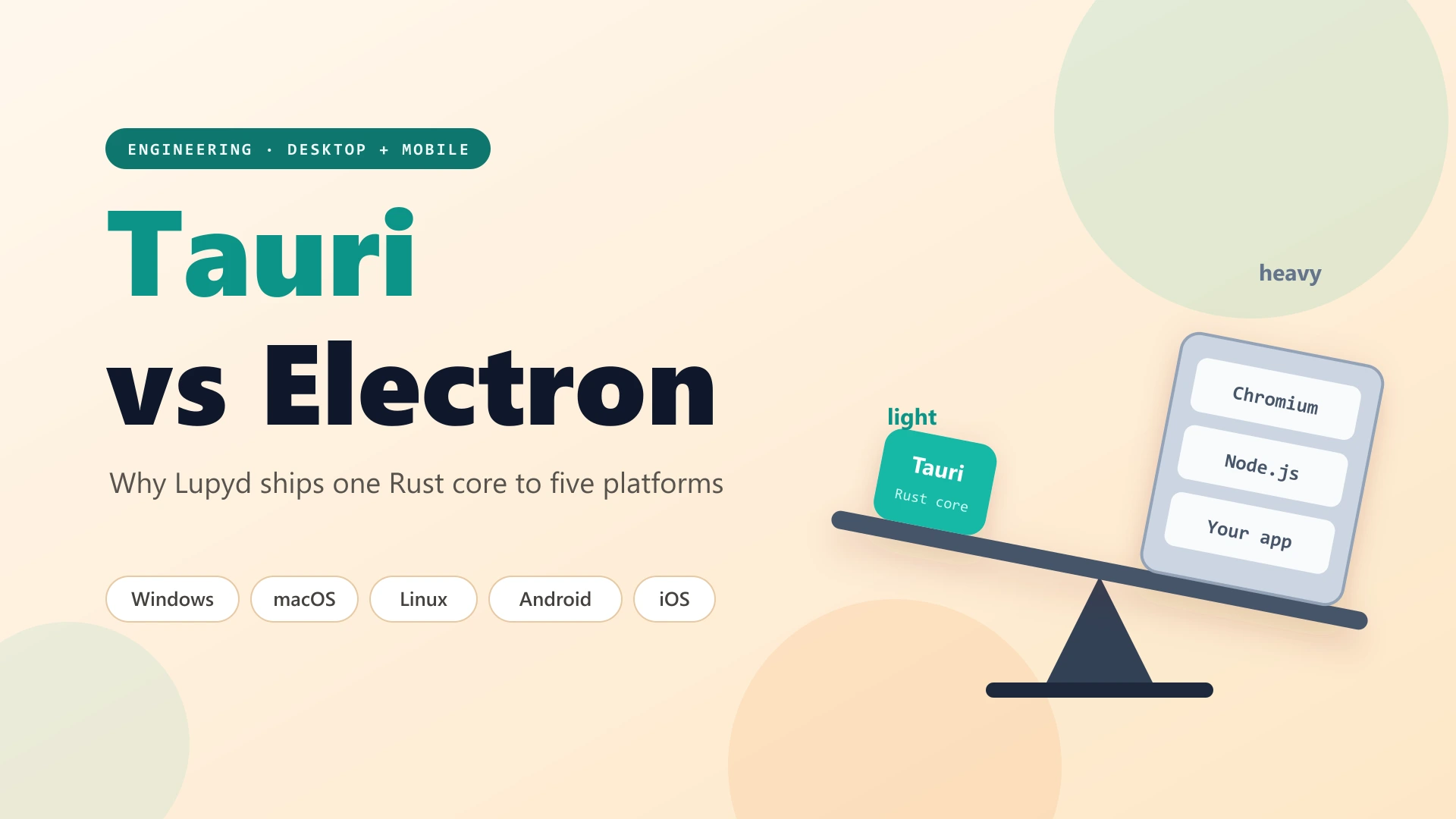
Lupyd is built with Tauri 2, which we explained in why Lupyd chose Tauri over Electron. On iOS, the app's Rust code, including Firefly, our open-source encryption engine, is compiled for Apple's 64-bit ARM processors into a static library that Xcode links into the app. The interface runs in Apple's WKWebView, the same web view Safari is built on, and calls into that Rust code for everything that touches keys or messages.
The iOS app pins the same Firefly version as the desktop and Android apps, so the cryptography is the same code, not a port: direct messages use the Signal Protocol (libsignal) and group channels use MLS (mls-rs). Keys are generated on your iPhone and stay on your devices. Files and backups are encrypted on the device before upload, and search runs on the device. It's the same approach we took for the browser, described in Lupyd's web client on Rust and WebAssembly, where the engine is compiled to WebAssembly instead.
Where Keys and Messages Are Stored
Everything lives in the app's private data folder inside its iOS sandbox, which other apps can't read. Each account gets its own folder with two SQLite databases: one for Firefly's encryption state (your identity keys, sessions and group state) and one for your decrypted message history and its search index. A shared app database holds your sign-in session and notification settings.
To be precise about what that means: Lupyd does not currently use the iOS Keychain, and these databases are not encrypted by an extra layer of Lupyd's own. They rely on the iOS sandbox and on iOS Data Protection. Lupyd doesn't set a custom protection class, so its files get Apple's default for third-party app data, "Protected Until First User Authentication": they are encrypted while the device is off and readable by the app once you've unlocked the device once after a restart.
Notifications and Calls in This Build
Notifications. In the current build, the iOS app doesn't yet register with Apple's push service, and the code that turns a push into an iPhone notification isn't switched on. New messages and incoming calls arrive while Lupyd is open; with the app in the background or closed, expect alerts to be missing. This is the main gap in the beta, and push support is in active development.
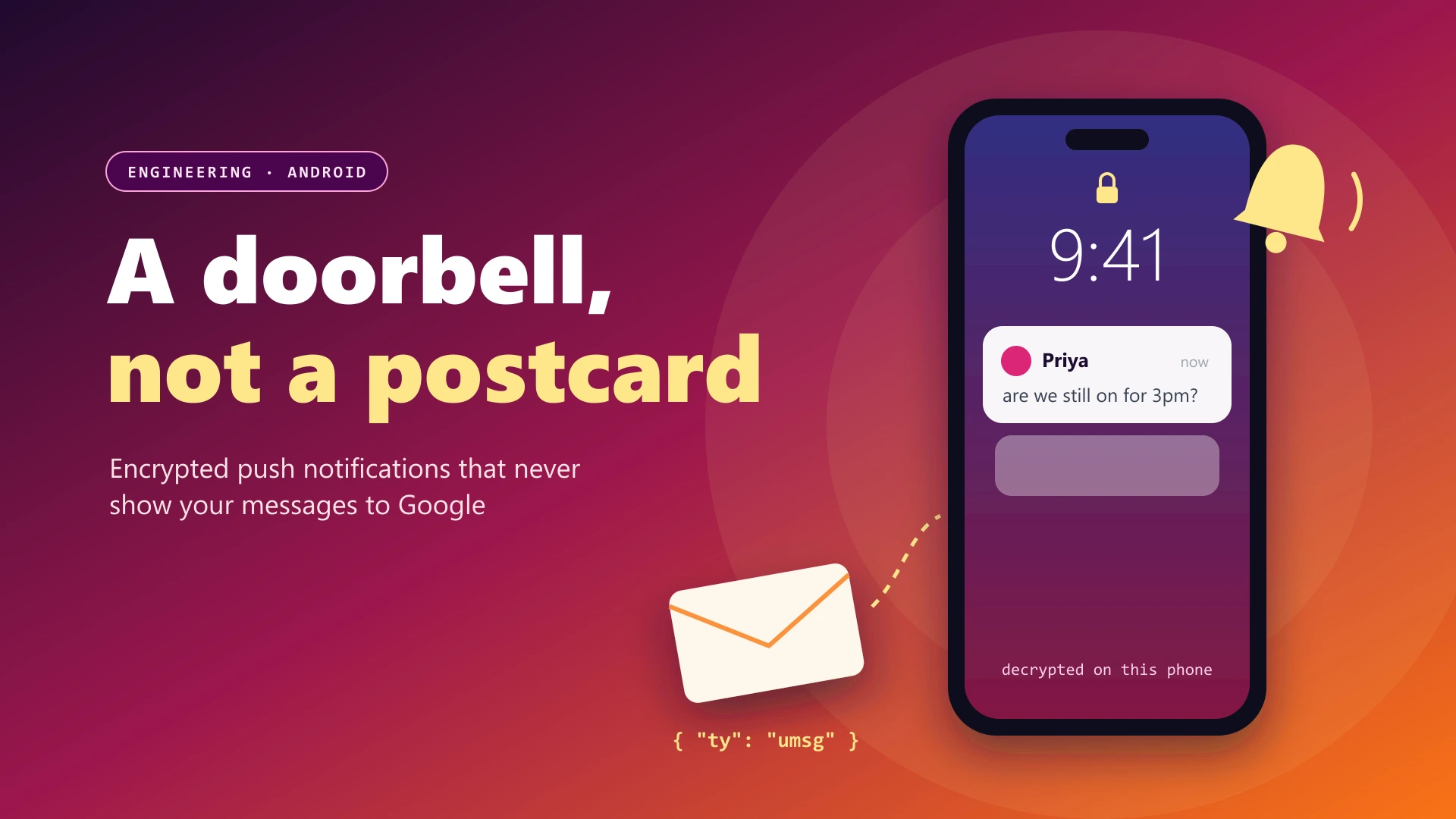
The iOS push code we've written hands each push to the same Rust handler the Android app uses. On Android, our server sends a push with no message content, only a signal that something is waiting; the phone wakes, connects to Lupyd, decrypts the message and builds the notification on the device. We describe that design in end-to-end encrypted push notifications on Android. We'll say so in the TestFlight notes when iOS push is in a build.
Calls. Calls run inside the app. 1:1 calls use WebRTC; group calls go through Cloudflare and are not yet end-to-end encrypted. The iOS app doesn't use CallKit or Apple's VoIP push (PushKit), so an incoming Lupyd call doesn't appear on the lock screen the way a phone call does; it rings only while the app is open. The app declares iOS's background audio mode, so tell us if a call drops when you switch apps or lock the screen.
Syncing With Your Other Devices
Your iPhone or iPad is one more device on your Lupyd account, next to the desktop app, Android and the web client at app.lupyd.com. Since Lupyd 1.1.5, a group you create or join on one device shows up on the others, including ones signed in later, and edits, deletes and reactions in direct messages apply on every device of both people. Older direct messages load from your other devices.
An account can have up to 5 devices, browsers included. Before Lupyd 1.1.6, a sixth device quietly signed out an older one. Now the new device waits: Lupyd shows each of your devices with its name and when it was last active, and asks you to choose one to sign out. The device you pick stops receiving messages, and the new one connects a few seconds later. Settings, Devices shows the same list at any time.
Sending Feedback and Crash Reports
TestFlight has feedback built in, and reports go straight to us:
- From a screenshot: take a screenshot while using Lupyd, tap the thumbnail in the lower-left corner, mark it up if you want, tap Done, then Share Beta Feedback. Add a comment and tap Submit.
- From TestFlight: open TestFlight, choose Lupyd and tap Send Beta Feedback. You can attach a screenshot and write up to 4,000 characters.
- After a crash: TestFlight asks whether to send the crash details to us. Tap Share and add a line about what you were doing.
Please don't put message content, passwords or anything sensitive in a screenshot you send. The most useful reports say what you tapped, what you expected and what happened, plus your device model and iOS version.
Known Limitations
- Push notifications are in active development and not in this build yet, so alerts for new messages and calls are unreliable when Lupyd isn't open.
- No CallKit: incoming calls don't ring on the lock screen and ring only while the app is open.
- Group calls go through Cloudflare and are not yet end-to-end encrypted. 1:1 calls use WebRTC.
- Local storage relies on the iOS sandbox and Data Protection; keys are not in the Keychain.
- Single sign-on (SSO) was removed in Lupyd 1.1.3 and isn't in the iOS app.
- No external audit: Lupyd is a young product and its code hasn't been independently audited yet. Firefly is open source if you want to read it.
- Beta builds expire after 90 days; keep TestFlight updated so you stay on a current build.
Frequently Asked Questions
How do I join the Lupyd iOS beta?
Install Apple's TestFlight app from the App Store, open testflight.apple.com/join/2tfSzfTj on your iPhone or iPad, then tap Accept and Install. Lupyd appears on your home screen with an orange dot that marks it as a beta.
Which iPhones and iPads can run Lupyd?
Lupyd needs iOS or iPadOS 15.0 or later on a 64-bit (arm64) device with Metal. It runs as a native iPad app, in portrait and landscape.
Is the iOS app end-to-end encrypted like the other Lupyd apps?
Yes. It runs the same Rust engine, Firefly, as desktop, Android and the web: Signal Protocol for direct messages and MLS for group channels, with keys generated on your device. Group calls are the exception; they go through Cloudflare and are not yet end-to-end encrypted.
Will I get notifications on iPhone?
Not reliably yet. iOS push notifications are in active development. In the current beta build, the iOS app doesn't register for Apple push notifications, so messages and calls arrive while Lupyd is open but alerts may be missing when it is in the background or closed. We'll announce push support in the TestFlight notes.
What happens when a TestFlight build expires?
Each TestFlight build works for up to 90 days after we upload it, then stops opening. TestFlight notifies you when a new build is available, and with automatic updates turned on it installs new builds for you.
Final Takeaway
Lupyd on iPhone and iPad is ready for testing, with the same encryption engine as our other apps and your chats synced across devices. Notifications and lock-screen calls are the big gaps, and they're where your reports help most. Join the Lupyd iOS beta, or Download Lupyd for desktop, Android and the web.
Sources & References
- Lupyd public beta, TestFlight
- TestFlight: installing betas, automatic updates and sending feedback, Apple
- TestFlight overview, App Store Connect Help, Apple Developer
- Data Protection classes, Apple Platform Security
- Lupyd changelog, releases 1.1.3, 1.1.5 and 1.1.6
- Firefly, Lupyd's open-source encryption engine, GitHub
Last updated: 14 November 2026.
- ✓ Lupyd for iPhone and iPad is in public beta: install TestFlight, open testflight.apple.com/join/2tfSzfTj on the device, then tap Accept and Install.
- ✓ The iOS app needs iOS or iPadOS 15.0 or later, runs natively on iPad, and uses the same Rust engine, Firefly, as desktop, Android and the web: Signal Protocol for DMs and MLS for groups.
- ✓ Keys and messages are kept in SQLite databases inside the app's iOS sandbox, protected by iOS Data Protection; Lupyd doesn't use the Keychain for them.
- ✓ Push notifications are in active development and not in this build yet and there is no CallKit, so alerts and incoming calls are reliable only while Lupyd is open; group calls are not yet end-to-end encrypted.
- ✓ Your iPhone syncs with desktop, Android and app.lupyd.com, an account can have up to 5 devices with a picker to sign one out, and each TestFlight build lasts up to 90 days.
The workspace where nothing leaks
End-to-end encrypted channels and chat for your team, built on the Signal Protocol and MLS. Available on macOS, Windows, Linux and Android.