Lupyd now runs in the browser at app.lupyd.com. It is not a separate, lighter product. The web client runs Firefly, the same Rust encryption engine as our desktop and mobile apps, compiled to WebAssembly. It uses the same SQLite schema and answers the same command names as the native app. This post covers how that works, what it costs to download, and what the browser version still can't do.
What Shipped
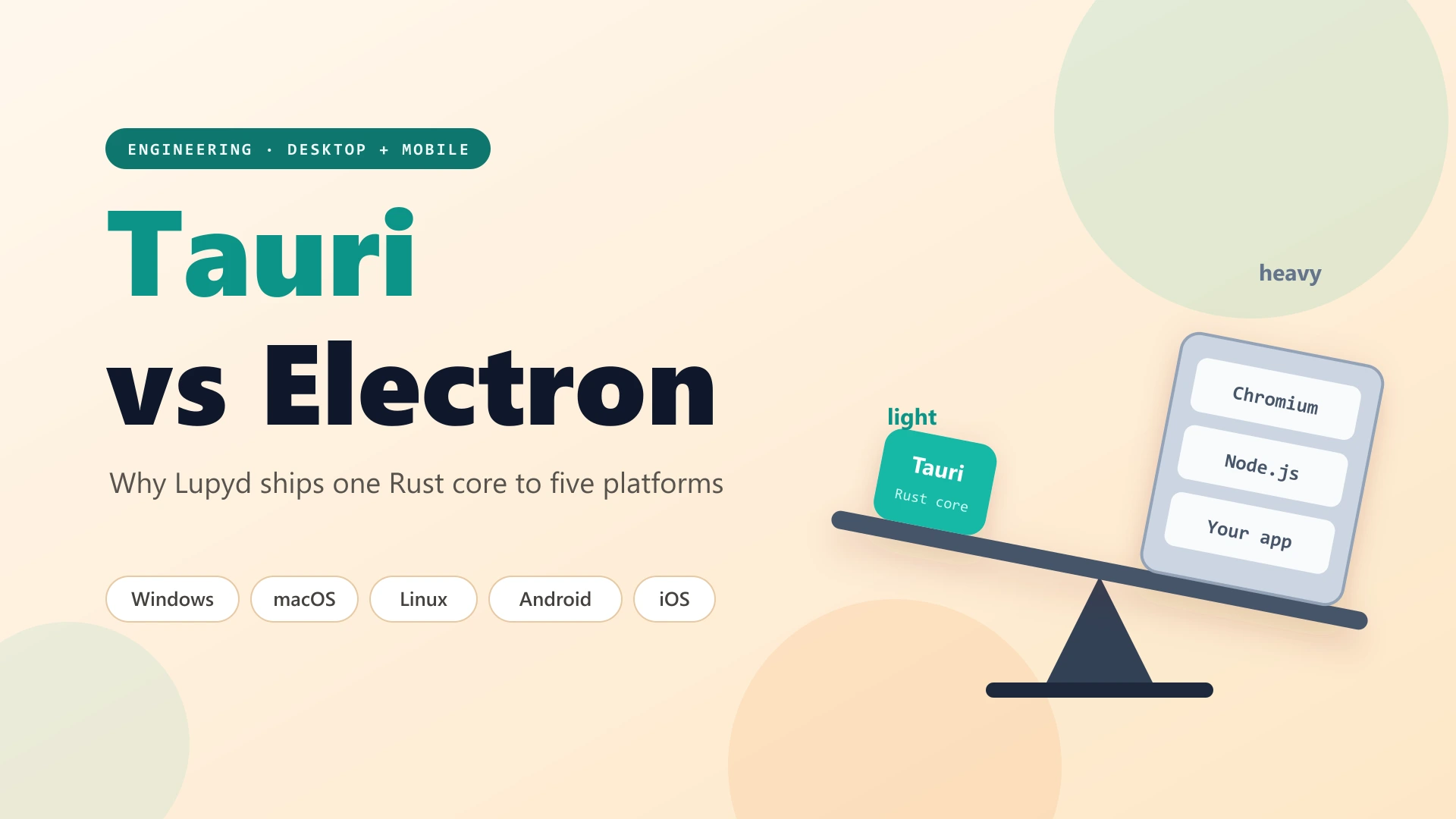
Lupyd's desktop and mobile apps are built with Tauri: a WebView for the interface and a Rust core for everything that touches keys, storage and the network. The web client keeps that split. The same interface code runs in a browser tab, and the Rust core runs as WebAssembly in a dedicated Web Worker next to it.
What works on the web today:
- Sign-in with email and password, Google, or an email link, plus sign-up and password reset.
- End-to-end encrypted direct messages (Signal Protocol) and groups (MLS), including channels, roles, join links and pinned messages.
- Encrypted attachments, decrypted in the browser.
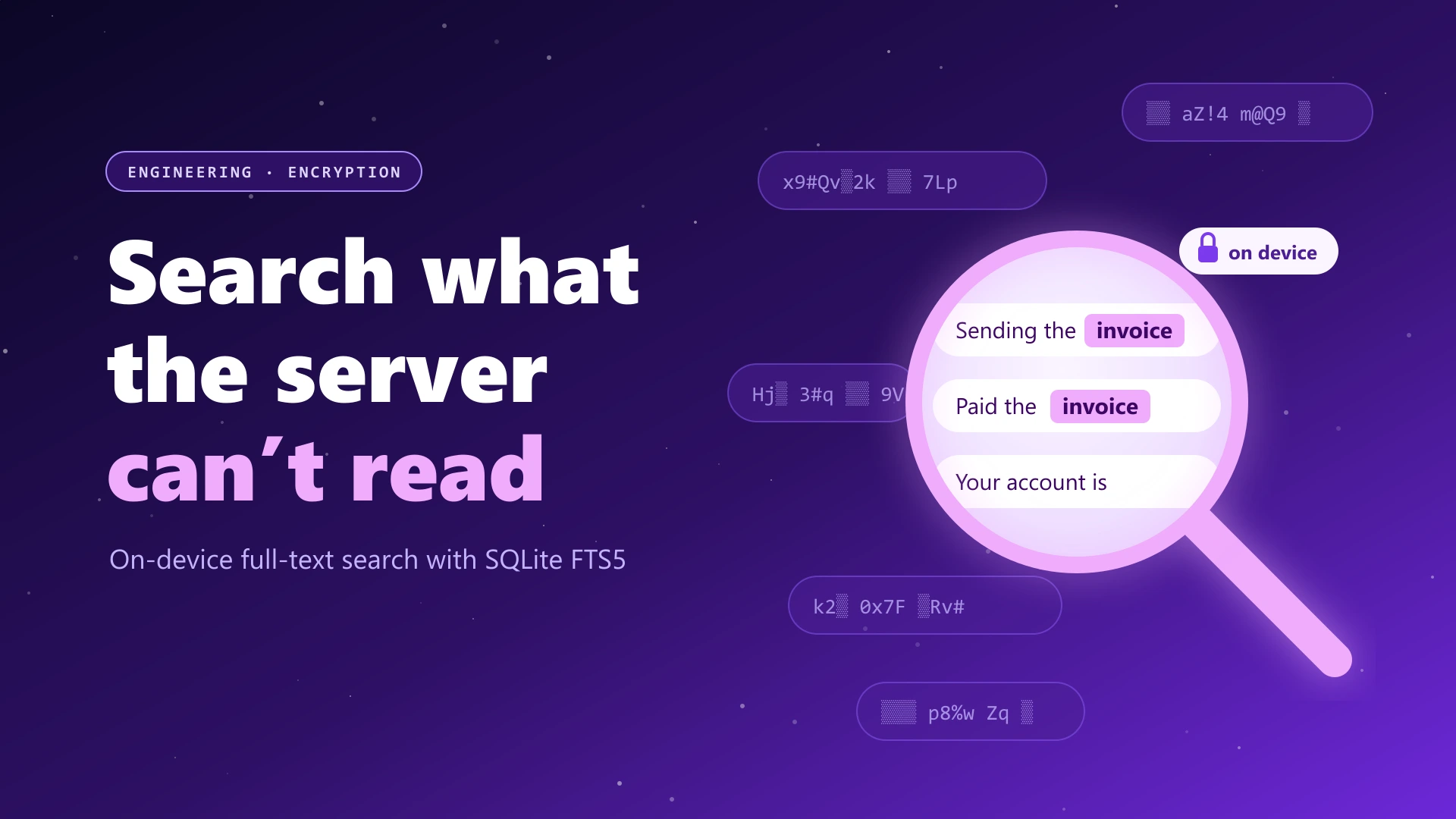
- Local full-text search over your messages.
- Older group history on scroll, and older direct messages from your other devices.
- Device management, presence and message requests.
- Message notifications while a Lupyd tab is open.
The web build ships with the 1.1.4 release line, so it includes the fixes from that release: group credentials are renewed before they expire, and a contact's dead device no longer blocks messages to them.
One Engine, Two Shells
In the native app the interface calls Rust through Tauri's
invoke("command_name", args). We didn't want to rewrite that
interface for the browser, so the web build keeps every
invoke call and changes what it resolves to. With
vite --mode web, the Tauri packages are aliased to browser
stand-ins:
// vite.config.ts: `--mode web` builds the browser client (app.lupyd.com)
const webShim = (name: string) => path.resolve(__dirname, `src/web/tauri/${name}.ts`);
const webAliases = mode === "web"
  ? {
      "@tauri-apps/api/core": webShim("core"),
      "@tauri-apps/api/event": webShim("event"),
      "@tauri-apps/plugin-notification": webShim("plugin-notification"),
      // ...window, app, opener, shell, log, autostart
    }
  : {};
The web invoke sends each command to one of three places.
Sign-in commands are handled in TypeScript against Auth0. Commands with
no browser counterpart, such as notification-shade or status-bar calls,
return immediately. Everything else crosses into the worker as a JSON
string, exactly like Tauri's IPC.
On the Rust side, the command bodies were moved out of the Tauri app
into a shared crate, lupyd-app-core. The Tauri commands are
now thin wrappers around it, and so is the web crate:
// crates/web/src/commands.rs: same command names as the Tauri app
pub async fn dispatch(web: &WebClient, cmd: &str, args: Value) -> CommandResult<Value> {
    let client = &*web.client;
    let store = &*web.store;
    match cmd {
        "encrypt_and_send" => json(
            messaging::encrypt_and_send(client, store, &arg::<String>(&args, "textB64")?,
                arg(&args, "to")?, arg(&args, "messageType")?).await?,
        ),
        "get_last_group_messages" => json(groups::get_last_group_messages(client).await?),
        // ...48 more, each calling lupyd-app-core or the client
        _ => Err(format!("{cmd} is not available on the web yet")),
    }
}
Encrypting a message, paging group history and running a search are the
same function calls in both apps, with the same arguments and the same
JSON results. Search is a good example. It lives in
app-core/src/search.rs and runs over the local SQLite FTS5
index on both targets; the only difference is that the web client
returns results in one batch instead of streaming them over a Tauri
channel. We explained why search has to run on the device in
how to search end-to-end encrypted messages.
What Changes Inside the Browser
The bigger piece of work was in Firefly itself. The client crate had
assumed tokio, a filesystem, native SQLite and real threads. The
web-wasm branch, now merged into Firefly's main branch,
compiles the full client (database, history, backups, pins, receipts and
the connection) to wasm32-unknown-unknown. Only a few small
seams differ by target:
# firefly/crates/client/Cargo.toml
[target.'cfg(target_arch = "wasm32")'.dependencies]
getrandom = { version = "0.3", features = ["wasm_js"] }
web-sys = { version = "0.3", features = ["WebSocket", "MessageEvent", "BinaryType", ...] }
tokio = { workspace = true, features = ["sync", "macros", "rt"] }
sqlite-wasm-rs = { version = "0.6.2", features = ["wasm-bindgen"] }
sqlite-wasm-vfs = { version = "0.3.0", features = ["sahpool"] }
gloo-timers = { version = "0.3", features = ["futures"] }| Layer | Desktop and mobile | Web |
|---|---|---|
| Database | SQLite through sqlx | SQLite compiled to wasm, stored in OPFS (sahpool VFS), behind the subset of the sqlx API the stores use |
| Runtime | Multi-threaded tokio | Browser event loop (spawn_local) and setTimeout |
| Transport | WebTransport first, WebSocket fallback | Browser WebSocket only |
| Direct messages | libsignal, on a dedicated thread | libsignal compiled to wasm, as a local task |
| Groups | mls-rs with the RustCrypto provider | The same crates, compiled to wasm |
| Randomness | OS random number generator | getrandom with wasm_js, backed by the browser's crypto.getRandomValues |
| Attachments | Files on disk behind a local file server | Object URLs, cached in OPFS when the browser allows it |
| Settings and mutes | Local database | localStorage |
Storage is the part people usually ask about. The web client does not use IndexedDB. It runs real SQLite, compiled from C to wasm, in the browser's Origin Private File System. Firefly opens the same two databases per account that the native app does:
// crates/web/src/lib.rs: one directory per account, as on native
let store = MessagesStore::from_path(format!("/{}/user_messages.db", config.username)).await?;

let client = FfiFireflyWsClient::create_with_endpoints(
    config.api_url.clone(),
    config.ws_url,
    None,
    1000,
    Box::new(callbacks),
    format!("/{}/firefly.db", config.username),
    5000,
).await?;
Because it is the same SQLite, the same migrations, schema and FTS5
search run unchanged. The browser VFS has two constraints that native
SQLite doesn't. It supports one connection and no WAL, so Firefly puts
that single connection behind an async lock and fails after 10 seconds
of waiting, the way busy_timeout does natively. It also
needs synchronous file handles, which browsers only provide inside a
dedicated worker. That is the main reason the client runs in a worker,
and it also keeps encryption work off the UI thread. The browser
database turns on secure_delete, matching the native setup.
Firefly's browser tests run in headless Chrome inside a dedicated worker. They check that the databases survive a reopen with migrations and FTS5 search intact, that Signal sessions encrypt and decrypt, that the client constructs on OPFS, and that very long timeouts don't fire early.
How Big Is It?
The engine is one wasm file, built with the release profile shared by
the web crates (opt-level = "z", LTO, one codegen unit,
panic = "abort", stripped) and run through
wasm-bindgen. The build script doesn't run a separate
wasm-opt pass. We measured a local production build of the
web client from 29 October 2026:
| File | Encoding | Size |
|---|---|---|
| lupyd_web_bg.wasm | Uncompressed | 4,745,797 bytes (4.7 MB) |
| lupyd_web_bg.wasm | gzip (default level) | 1,740,371 bytes (1.7 MB) |
| lupyd_web_bg.wasm | Brotli, quality 11 | 1,284,144 bytes (1.3 MB) |
| lupyd_web.js | Uncompressed (wasm-bindgen glue) | 18,482 bytes |
That file holds SQLite, libsignal, mls-rs, the HTTP and WebSocket client and all of Firefly's own logic. The splash screen downloads it in parallel with the app's JavaScript, and the worker then instantiates it from the browser cache. Every built asset has a content hash in its name and is served with a one-year immutable cache header, so after the first visit the engine is only downloaded again when a new release changes it.
Problems Only the Browser Had
Most of the porting work went into differences that don't exist on native targets. A few from the commit history:
- Timers that fire immediately.
setTimeoutstores its delay as a signed 32-bit integer. A longer delay overflows and fires at once. Firefly used a very long WebSocket idle timeout to mean "never", so in the browser every connection dropped as soon as it opened. Our end-to-end test suite caught it, and the fix clamps every browser timer:
/// Longest delay `setTimeout` honours; longer ones overflow and fire immediately.
const MAX_TIMER_MILLIS: u128 = i32::MAX as u128;

/// Durations beyond the browser's timer limit (~24.8 days) are clamped to it.
pub fn sleep(duration: Duration) -> impl Future<Output = ()> + Send {
    let millis = duration.as_millis().min(MAX_TIMER_MILLIS) as u32;
    SendWrapper(gloo_timers::future::TimeoutFuture::new(millis))
}- No clock in
std.std::timepanics in the browser. Shared code that needs the current time, such as the 30-second dedup on group history requests, now takes it from the caller. On the web that comes fromjs_sys::Date::now(). - WebSocket errors aren't error events. A WebSocket
erroris a plainEvent. Reading a message from it threw inside the handler. Firefly now treats it as a plain event and reads the close code from the close event that follows. - One tab at a time. Only one tab can own the encrypted database, so the session takes a Web Lock. A second tab asks before taking over, and the tab it replaces stops touching storage immediately.
- Rotating refresh tokens across tabs. Auth0 rotates refresh tokens and revokes the whole session if an old one is reused. Token refreshes are serialized across tabs with a Web Lock, and each tab re-reads the stored session before refreshing.
- Google sign-in on Firefox. Leaving the page for Auth0 aborted prefetched code chunks, and Firefox reported each one as a failed import. Our reload-after-deploy handler took that for a new release and reloaded the page, which cancelled the sign-in. Failures while the page is unloading are now ignored.
- Waking up offline. Token refreshes back off after failures. That backoff is now cleared when the browser comes back online or a sleeping laptop resumes, so the first thing you do after waking isn't held back by retries scheduled with no network.
What the Web Client Can't Do Yet
The browser is a weaker home for an encrypted messenger than an installed app, and the code is explicit about where. These are the limits today:
- No private or incognito windows. Firefox and Safari private windows, and Firefox's "Never remember history" setting, block the storage Lupyd needs. Before sign-in, the app checks for this and says so:
// src/web/boot.ts: runs behind the splash screen, before sign-in
async function storageBlocked(): Promise<string | null> {
  try {
    await navigator.storage.getDirectory()
    return null
  } catch (err) {
    return "Lupyd isn't supported in private or incognito windows: ..."
  }
}- Chrome's incognito mode lets the app run but forgets everything when the window closes, and it can't be detected. The sign-in screen tells every web visitor that private windows aren't supported.
- Browser requirements. The app needs HTTPS, WebAssembly, Web Workers, the Origin Private File System and the Web Crypto API. If any of them is missing, it shows a message on the splash screen instead of loading.
- No calls. The call button, the calls page and the incoming-call overlay are hidden in the web client, and call logs aren't stored there yet. Calls need the desktop or mobile app.
- Notifications only while a tab is open. New messages show as a banner in the page, or as a browser notification when the tab is in the background, once you allow it from a banner (Firefox only accepts a permission request that comes from a click). There is no service worker or Web Push, so with every Lupyd tab closed you get nothing. Push notifications are a native-app feature.
- Web devices expire sooner. Each browser registers as its own device, marked as web. The server removes web devices that haven't connected for 14 days, against 90 days for native devices, and it never removes an account's most recently used native device.
// firefly-mls/crates/server/src/maintenance.rs
web_device_expiry_days: number("WEB_DEVICE_EXPIRY_DAYS", 14) as i32,
native_device_expiry_days: number("NATIVE_DEVICE_EXPIRY_DAYS", 90) as i32,- Local history depends on browser storage. Browsers can clear site storage under pressure unless it is marked persistent. The client asks for persistent storage (Firefox shows a prompt), but browsers grant it on their own terms. The server doesn't keep delivered direct messages, so anything the browser clears comes back only from a chat backup.
- A new browser is a new device. Accounts can have up to five devices. Before the web client registers, it lists your devices and asks first. If you are at the limit, you pick which device to sign out instead of the server dropping the oldest one.
- WebSocket only. WebTransport over QUIC is native-only in Firefly, so the browser always connects over WebSocket.
- The page itself is trusted on every load. This one
applies to any encrypted web app. A native app is code you installed
once. A web app is code the server sends each time you open it, and
Lupyd's page is served with
Cache-Control: no-cacheso that a new release reaches you on your next load. The encryption still runs on your device, but you trust that delivery on every visit. If that matters for your threat model, use the installed app.
The web client also shows a dismissible prompt 15 seconds after load, pointing to the native app for notifications, calls and a faster start.
Web or App?
| Feature | Web (app.lupyd.com) | Desktop and mobile apps |
|---|---|---|
| Encryption engine | Firefly, compiled to wasm | Firefly, native |
| Messages, groups, search | Yes | Yes |
| Voice and video calls | No | Yes |
| Notifications | While a tab is open | Push, app closed |
| Transport | WebSocket | WebTransport, WebSocket fallback |
| Unused device removed after | 14 days | 90 days |
| Private windows | Not supported | Not applicable |
The web client is good for a borrowed or locked-down computer where you can't install software, or for checking messages quickly at your desk. For daily use, the installed app does more and asks for less trust. Download Lupyd for Windows, macOS, Linux, Android or iOS.
Frequently Asked Questions
Is Lupyd on the web end-to-end encrypted?
Yes. The web client runs Firefly, the same Rust engine as the desktop and mobile apps, compiled to WebAssembly. Messages are encrypted and decrypted in your browser with the Signal Protocol for direct messages and MLS for groups, and keys are stored in the browser's private file storage. As with any web app, the code is delivered by the server each time you open the page.
Where does the web client store my messages?
In SQLite compiled to WebAssembly, saved in the browser's Origin Private File System (OPFS), not IndexedDB. It uses the same schema and full-text search as the native app. The app asks the browser to make that storage persistent so it isn't cleared under storage pressure.
Why doesn't Lupyd work in private or incognito windows?
Lupyd keeps your encryption keys and messages in browser storage. Firefox and Safari private windows block that storage, and Chrome's incognito mode deletes it when the window closes, so your device's keys would be lost. Open Lupyd in a normal window instead.
Can I make calls from the Lupyd web client?
Not yet. Voice and video calls are hidden in the web client and need the desktop or mobile app. Messaging, groups, attachments and search work in the browser.
Will I get notifications from the web client?
Only while a Lupyd tab is open. New messages appear as a banner in the page, or as a browser notification when the tab is in the background and you've allowed it. The web client doesn't use Web Push, so the native apps are the way to get notifications with the app closed.
Final Takeaway
Putting Firefly in the browser didn't require a second implementation of the encryption. The Rust code that encrypts your messages on desktop and mobile now also runs in a browser tab, on the same SQLite schema and behind the same command names, with a handful of small seams for storage, timers and the network. The browser still sets real limits: no calls, no notifications with the tab closed, no private windows, and devices that expire after two weeks unused. We'd rather list those plainly than hide them.
Open Lupyd in your browser, or try Lupyd on desktop and mobile. Firefly's source is on GitHub, and we wrote more about it in Firefly, our open-source E2EE chat suite.
Sources & References:
- Firefly source code (GitHub)
- MDN: Origin private file system
- MDN: FileSystemFileHandle.createSyncAccessHandle()
- MDN: setTimeout maximum delay value
- MDN: Web Locks API
- MDN: StorageManager.persist()
- SQLite: Persistent storage options for SQLite Wasm (OPFS SAHPool VFS)
- The wasm-bindgen Guide
- getrandom crate documentation (wasm_js backend)
- mls-rs (GitHub)
- libsignal (GitHub)
- Tauri 2 documentation
Last updated: 3 November 2026.
- ✓ Lupyd's web client at app.lupyd.com runs Firefly, the same Rust encryption engine as the desktop and mobile apps, compiled to WebAssembly inside a dedicated Web Worker.
- ✓ The web build keeps the app's Tauri invoke calls and aliases them to browser stand-ins; the command bodies live in a shared Rust crate that both the Tauri app and the web client call.
- ✓ Messages are stored in real SQLite compiled to wasm and persisted in the browser's Origin Private File System, with the same schema and full-text search as native.
- ✓ The engine is one wasm file: 4.7 MB uncompressed, 1.7 MB with gzip and 1.3 MB with Brotli in our measured build, cached for a year after the first visit.
- ✓ The web client doesn't support private or incognito windows, voice and video calls, or notifications with every tab closed, and it connects over WebSocket only.
- ✓ Web devices are removed after 14 days without connecting, compared with 90 days for native devices, so the installed apps remain the better choice for daily use.
The workspace where nothing leaks
End-to-end encrypted channels and chat for your team, built on the Signal Protocol and MLS. Available on macOS, Windows, Linux and Android.