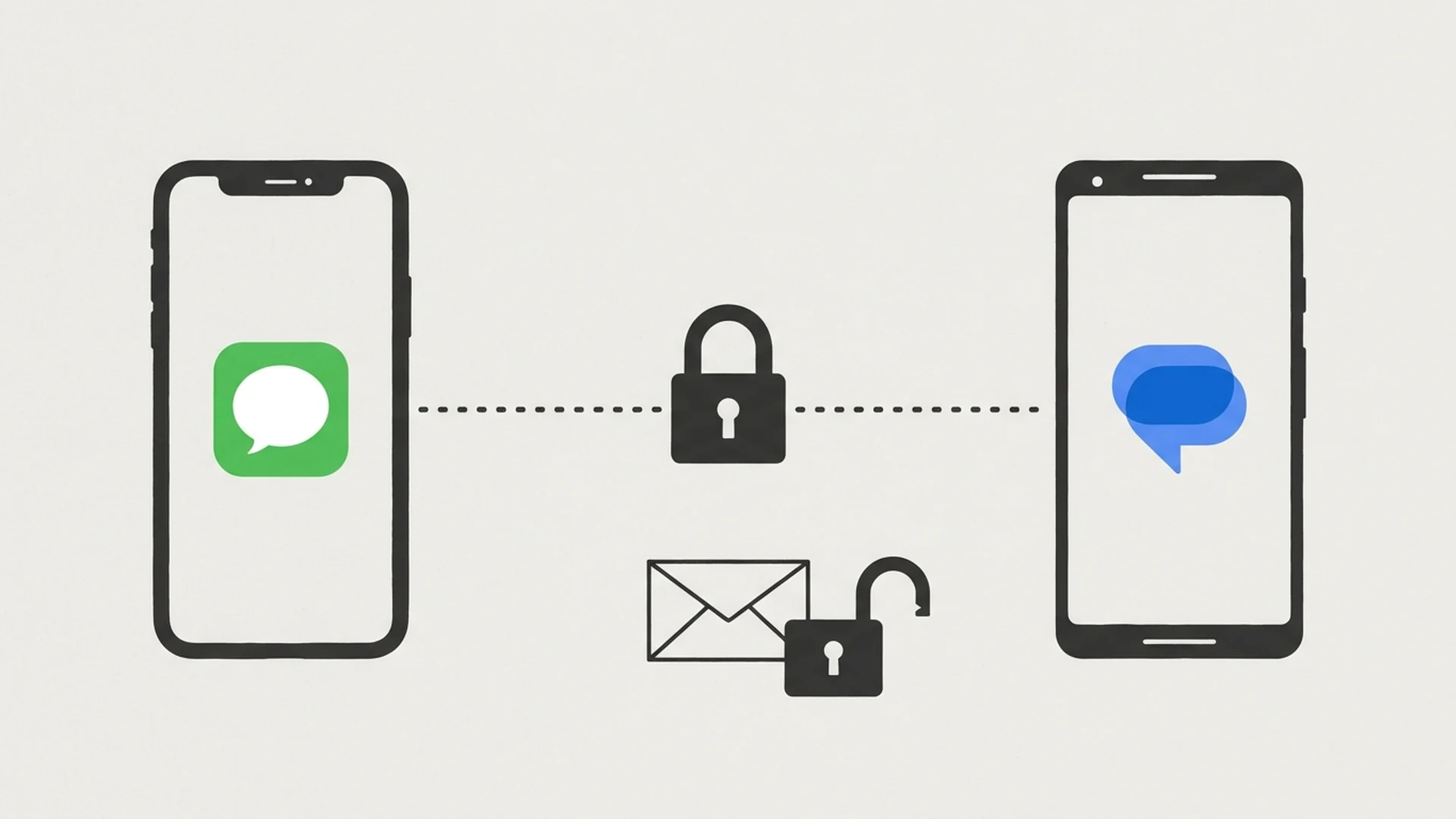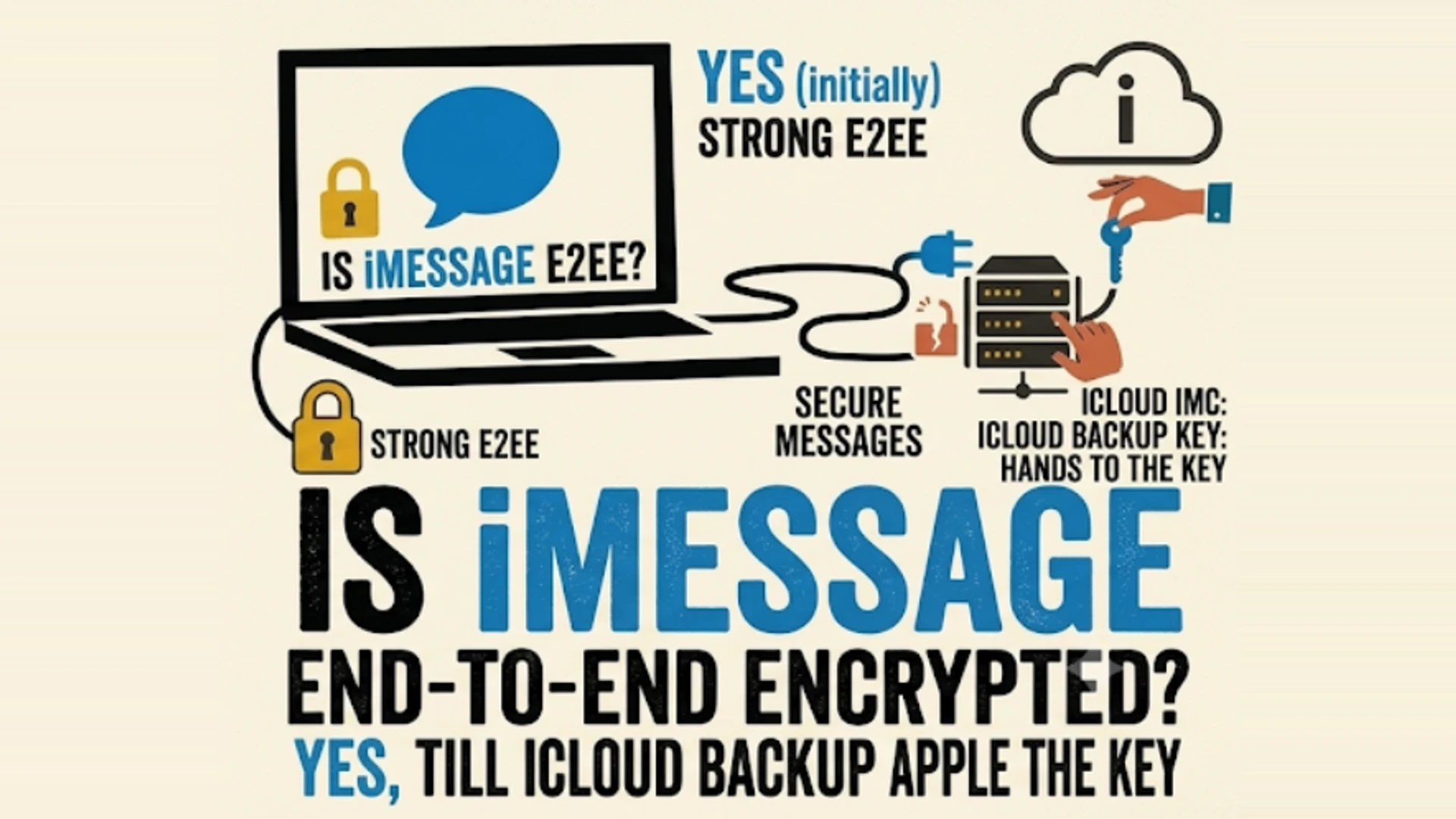
Yes, mostly. iMessages and FaceTime calls are end-to-end encrypted by default, and Apple says it "can't decrypt" them. Since 2024 iMessage even uses a post-quantum protocol. But there's a catch most iPhone owners never hear about: if iCloud Backup is on and you haven't turned on Advanced Data Protection, your backup contains the key to your messages, and Apple keeps the key to your backup. In that setup Apple can hand your message history to police with a search warrant. Green-bubble SMS isn't encrypted at all, and encrypted RCS to Android only started rolling out, in beta, in May 2026.
| Message type or storage | End-to-end encrypted? |
|---|---|
| iMessage (blue bubbles), iPhone to iPhone | Yes: on by default, post-quantum PQ3 since iOS 17.4 |
| FaceTime calls | Yes: on by default |
| RCS, iPhone to Android (iOS 26.5+ and supported carriers) | Yes, in beta: rolling out since 11 May 2026, carrier-dependent |
| RCS on older iOS or unsupported carriers | No: readable by carriers in transit |
| SMS and MMS (green bubbles) | No: plain carrier messaging |
| iCloud Backup with standard data protection | No: Apple holds the keys, and the backup includes the Messages in iCloud key |
| iCloud Backup with Advanced Data Protection | Yes: end-to-end encrypted, but not available to new UK users |
Sources: Apple Platform Security; iCloud data security overview, Apple, 5 January 2026; Apple Newsroom, 11 May 2026; Apple Support on Advanced Data Protection in the UK.
How iMessage Encryption Works
When you send an iMessage, your iPhone looks up the recipient's devices in Apple's directory, encrypts the message separately for each of them, and sends it through Apple's servers. Apple's security documentation says it doesn't store message content or attachments, "which are all secured with end-to-end encryption so that no one but the sender and receiver can access them", and that "Apple can't decrypt the data." Apple's own guidance for US law enforcement, published in October 2025, says the same thing in plainer terms: "Apple cannot intercept iMessage communications."
Apple has kept upgrading the protocol:
- PQ3 (iOS 17.4, February 2024). Apple rebuilt iMessage's cryptography around Kyber post-quantum keys, the scheme NIST later standardised as ML-KEM, so that messages captured today can't be decrypted by a future quantum computer. Apple calls it "the first messaging protocol to reach what we call Level 3 security", because it keeps re-keying with post-quantum keys during a conversation, not just at the start.
- Contact Key Verification (iOS 17.2, December 2023). The weak point in any encrypted messenger is the key directory: if the server hands you the wrong key, you encrypt to the wrong person. Apple's own write-up admits the risk that "the service could start returning compromised keys". Contact Key Verification uses a public, auditable log of keys to catch that, and lets two people compare short codes in person.
- BlastDoor and Lockdown Mode. These don't change the encryption. They harden the code that opens incoming messages, which is where real attacks on iMessage have happened (more on that below).
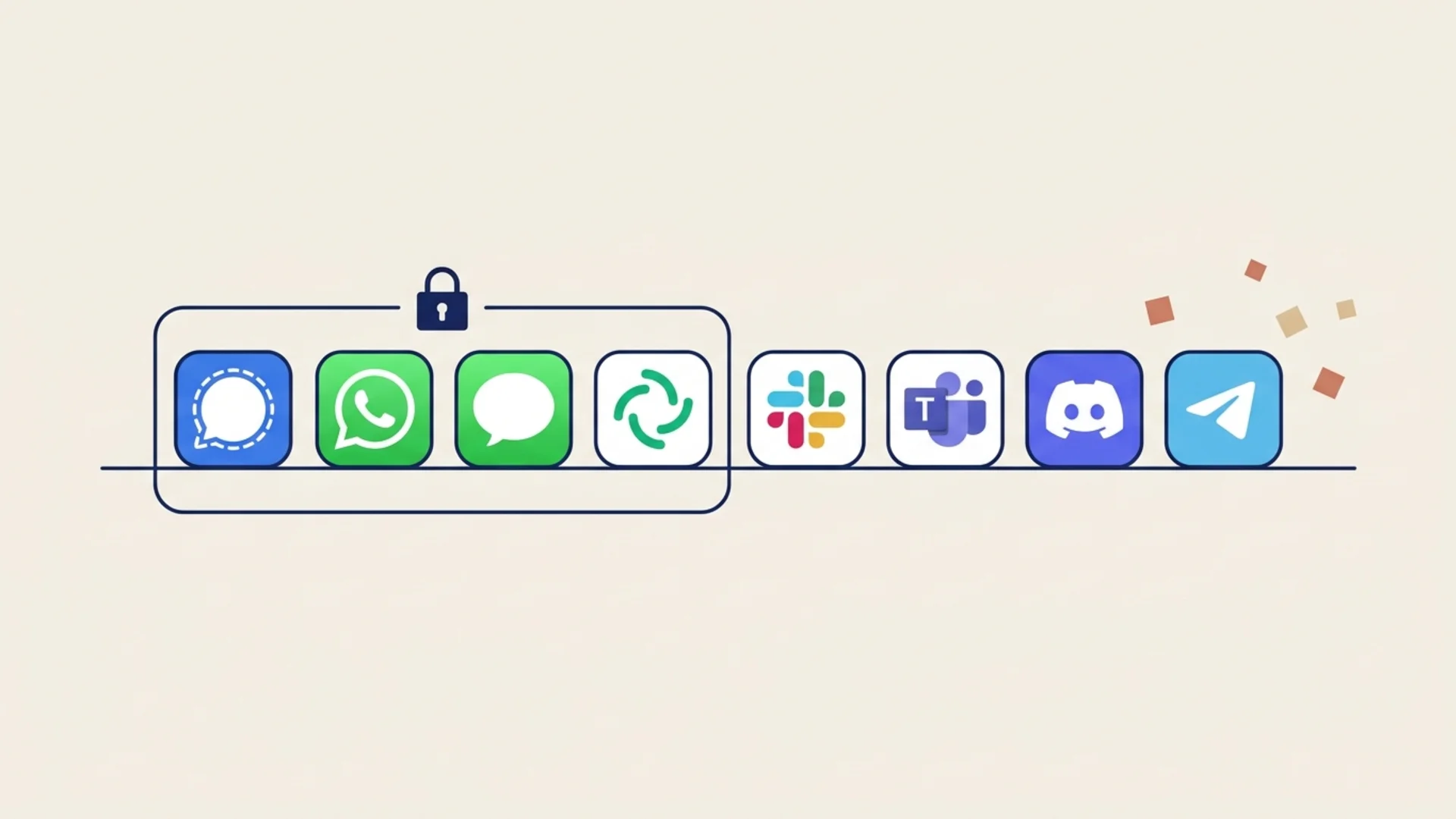
On the cryptography itself, iMessage is among the strongest mass-market messengers, alongside Signal and WhatsApp. The gaps are around it.
The iCloud Backup Catch
This is the part that surprises people. Apple's iCloud data security overview says Messages in iCloud is end-to-end encrypted, but adds: when iCloud Backup is on, "your backup includes a copy of the Messages in iCloud encryption key". Under standard data protection, which is the default for nearly everyone, "the keys to your backups are secured in Apple data centers".
Follow the chain. Apple holds the key to your backup. Your backup holds the key to your messages. So Apple can, in practice, get to your messages. Apple's law enforcement guidelines confirm this: iCloud content, including "iOS device backups", "may include … iMessage, Business Chat, SMS, and MMS messages", and "for data Apple can decrypt, Apple retains the encryption keys in its U.S. data centers." It's provided in response to a search warrant.
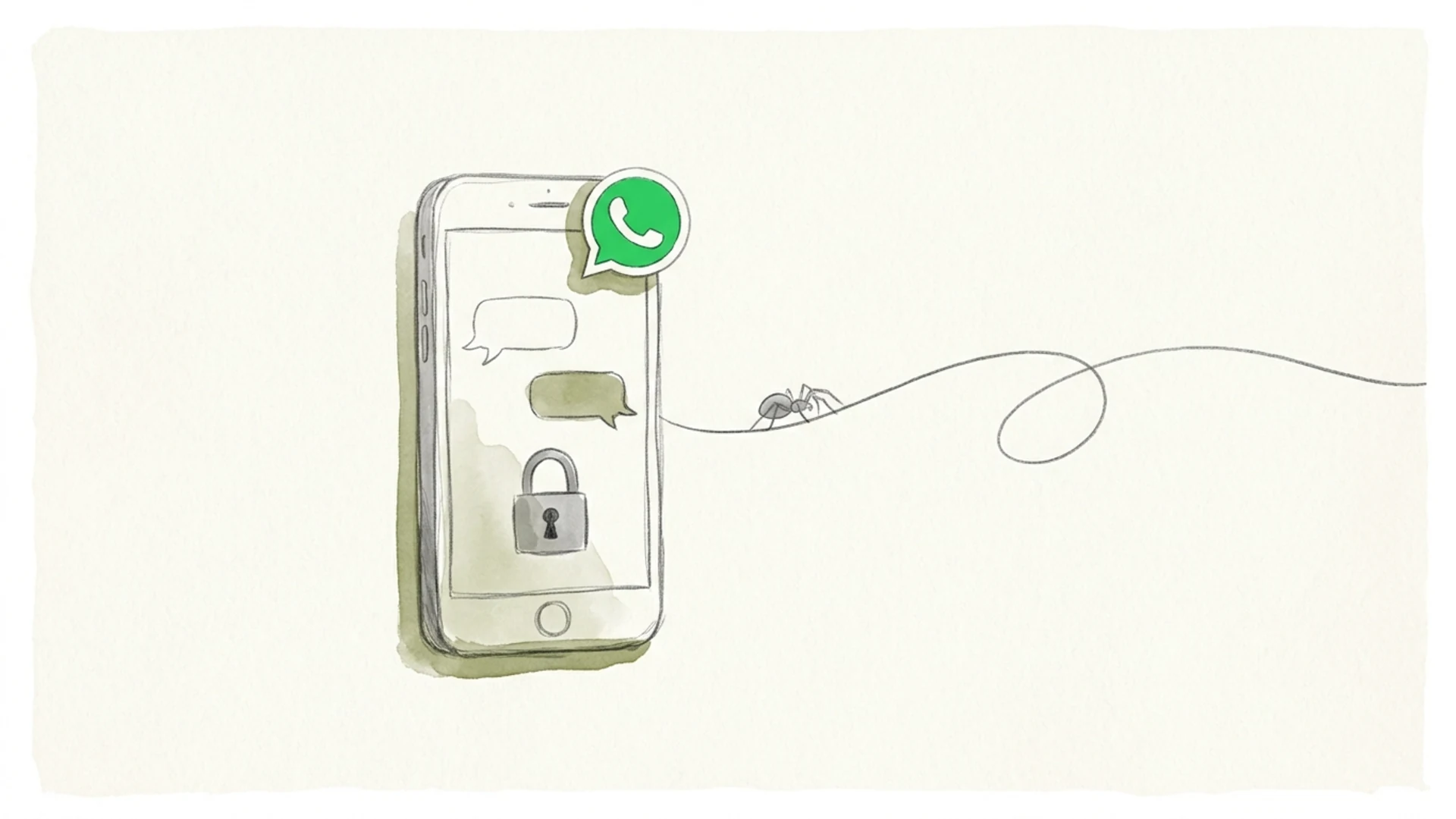
The encryption on the wire is fine. The copy sitting in the cloud is the weak point, and you only fix it by changing a setting most people have never opened. It's the same trap we found with WhatsApp backups before WhatsApp added encrypted backups: an end-to-end encrypted chat isn't fully end-to-end encrypted while a readable copy sits in someone's cloud.
Advanced Data Protection Fixes It (Outside the UK)
Apple's answer is Advanced Data Protection (ADP), launched in December 2022. With ADP on, "iCloud Backup and everything inside it is end-to-end encrypted", and Apple no longer holds the keys. It raises the number of end-to-end encrypted iCloud categories from 15 to 25, including Photos, Notes and iCloud Drive.
To turn it on: Settings → [your name] → iCloud → Advanced Data Protection. You'll need to set up a recovery contact or recovery key first, because if you lose every device and your recovery method, Apple can't help you get your data back. That's the trade-off, and it's the honest one.
If you'd rather not use ADP, the other way to close the gap is to switch off iCloud Backup for your iPhone (or at least don't rely on it for Messages) and back up locally to a Mac or PC with an encrypted backup.
The UK Backdoor Fight
In the UK you may not get the choice. In early 2025 the Home Office served Apple a secret Technical Capability Notice under the Investigatory Powers Act, reportedly demanding access to encrypted iCloud data. Rather than build a backdoor, Apple pulled ADP for UK users on 21 February 2025. Its support page now says: "Users in the UK who have not already enabled Advanced Data Protection will no longer have the option to do so."
It's been a mess since:
- August 2025: US Director of National Intelligence Tulsi Gabbard said the UK had "agreed to drop" the demand. The Home Office didn't confirm it.
- October 2025: the Financial Times reported a new notice, this time aimed only at British users' iCloud backups.
- July 2026: Apple filed a second challenge at the Investigatory Powers Tribunal, according to an FT report covered by 9to5Mac, repeating that it "has never built and will never build a backdoor or master key."
- Now: Privacy International says its own related claim is listed for a substantive hearing in December 2026. As of mid-November there's no ruling, and ADP is still off for new UK users.
For a UK iPhone user who never enabled ADP, iMessage is end-to-end encrypted in transit but the iCloud backup is not, and there's currently no switch to fix that short of turning backup off.
Green Bubbles, SMS and RCS
Colour still tells you a lot. Blue bubbles are iMessage. Green bubbles are SMS, MMS or RCS, which go through mobile carriers instead of Apple's encrypted service.
- SMS and MMS are not end-to-end encrypted. Carriers can read them, and they can be intercepted.
- RCS arrived on iPhone in iOS 18 in 2024, without encryption. On 11 May 2026 Apple started rolling out end-to-end encrypted RCS in beta for iPhones on iOS 26.5 and Android phones on the latest Google Messages. It's built on the GSMA's RCS Universal Profile 3.0, which uses the Messaging Layer Security (MLS) protocol, and it's on by default where it works. Encrypted RCS chats show a lock icon.
The catch with RCS is that both people's carriers have to support the new profile. If you don't see the lock, assume the chat isn't encrypted. We cover the Android side in is RCS end-to-end encrypted?
What Apple Can Still See
Even with perfect message encryption, Apple runs the directory every iMessage goes through, and directories keep records. Apple's October 2025 law enforcement guidelines say:
- "iMessage capability query logs are retained up to 25 days." These are created when your phone checks whether a contact uses iMessage, for example when you start typing a number. Apple notes they "do not indicate that any communication between customers actually took place." Police can get them with a court order.
- FaceTime call invitation logs are also kept for up to 25 days.
- Account details, connected devices and, without ADP, iCloud content including backups.
Back in 2016 The Intercept reported that these lookup logs were kept for 30 days and included IP addresses. The retention window is a little shorter now, but the basic point hasn't changed: Apple can't read your iMessages, but it can see a lot about who you might be talking to.
How iMessage Actually Gets Hacked
Nobody has publicly broken iMessage's encryption. The serious attacks go around it, by attacking the phone:
- FORCEDENTRY (2021). NSO Group's zero-click exploit, found by Citizen Lab, used a malicious file sent over iMessage to install Pegasus spyware without the victim tapping anything. Apple patched it in September 2021.
- Operation Triangulation (2023). Kaspersky found a zero-click iMessage attachment that chained four zero-day bugs to take over iPhones, including its own staff's.
- Group chat bugs (November 2026). Apple's iOS 27.2.1 security notes, published 9 November 2026, fix two iMessage group flaws: one where "a remote attacker may be able to join an iMessage group chat and receive its messages", and one where a new member "may be able to access messages sent before they joined". Those are bugs in who gets added to a group, not in the encryption, but the effect is the same: the wrong person reads the messages. Update now if you haven't.
That last pair matters beyond Apple. Group chats are harder to secure than one-to-one chats, because every add, remove and key change has to be handled correctly on every device. We wrote about why in why group chat security is different.
If you're a journalist, activist, lawyer or anyone else likely to be targeted, turn on Lockdown Mode (Settings → Privacy & Security). It blocks most message attachment types other than images and disables link previews, which cuts off the routes these exploits used.
Does Apple Intelligence Read Your Messages?
Siri in iOS 27 can use "personal context" from your messages, emails and photos. Apple says the index it searches is built "entirely on device", and that when a request goes to its Private Cloud Compute servers, "personal data is not stored nor made accessible to Apple or anyone else", with outside researchers able to check that claim. Reports that some requests are handled by Google-built models haven't been confirmed by Apple. If you don't want Siri drawing on your messages, you can turn that off per app in Siri settings.
That's a more careful design than most AI features in messaging apps, which we compared in AI and your chats. It's still a new way for message content to leave the conversation, so it's worth knowing it exists.
How to Lock Down iMessage in 5 Minutes
- Turn on Advanced Data Protection (Settings → [your name] → iCloud). This is the single biggest change. If you're in the UK and can't, turn off iCloud Backup and use encrypted local backups instead.
- Turn on Contact Key Verification (Settings → [your name] → Contact Key Verification), and compare codes with the people you talk to about sensitive things.
- Watch for green bubbles. Don't send anything private over SMS. For RCS, check for the lock icon.
- Keep iOS updated. The November 2026 group chat fixes are a good reminder.
- Consider Lockdown Mode if your work makes you a target.
- Remember the other people in the chat. If they back up to iCloud without ADP, your messages to them sit in their backup, readable by Apple.
That last point is the one no setting on your own phone can fix. End-to-end encryption protects a conversation only as well as the weakest device and backup in it.
Frequently Asked Questions
Is iMessage end-to-end encrypted in 2026?
Yes. iMessage and FaceTime are end-to-end encrypted by default, and iMessage has used Apple's post-quantum PQ3 protocol since iOS 17.4. The main exception is iCloud Backup without Advanced Data Protection, where Apple holds keys that can unlock your message history.
Can Apple read my iMessages?
Not in transit. But if iCloud Backup is on and Advanced Data Protection is off, your backup includes the key to Messages in iCloud, and Apple holds the key to your backup, so Apple can provide your messages to law enforcement with a search warrant.
Are green bubble messages encrypted?
SMS and MMS are not. RCS messages between iPhone and Android are end-to-end encrypted only if both phones run supported software (iOS 26.5 or later and the latest Google Messages) on supported carriers; Apple began rolling this out in beta on 11 May 2026. Look for the lock icon.
Can police get my iMessages?
They can't intercept them, but with a search warrant they can get iCloud content Apple can decrypt, which includes messages in standard iCloud backups. With a court order they can get iMessage lookup logs, which Apple keeps for up to 25 days. Advanced Data Protection removes Apple's access to backup content.
Why can't I turn on Advanced Data Protection in the UK?
Apple withdrew it for new UK users in February 2025 after a secret government order under the Investigatory Powers Act. Apple is challenging the order at the Investigatory Powers Tribunal. UK users who enabled ADP before the change keep it.
Is iMessage more secure than WhatsApp?
Both encrypt messages end-to-end by default, and iMessage's PQ3 is post-quantum. The bigger difference is backups and metadata: WhatsApp offers optional encrypted backups, iMessage needs Advanced Data Protection. Signal keeps the least metadata of the three.
Encryption Without the Fine Print
The iMessage story is a good one with a footnote that undoes it for most people: the chat is encrypted, the backup isn't, and the fix is a setting you have to find. Lupyd works the other way round. Direct messages use the Signal Protocol and group channels use MLS, both on by default with no unencrypted fallback, and your keys stay on your devices instead of in a backup someone else can open. It runs on Android, desktop, the web and, in TestFlight beta, iPhone. Our group calls through Cloudflare aren't end-to-end encrypted yet, and we say so. Try Lupyd.
Final Takeaway
iMessage is end-to-end encrypted, and its cryptography is some of the best in any consumer app. But for most iPhone users, the full message history also sits in an iCloud backup that Apple can unlock. Turn on Advanced Data Protection (if you're not in the UK), stay alert to green bubbles, keep iOS updated, and remember that your messages are only as private as the least careful phone in the conversation.
Sources & References
- iMessage security overview, Apple Platform Security
- iCloud data security overview, Apple Support, 5 January 2026
- Legal Process Guidelines: Government & Law Enforcement within the United States, Apple, October 2025
- iMessage with PQ3: The new state of the art in quantum-secure messaging at scale, Apple Security Engineering and Architecture, 21 February 2024
- Advancing iMessage security: iMessage Contact Key Verification, Apple Security Engineering and Architecture, 27 October 2023
- Apple advances user security with powerful new data protections, Apple Newsroom, 7 December 2022
- End-to-end encrypted RCS messaging begins rolling out today in beta, Apple Newsroom, 11 May 2026
- iOS 26.5 brings end-to-end encrypted RCS, MacRumors, Juli Clover, 11 May 2026
- Apple can no longer offer Advanced Data Protection in the United Kingdom to new users, Apple Support
- Apple launches second legal challenge to UK iCloud backdoor order, 9to5Mac, Zac Hall, 3 August 2026
- Challenge to the UK's secret order against Apple, Privacy International
- About the security content of iOS 27.2.1 and iPadOS 27.2.1, Apple Support, 9 November 2026
- FORCEDENTRY: NSO Group iMessage Zero-Click Exploit Captured in the Wild, Citizen Lab, 13 September 2021
- Operation Triangulation: iOS devices targeted with previously unknown malware, Kaspersky Securelist, June 2023
- Apple Logs Your iMessage Contacts — and May Share Them With Police, The Intercept, Sam Biddle, 28 September 2016
- Apple introduces Siri AI, Apple Newsroom, 8 June 2026
Last updated: 15 November 2026.
- ✓ iMessage and FaceTime are end-to-end encrypted by default. Apple says it "can't decrypt" iMessage data, and since iOS 17.4 iMessage uses the post-quantum PQ3 protocol.
- ✓ The catch is iCloud Backup: Apple says the backup "includes a copy of the Messages in iCloud encryption key", and under standard data protection Apple holds the backup keys, so it can provide your messages under a search warrant.
- ✓ Advanced Data Protection makes iCloud Backup end-to-end encrypted, but Apple withdrew it for new UK users in February 2025 after a secret Investigatory Powers Act order, which Apple is still challenging.
- ✓ Green-bubble SMS and MMS are not encrypted. End-to-end encrypted RCS between iPhone and Android began rolling out in beta on 11 May 2026 with iOS 26.5, and depends on both carriers.
- ✓ Apple keeps iMessage lookup logs for up to 25 days, and real-world iMessage attacks such as FORCEDENTRY and the November 2026 group chat bugs went around the encryption, not through it.
The workspace where nothing leaks
End-to-end encrypted channels and chat for your team, built on the Signal Protocol and MLS. Available on macOS, Windows, Linux and Android.