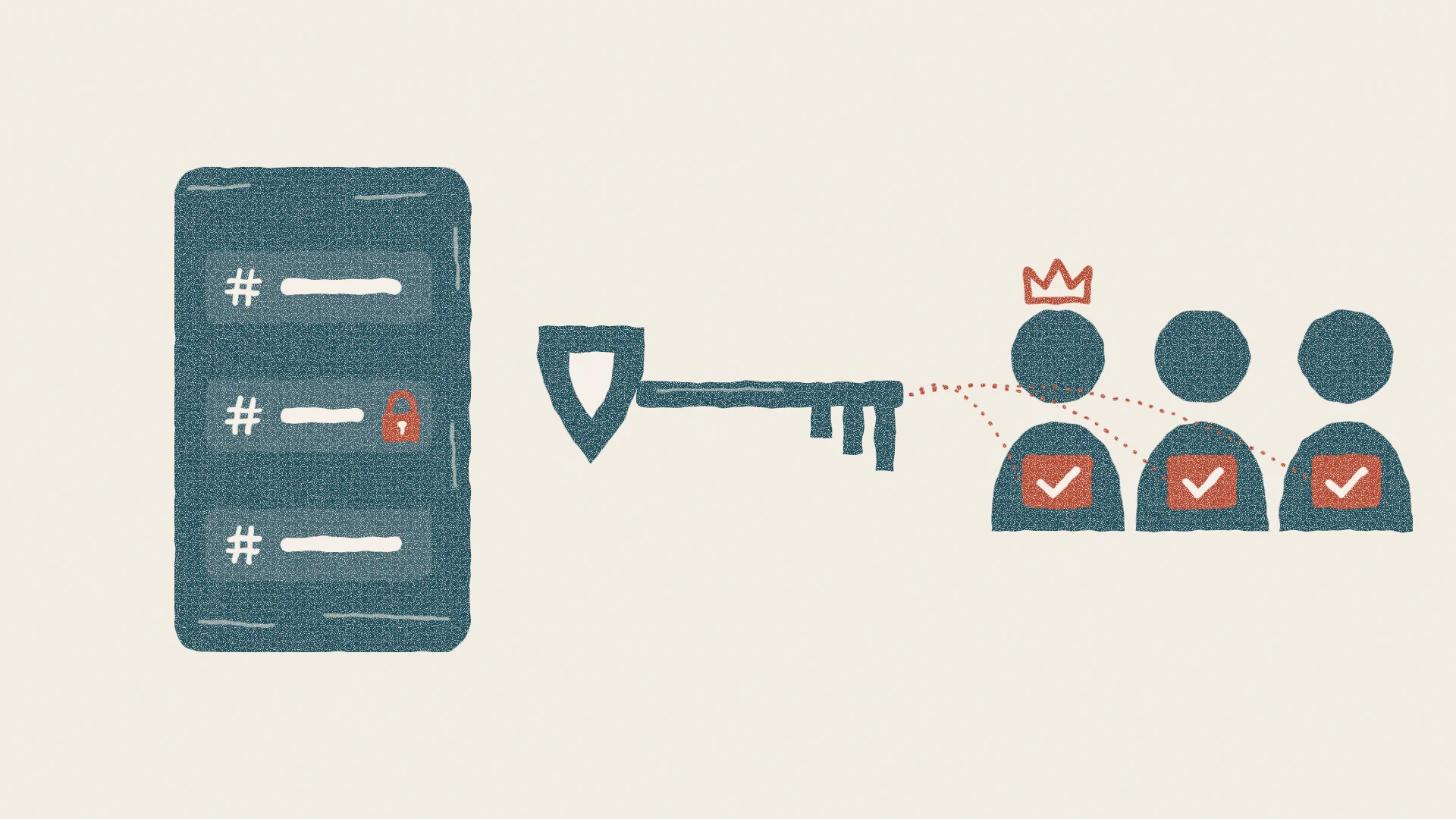
Every team chat has roles: owners, admins, moderators, a read-only announcements channel. In Slack, Microsoft Teams or Discord, the company's servers enforce them, which works because those servers can read your messages anyway. In an end-to-end encrypted group, the server isn't supposed to be in charge, so the question is who enforces the rules. In Lupyd, roles and channel permissions are stored inside the encrypted MLS group itself, and every member's device checks every change and every message against them. This post shows how that works in our open-source code, and where the limits are.
Why Roles Are Hard in an Encrypted Group
In an ordinary chat app, a role is a row in the provider's database. When you post in #announcements, the server looks up your role and decides whether to accept the message. The same server can read the message, so it has everything it needs to make the call.
End-to-end encryption changes that. Lupyd groups use MLS (RFC 9420), so group messages are encrypted on the sender's device with keys the server never has. If the server alone kept the list of who is an admin, it could quietly make itself or anyone else an admin, and no member would notice. So the rules have to live somewhere every member can see and check for themselves. For background on why groups need this extra machinery, see why group chat security is different.
The Seven Permissions
Lupyd keeps the permission model small. Each role is a name, a colour and a set of seven permissions, which you see as checkboxes in the app:
| Permission | What it allows |
|---|---|
| View Channel & Messages | Read a channel. Checked by the Lupyd app before it shows a message, including ones already stored on the device. |
| Pin Messages | Pin and unpin messages in a channel. |
| Send Messages | Post in a channel. Checked by the sender's app and again by every recipient's app. |
| Manage Channel | Create, rename and delete channels, and set a channel's default permissions. |
| Manage Roles | Create, edit and delete roles, and change which role an existing member has. |
| Manage Members | Add other people to the group and remove them. |
| Manage Group | Change group-wide details such as the avatar. |
A new group starts with one role, owner, given to its creator with every permission. Everyone else gets the group's default permissions, which are View and Send unless an owner changes them.
Where Roles Live: Inside the MLS Group
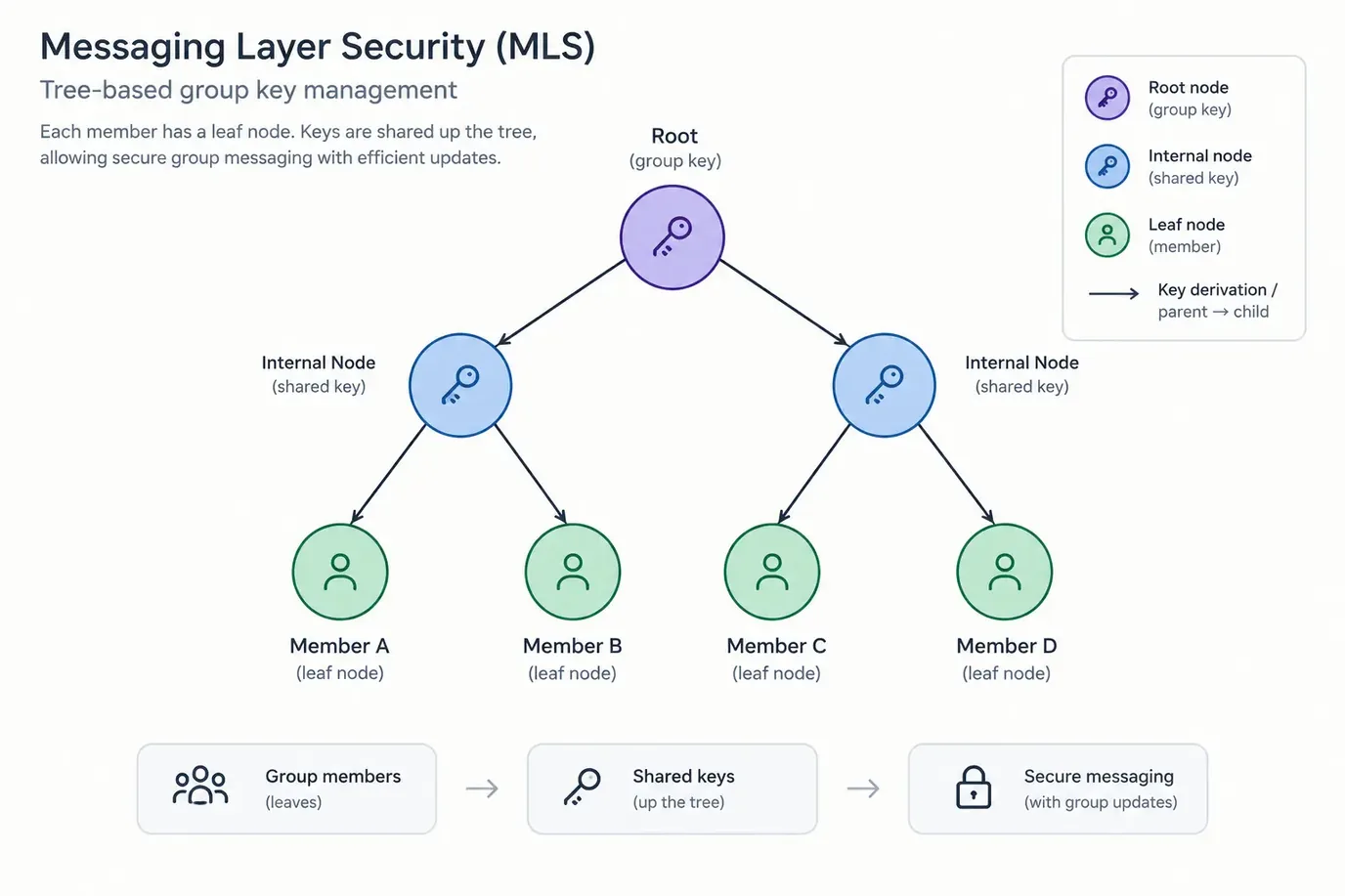
An MLS group has a group context: shared state that every member agrees on, bound to the group's keys at each epoch. MLS lets applications attach their own extensions to it. Lupyd attaches one that holds the group's name, its default permissions, its roles, its channels with their per-channel overrides, and which member has which role.
Because the extension is part of the group context, every member's device holds the same copy, and nobody can change it on their own. A change, such as creating a role, giving someone a role, or adding a channel, is an MLS commit that carries the proposed change. A commit moves the group to a new epoch, and every member applies it in the same order. If you want to know how Lupyd orders two commits that arrive at the same time, we covered that in how Lupyd orders concurrent MLS commits.
How a role change is checked
- 01 Admin's device proposes a change (give Priya "Moderator") · checks it against its own copy of the rules
- 02 Server (MLS external client) runs the same rules · rejects or stores · sees the change, never message text
- 03 Every member's device checks the change on receipt · one invalid change rejects the whole commit
- 04 New epoch roles and channels updated in the group context · identical on every device
- 05 Every message after that sender checked for View + Send in the channel, on encrypt and again on receive
The same rules run on the admin's device, on the server, and on every member's device.
Who Checks a Change
mls-rs, the MLS library Lupyd is built on, lets an application plug in its own rules. Lupyd's rules run on every commit, both when a device builds one and when it receives one. They go through each proposed change, work out the sender's permissions from the current extension, and reject anything the sender isn't allowed to do. Here is the check for adding a member:
// Adding someone other than yourself needs Manage Members
if addee.username != sender_username
    && !has_permission(sender_permissions, UserPermission::ManageMember as u32)
{
    return Err("adder doesn't have permission to manage members".into());
}
Three places run this code:
- The sender's own device, while building the commit. If you lack the permission, the commit never gets built.
- The server. It follows each group as an MLS external client using the same rules, so it rejects a bad commit before storing it. It can't read messages; it only sees commits.
- Every other member's device, when the commit arrives. A received commit with even one invalid proposal is rejected as a whole. So a modified app, or a server that wanted to slip a role change through, still has to get past every honest member.
Removing people follows the same pattern. You can always remove your own devices, and anyone can clean up a device whose login has expired or that has been replaced by a newer one. Removing an active member needs Manage Members, and you can't remove someone whose role has permissions you don't have.
The Rule That Stops Privilege Escalation
In many role systems, whoever can manage roles can give themselves anything. Lupyd's rules close that off with a subset check: you can only grant, edit or remove permissions you already hold yourself.
// You can only hand out a role whose permissions you already hold
if !has_permission(sender_permissions, role_permissions) {
    return Err(anyhow::anyhow!("not enough permissions"));
}
In practice, that means:
- A moderator with Manage Roles can create a "Helper" role with Pin Messages, but can't create one with Manage Group if they don't have it.
- They can't give anyone the owner role, because owner has every bit set and they don't.
- They can't demote or remove the owner, or anyone else whose role has more permissions than theirs.
- They can't edit or delete a role that has more permissions than they do.
- Creating a channel can't be used to mint new powers either: a non-owner can only create a channel whose default permissions they already hold.
One more rule protects the whole structure. MLS has a generic proposal that replaces the entire extension at once and would skip every check above. Lupyd only accepts it from the owner, and only if the new extension is still well formed. The repository's tests cover these cases, for example a member trying to give someone the owner role and being refused.
Channel Overrides: Read-Only and Restricted Channels
Group-wide roles aren't enough for real teams. You want an #announcements channel where everyone can read but only admins post, or a #leads channel only some people see. Each channel in Lupyd has its own default permissions, plus optional overrides per role. When the app needs someone's permissions in a channel, it resolves them in this order:
// Which permissions apply to you in a channel, in order
if let Some(r) = channel.roles.iter().find(|r| r.id == role) {
    r.permissions                  // 1. your role's override in this channel
} else if role > 0 {
    group_role_perms               // 2. your role's group-wide permissions
} else if channel.default_permissions == 0 {
    group_default_permissions      // 3. the group default
} else {
    channel.default_permissions    // 4. this channel's default
}
An override for your role wins. Otherwise a member with a named role keeps that role's group-wide permissions, and a member with no role falls back to the channel's default, or the group's if the channel has none. Note that an override replaces permissions instead of adding to them, so a channel can take away Send Messages from a role that has it everywhere else. That's how a read-only announcements channel works: set its default to View only, which covers members with no role. Members with a named role keep that role's permissions, so give each named role that shouldn't post an override with View only, and give your admin role View and Send.
Messages Are Checked on Both Ends
Permissions also apply to ordinary messages, not just to group changes. Before encrypting, the sender's app checks that they have View and Send in the target channel, and Pin Messages if the message pins something. After decrypting, every recipient's app runs the same check again against the sender's real identity, which MLS authenticates.
The channel ID and pin flags are read from inside the encrypted message, never from unencrypted data the server attaches. If someone uses a modified app to post in a read-only channel, the message still reaches other devices, but each recipient's app finds that the sender lacks Send Messages there and throws it away.
What Roles Can't Do (Yet)
Roles in an encrypted group are strong in some ways and weak in others. Here is where the limits are today:
- Channels don't have their own encryption keys. Every member's device holds the group's keys, so it can decrypt messages from every channel in the group. Read restrictions are enforced by the Lupyd app: it checks View Channel before it displays a message, including messages already cached on the device, so losing access hides old messages too. But someone running a modified client could read a channel they aren't allowed to see. If a conversation must be kept from some members, put it in a separate group, not in a restricted channel.
- The server can see the role structure. Commits are sent as signed but unencrypted MLS messages so the server can check and order them. That means it sees role names, which permissions each role has, which member has which role, and channel names. It can't read messages.
- Taking a permission away doesn't undo what was already sent. Messages a member received while they had access are already on their device. Revoking View hides them in the app, but it can't wipe a copy someone has made. For people leaving a company, see how to offboard employees without leaking client data.
- Plans limit the number of roles and channels. The server rejects a commit that would push a group past its plan's limits, and the group settings page shows how many you've used.
Setting Up Roles in Lupyd
- Open the group, go to Settings, and pick the Roles tab. Create a role, give it a name and colour, and tick the permissions it should have. You need Manage Roles to see these controls.
- Assign the role to members from the member list. You can only hand out a role whose permissions you already have.
- For a channel that needs different rules, open the channel's settings and use Channel permissions. Set an override for a role, or reset it to fall back to the role's normal permissions.
- Keep the owner role for one or two people. It is the only role that can replace the group's whole rule set.
Frequently Asked Questions
Can an end-to-end encrypted group chat have admins and roles?
Yes. In Lupyd, roles are stored in an extension inside the MLS group itself, so every member's device has the same copy. Changes are MLS commits, and every device checks each commit against the rules before accepting it.
Can the Lupyd server make someone an admin?
Not on its own. A role change has to be a commit sent by a group member who holds the right permission, and every other member's device rejects a commit that breaks the rules. The server can see role changes, because commits are signed but not encrypted, but it can't create a valid one for a member.
Can a moderator give themselves more permissions?
No. Lupyd only lets you grant, edit or remove permissions you already hold. A moderator can't assign the owner role, can't edit a role stronger than their own, and can't remove someone whose role has permissions they lack.
Are private channels encrypted separately?
No. All channels in a group share the group's MLS keys. The Lupyd app hides channels you can't view, but a modified client could decrypt them. Use a separate group for conversations that must be kept from some members.
How do I make a read-only announcements channel?
Open the channel's settings and set its default permissions to View Channel and Messages only. Members with a named role keep that role's permissions, so add a View-only override for each named role that shouldn't post, and View plus Send Messages for your admin role. Every recipient's app discards messages from members without Send Messages in that channel.
Final Takeaway
Roles in an encrypted team chat can't rely on a server that reads everything, so Lupyd puts them where every member can check them: in the MLS group context. Seven permission flags, a subset rule that stops escalation, channel overrides, and checks on the sender's device, the server and every recipient make roles hard to fake. The honest limit is that channels share the group's keys, so restricted channels are enforced by the app, not by the encryption. If you're comparing this with how Discord handles roles and privacy, see Lupyd vs Discord.
Download Lupyd to set up roles and channels for your team, or read the code at github.com/lupyd.
Sources & References:
Last updated: 11 November 2026. Code excerpts are trimmed from the firefly and firefly-mls repositories as of this date.
- ✓ In Lupyd, roles, channels and who holds which role are stored in an extension inside the MLS group context, so every member's device has the same copy.
- ✓ There are seven permissions: View, Pin, Send, Manage Channel, Manage Roles, Manage Members and Manage Group. New members get View and Send by default; the group creator gets the owner role with everything.
- ✓ Every role change is an MLS commit checked against the same rules on the sender's device, on the server, and on every member's device; one invalid proposal rejects the whole commit.
- ✓ You can only grant, edit or remove permissions you already hold, so a moderator can't make themselves owner or demote someone stronger.
- ✓ Channel overrides replace a role's permissions in one channel, which is how read-only and restricted channels work. Senders are checked on encrypt and again by every recipient.
- ✓ Channels share the group's keys, so restricted channels are enforced by the app, not by encryption, and the server can see the role structure but not messages.
The workspace where nothing leaks
End-to-end encrypted channels and chat for your team, built on the Signal Protocol and MLS. Available on macOS, Windows, Linux and Android.