Lupyd.
Feature Real-Time Communication

How We Built Real-Time Audio and Video Calling in Lupyd

A look at how Lupyd brings together WebRTC, React, Tauri, Rust, Android, and Cloudflare RealtimeKit to support one-to-one and group calling.

G

Ganji Pranay Raj

Lupyd

Published: Sept 28, 2026
•
5 min read
How We Built Real-Time Audio and Video Calling in Lupyd

lupyd Real-Time Calling Flow

1

Caller creates an SDP offer and sends it through Firefly.

2

Firefly delivers the offer to the callee. It carries call setup signals, not the live media.

3

Callee applies the offer, creates an SDP answer, and returns it through Firefly.

4

Caller applies the answer. WebRTC checks ICE candidates to find a working media route.

While setup runs: Both peers exchange ICE candidates through Firefly. Once connected, audio and video use the WebRTC media path.

Firefly carries call setup signals; WebRTC negotiates and transports the live media.

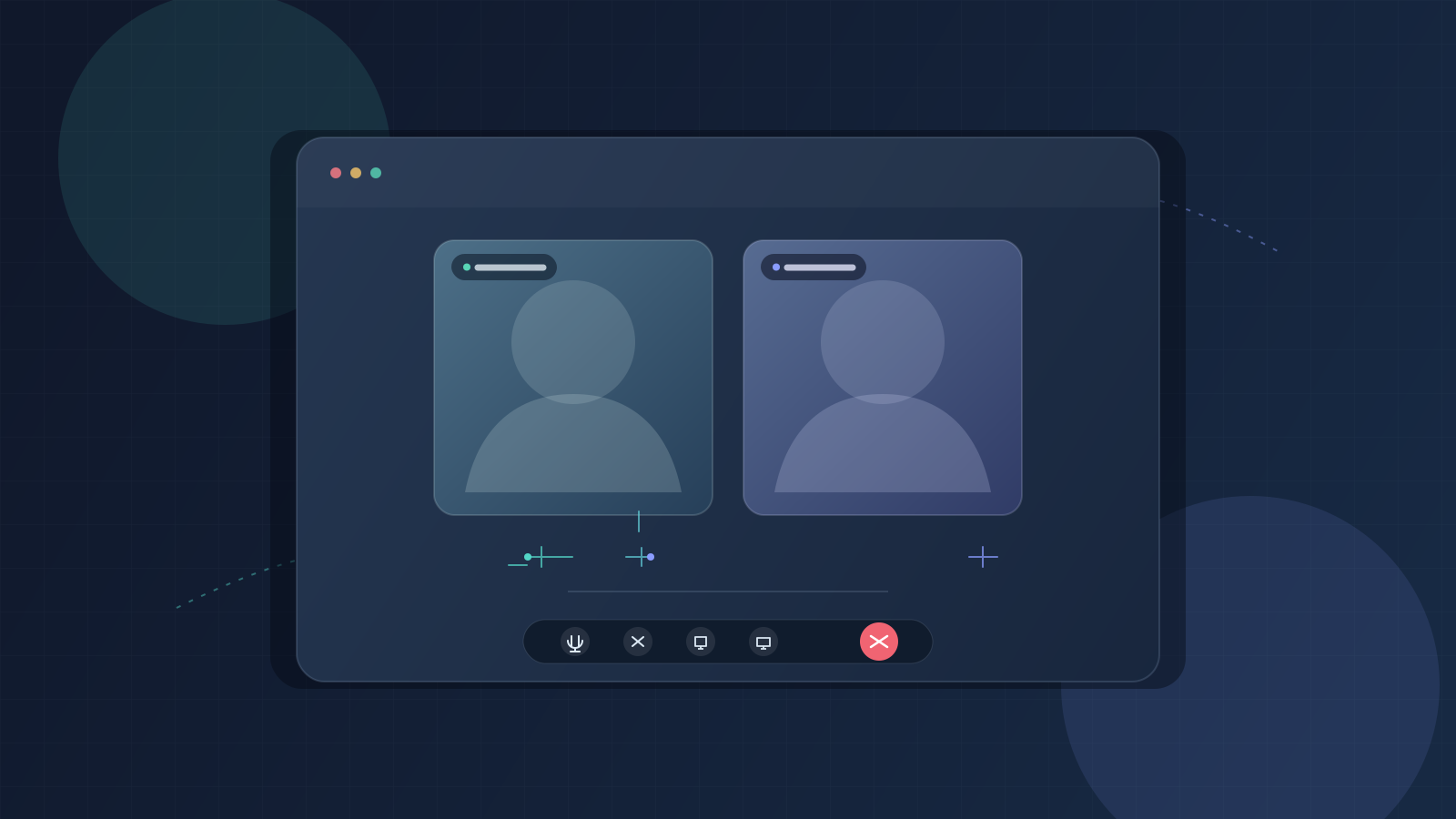
A call looks like one action in the interface. Underneath, it is a small distributed system: two clients, a signaling connection, camera and microphone devices, and native app lifecycle events all have to agree on what is happening. In lupyd, one-to-one calls use WebRTC for media and Firefly's WebSocket protocol for call signaling. Group meetings follow a separate path built around Cloudflare RealtimeKit.

Two Paths: Signaling and Media

WebRTC does not define how one user finds or contacts another. It defines the peer connection and media negotiation once both sides can exchange the necessary information. The exchange of that setup information is called signaling. lupyd sends signaling events through the authenticated Firefly client connection; audio and video then flow through the WebRTC peer connection.

This separation matters. The signaling server helps deliver an offer, answer, and network candidates, but it is not the media stream. WebRTC uses ICE (Interactive Connectivity Establishment) to find a usable network path between peers. Depending on network and ICE server configuration, media may travel directly or use a relay. The peer connection is configured at runtime, so the exact route depends on that configuration and the networks involved.

There are three different kinds of data to keep straight. The invitation and call controls are application signals. SDP and ICE candidates are connection setup data. Audio and video are live media. Firefly's call signals carry the first two; the media tracks belong to the WebRTC connection. This distinction helps explain why a call can show as ringing before there is any media, or why signaling can succeed while ICE still fails to find a usable route.

Offer, Answer, and ICE Candidates

The caller creates an SDP offer. SDP, or Session Description Protocol, is a description of the proposed session: media sections, codecs, and the information needed to negotiate the connection. The callee applies that offer, attaches its available tracks, creates an SDP answer, and sends it back. Each side also gathers ICE candidates: possible addresses and routes at which it may be reachable. These candidates are sent incrementally, so the peers can try paths as they are discovered instead of waiting for all network checks to finish.

The core caller sequence in the desktop client is deliberately explicit:

const offer = await peerConnection.createOffer();
await peerConnection.setLocalDescription(offer);

await invoke("initiate_call", {
  callId: sessionId,
  receiverUsername: remoteUser,
  sdpOffer: offer.sdp,
});

setLocalDescription starts the local negotiation and ICE gathering. The Tauri command crosses from the web UI into Rust, which calls the Firefly client. Firefly serializes a typed CallSignal and sends it over its WebSocket connection. Its protocol has distinct signal types for request, answer, reject, cancel, hangup, dismiss, and ICE candidate. The signaling payload includes the call ID and sender and receiver identities, which let clients associate events with the right session.

The other side applies the remote offer before generating its answer. ICE messages can arrive before the remote description is installed, so the client queues those candidates and applies them after the description is ready:

await peerConnection.setRemoteDescription({ type: "offer", sdp });
await addQueuedCandidates(peerConnection);

const answer = await peerConnection.createAnswer();
await peerConnection.setLocalDescription(answer);
await invoke("accept_call", { callId, callerUsername, sdpAnswer: answer.sdp });

A candidate identifies a possible transport route, while sdpMid and sdpMLineIndex identify the media section it belongs to. In practical terms, buffering protects negotiation ordering: addIceCandidate needs the remote description context to know where that route fits.

In WebRTC, STUN can help a client discover the public-facing address that network translation exposes, while TURN relays media when a direct route cannot be established. Which route is selected depends on the RTCConfiguration supplied to the peer connection and the participants' networks. The app requests that configuration when it creates the connection rather than hard-coding it into the offer code.

A Call Is a Lifecycle, Not a Single Connection

Invite

Ringing

Create session, show incoming-call UI, allow accept or reject.

Accept

Negotiating

Exchange SDP and ICE; wait for a usable transport.

Connected

In call

Render remote tracks; apply mute and camera controls.

End or failure

Clean up

Hang up, stop local tracks, close peer connection, update history.

Reject and cancel end setup before connection. Disconnects may trigger bounded retry attempts; a terminal end must still release media and native call state.

Signaling events, WebRTC transport state, UI state, and cleanup have to converge on the same outcome.

Tracks, Devices, and Call Controls

The desktop CallSession owns the RTCPeerConnection, local media stream, remote stream, and UI-facing connection events. The caller creates audio and video transceivers up front, including slots for disabled media. A transceiver pairs a sender and receiver for one media kind; preparing both slots allows the user to enable video later without rebuilding the initial offer. The callee associates its local tracks with the transceivers created by the incoming offer.

Microphone mute is applied to the local audio track by toggling its enabled property. Camera changes replace or remove the video track on the existing sender. These are media operations; signaling still handles the invitation and connection negotiation around them. Device access can fail because permissions are denied, hardware is unavailable, or the platform webview does not expose a device as expected, so the app also has to handle setup errors and connection state changes.

The peer connection exposes several states because different failures need different responses. Signaling state tracks offer/answer negotiation; ICE connection state reports candidate connectivity checks; connection state summarizes whether the peer connection is new, connecting, connected, disconnected, failed, or closed. In the desktop session, a disconnected or failed connection schedules a retry with exponential backoff capped at 30 seconds and a bounded retry count. A successful connection resets that retry counter. A reconnect can replace the peer connection while retaining the local stream, avoiding an unnecessary second camera or microphone permission prompt.

Firefly and the Rust Bridge

In the desktop app, React owns the call interface and session object. Tauri commands provide a narrow bridge for actions such as initiating, accepting, hanging up, and sending candidates. Rust forwards these calls to the Firefly client and relays incoming call-signal callbacks back to the frontend. Firefly's protobuf schema gives those events a typed envelope; its WebSocket layer serializes and sends them. The call signals coordinate the WebRTC session, while Firefly remains the messaging and connection layer around it.

The Rust side also records call history and tracks active calls. That bookkeeping is separate from the peer connection: the UI can receive a hangup or rejection while media events are still settling, and cleanup must stop local tracks, close the peer connection, and update the displayed state. A call ID provides a shared key for correlating those actions and history entries.

Android and Calls Outside the Foreground

On Android, a call cannot depend on the call screen staying open. The desktop repository includes Android notification and foreground-service support for ongoing calls, with notification actions for accepting, rejecting, muting, and hanging up. A native broadcast receiver turns a tap into an app event; the React call context then applies the action to the current session. This bridge keeps controls available when the user is in another app, while the native service helps the operating system treat an active call as ongoing work.

This crosses two event systems. Android delivers a notification action to the native receiver, which emits an app event with the action and call identity. The frontend then finds the matching call session and invokes the same accept, reject, mute, or hangup behavior used by the in-app controls. Carrying the call ID through this handoff is important: a delayed tap must not operate on a newer call that happens to be visible when the app wakes.

Group Meetings Use a Different Model

One-to-one calling and group meetings have different connection models. lupyd's group meeting context creates or joins a meeting through its group meeting flow, then initializes a Cloudflare RealtimeKit client using the returned participant credentials. RealtimeKit supplies the meeting media session and the React meeting UI; lupyd coordinates meeting membership, channel state, lifecycle, and the floating meeting window. Group meeting events are distributed separately from the one-to-one call signals.

Group Meeting: Membership, Client, Media

1 · Channel

Create or join

lupyd requests meeting membership and participant credentials.

→
2 · Meeting context

Initialize client

Configure RealtimeKit and the meeting encryption integration.

→
3 · Participants

Join media room

Use meeting controls, audio/video, and floating window.

Firefly group state and meeting signals coordinate membership. RealtimeKit runs the group meeting media session and provides its React UI components.

The group session is coordinated by lupyd and Firefly; RealtimeKit provides the meeting client and React meeting UI.

For a group meeting, the desktop app first sends a typed create or join request containing the group and channel or active session identifiers. The response supplies a meeting session and participant token. The client initializes RealtimeKit with that token and default media preferences (audio on and video off); the app listens for room-left, audio, and video updates so React state stays aligned with the SDK. On exit, the meeting context leaves or ends the session and clears the local meeting state.

Why use RealtimeKit here? Group calling adds room membership, multiple concurrent participants, remote audio/video tracks, device controls, and meeting UI. RealtimeKit supplies the meeting client and prebuilt React components for those jobs; lupyd can focus on connecting the meeting to its group and channel model, participant authorization, state, and native app experience. The code also retries initialization in listen-only mode if enabling local audio fails, so a microphone setup problem does not automatically prevent someone from joining to listen.

There is an important current implementation detail: the meeting context explicitly sets e2eeEnabled to false when creating a meeting and disables the RealtimeKit E2EE flag. Encryption integration code exists, but this path does not currently enable it. The distinction matters when describing the system: group identity and meeting authorization come from lupyd and Firefly, RealtimeKit runs the meeting, and end-to-end media encryption must not be assumed enabled by this implementation.

Where the Hard Work Is

The fragile part is not making an offer once. It is handling events that cross: the callee declines while candidates are arriving, a notification is used while the app is backgrounded, a device permission fails, or the network drops after media has started. The client queues early ICE candidates, limits reconnection attempts, and routes native actions through the same application session. Teardown also has to be idempotent in practice: a remote hangup, local button, and Android action may all race to end the same session, and repeated cleanup should not leave active tracks or a stale call notification behind.

A practical debugging sequence follows those boundaries: confirm that the call signal reached the other client; check that the remote description was applied; inspect whether candidates were queued or added; then compare ICE and overall connection states. If the peer connection connects but no remote audio is heard, inspect track delivery and playback separately from signaling. If an incoming call appears but cannot be accepted from the notification, inspect the native action handoff and call ID before changing the WebRTC negotiation.

What We Learned

Building calling in lupyd meant connecting browser media APIs to a Rust application, Firefly's typed signaling protocol, Android lifecycle support, and a separate group meeting stack. Each layer has a clear job, but users experience them as one call. The engineering work is in preserving that simple experience through negotiation, permission changes, background actions, reconnects, and cleanup.

Key Takeaways
  • ✓ WebRTC handles peer-to-peer audio and video while Lupyd manages call signaling and application state.
  • ✓ Android foreground services and notifications keep calls usable when the app is minimized.
  • ✓ Group calling adds participant management and meeting controls through Cloudflare RealtimeKit.
  • ✓ Reliable calling depends on keeping call state synchronized across React, Tauri, Rust, and Android.

Open Source

Explore Lupyd on GitHub

Inspect our open-source repositories, cryptography libraries, and client tools on GitHub.

Explore Lupyd on GitHub